.svg)

Top Month-End Close Challenges and How to Solve Them

Ask questions, get summaries, or uncover key takeaways from this article.

Blog Summary / Key Takeaways
- Month end close challenges usually come from late detection, not lazy teams.
- Most month end close issues turn into delays during review.
- Rework drives the calendar more than production work.
- Diagnose accounting close bottlenecks by category. Then fix constraints first.
- Standard review rules and earlier review reduce close workflow problems fast.
- Visibility into blockers lowers finance team close difficulties across entities.
What Are “Month-End Close Challenges”?
Month-end close challenges are the recurring issues that delay accurate financial reporting at period end—typically caused by reconciliation gaps, manual processes, late approvals, inconsistent review, and rework.
What Counts as a Month-End Close “Issue” vs. a “Bottleneck” vs. a “Delay”?
An issue means something is wrong. A bottleneck means work cannot move. A delay means the calendar slipped.
Use these definitions to stop chasing symptoms.
- Issue: something is wrong.
- Example: a bank account does not tie to the statement.
- Example: an accrual misses support.
- Bottleneck: work cannot proceed until a dependency clears.
- Example: AP cutoff is not final.
- Example: payroll file is not posted.
- Delay: the timeline slips.
- Example: financials go out on Day 12.
- Example: the board packet moves again.
Most month end close issues create accounting close bottlenecks only after review.
That timing matters. It drives rework.
Why Diagnosing Close Problems Matters More Than Re-Listing Close Steps
Most articles repeat the same close checklist. That does not answer the real question.
The real question is, “Why is our close slow?”
Faster closes come from two things:
- Earlier detection of exceptions
- Repeatable review standards
If you only add steps, you add effort. You do not reduce month end close delays.
The “Slow Close” Pattern: Common Signals You’re Experiencing Close Workflow Problems
Operational Symptoms Finance Teams Recognize Immediately
You see the pattern before you see the cause. These signs show close workflow problems in real life.
- Close day keeps moving. “We close on Day 12 now.”
- The same accounts break every month.
- Clearing accounts
- Payroll liabilities
- AR aging and cash application
- Inventory and COGS cutoffs
- Approvals happen in Slack or email. No one can rebuild the trail later.
- Review happens after posting feels “done.” Rework follows.
One practical example from a multi-entity close:
A controller team finished posting by Day 6. They still closed on Day 11.
Review found three issues late:
- Intercompany did not net to zero due to mapping drift.
- Payroll liabilities carried an old accrual.
- A revenue cutoff entry missed one channel report.
They did not “work slow.” They detected late.
Reporting Symptoms (What Stakeholders See)
Stakeholders do not see your task list. They see the outputs.
- Financial statements go out late.
- Variance explanations sound rushed.
- Cash visibility improves only late in the close.
- Working capital moves without clear drivers.
If you hear, “Can I trust this number yet?” you likely face finance team close difficulties tied to review integrity.
Root Causes of Month-End Close Delays
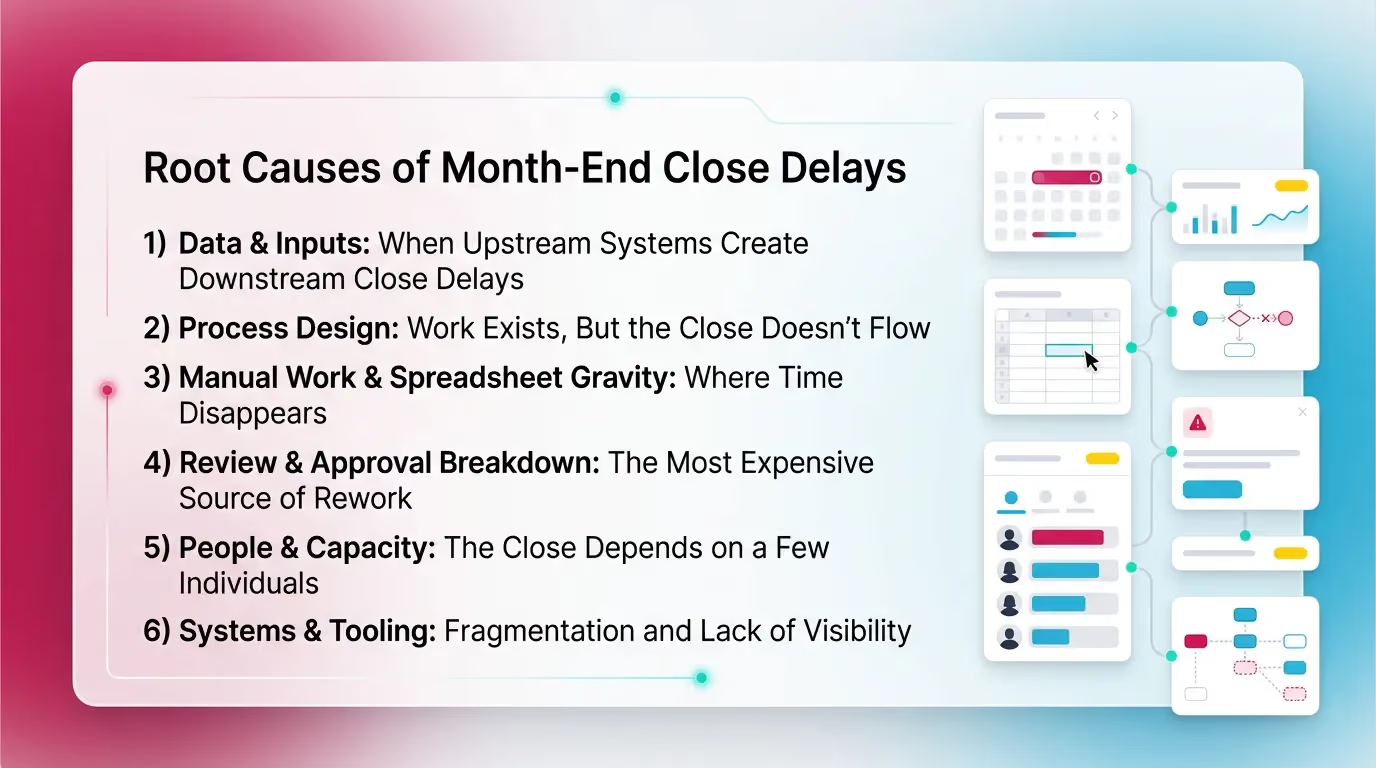
Use this framework to match the intent behind queries like slow month end close causes and accounting close bottlenecks. It helps you separate real constraints from noise.
1) Data & Inputs: When Upstream Systems Create Downstream Close Delays
Upstream inputs often cause downstream month end close delays. You cannot close what you do not have.
Common causes
- Late vendor invoices and incomplete bills
- Missing receipts or support for accruals
- Cutoff uncertainty
- Revenue recognition timing
- Expense accrual timing
- Multiple systems with inconsistent mapping
- POS, payroll, billing, inventory, bank feeds
Diagnostic questions
Ask questions you can answer with data.
- What percentage of entries post after Day 5?
- Which integrations fail most often?
- Which teams deliver data late? And why?
- Which close steps depend on external reports?
If more than a small slice of entries hit late, review will compress.
Therefore rework will spike.
2) Process Design: Work Exists, But the Close Doesn’t Flow
A process can exist and still fail to flow. That creates close workflow problems.
Common causes
- Task lists ignore dependencies
- Everyone starts everything
- No one owns the critical path
- No cutoff calendar or close policy per entity or client
- Too many parallel versions of “how we close”
- Team A does it one way
- Team B does it another way
“Process smell” indicators
These signals point to process design gaps.
- The close checklist lives in a static spreadsheet.
- No one can name the critical path steps.
- The team uses meetings to discover status.
- Hand-offs happen with “FYI” messages, not clear readiness signals.
A simple rule helps:
If your close depends on heroics, your process does not scale.
3) Manual Work & Spreadsheet Gravity: Where Time Disappears
Manual work creates drag. It also creates variance in quality.
That combination drives month end close issues and slow month end close causes.
Common causes
- Manual reconciliations that do not scale
- Copy and paste journal entry prep
- Manual uploads into the GL
- Variance analysis built from scratch every month
- Re-keying numbers between tools
What to measure
You cannot improve what you do not measure.
- Manual touchpoints per key account
- Reconciliation cycle time by account type
- Time spent building variance reports
- Number of spreadsheets used for the close
If one account needs 12 manual steps, it will break more often.
However the fix might not be “work faster.” It might be “change the method.”
4) Review & Approval Breakdown: The Most Expensive Source of Rework
Most slow closes come from review breakdown. Review breakdown creates rework.
Rework creates accounting close bottlenecks.
Common causes
- Review standards vary by reviewer
- Different thresholds
- Different expectations for support
- Reviews happen late under pressure
- Approvals happen outside the close workflow
- Slack
- Verbal sign-off
Why this creates bottlenecks
Late review forces backtracking.
A common sequence looks like this:
- Team completes reconciliations.
- Reviewer finds an exception late.
- Team changes a JE.
- Reports refresh.
- Variance explanations change.
- Reviewer asks for new support.
This loop can repeat. Each loop adds days.
This explains why month end close delays often “come out of nowhere.”
5) People & Capacity: The Close Depends on a Few Individuals
Capacity constraints create bottlenecks fast. Single-threaded reviewers create queues.
This shows up as finance team close difficulties even when tasks finish on time.
Common causes
- Senior reviewers become the only sign-off point
- Knowledge stays tribal
- “Only Pat knows why this account swings”
- Peaks collide
- reporting deadlines
- stakeholder requests
- cleanup work
- audits or tax requests (separate from Xenett)
Diagnostic questions
- Where does work pause waiting on one person?
- Which accounts require institutional memory to review?
- How many items sit in “ready for review” at once?
If review queues up, your close date moves.
Therefore your team works late.
6) Systems & Tooling: Fragmentation and Lack of Visibility
Fragmented tooling creates hidden work. It also hides blockers.
That drives close workflow problems and month end close delays.
Common causes
- Close work spreads across
- QBO or Xero
- spreadsheets
- a generic PM tool
- No single view of close status and blockers
- No evidence trail for review decisions
- not audits
- internal review evidence
What this looks like in practice
- “Are we done?” gets answered in meetings.
- “What changed?” requires searching threads.
- “Why did we book that?” depends on one person’s memory.
For many teams, this becomes the biggest slow month end close cause.
Not because tools are bad. Because the workflow lacks a center.
Month-End Close Bottlenecks → Likely Root Cause → What to Fix First
Use the table as a triage tool. Fix the constraint first.
Then improve everything else.
A Practical Diagnostic: The Close Bottleneck Finder (30–60 Minutes)
Step 1: Map Your Close “Critical Path” (Not Your Full Checklist)
Start with the steps that set the finish date. Ignore nice-to-haves.
This reveals where accounting close bottlenecks live.
Most teams have 5–8 critical path steps, such as:
- Bank and credit card reconciliations
- AP cutoff and accruals
- Payroll posting and liability reconciliations
- Revenue recognition and deferred revenue
- Inventory and COGS cutoff
- Intercompany and eliminations
- Consolidations
- Management reporting pack
If you cannot name these steps, you will not control month end close delays.
Step 2: Label Each Step as Production, Review, or Rework
Labeling makes the invisible visible. It also reframes close workflow problems.
- Production: posting, importing, reconciling
- Review: checks, flux review, sign-off
- Rework: fixes after review findings
Most teams underestimate rework. Rework hides inside “just one more tweak.”
However rework often drives the close date.
A simple rule:
If a step repeats, it is rework. Track it.
Step 3: Quantify Where Time Is Going (Simple Close Metrics)
Use a few metrics that connect to behavior. Avoid vanity metrics.
Track these per entity or client:
- Days-to-close
- % accounts unreconciled by Day X
- Review cycle time
- “ready for review” to “approved”
- Rework loops per account or category
These metrics explain finance team close difficulties better than days-to-close alone.
Step 4: Find the Recurring Accounts That Create Close Delays
Most month end close issues concentrate in a small set of accounts.
List your top 10 repeat offenders.
For each account, tag the exception type:
- Missing entry
- Reconciliation gap
- Unexpected flux
- Mapping error
- Cutoff issue
Then ask one question:
“What would prevent this from happening again?”
That question shifts you from cleanup to control.
It also reduces slow month end close causes over time.
Common Mistakes That Make Month-End Close Issues Worse
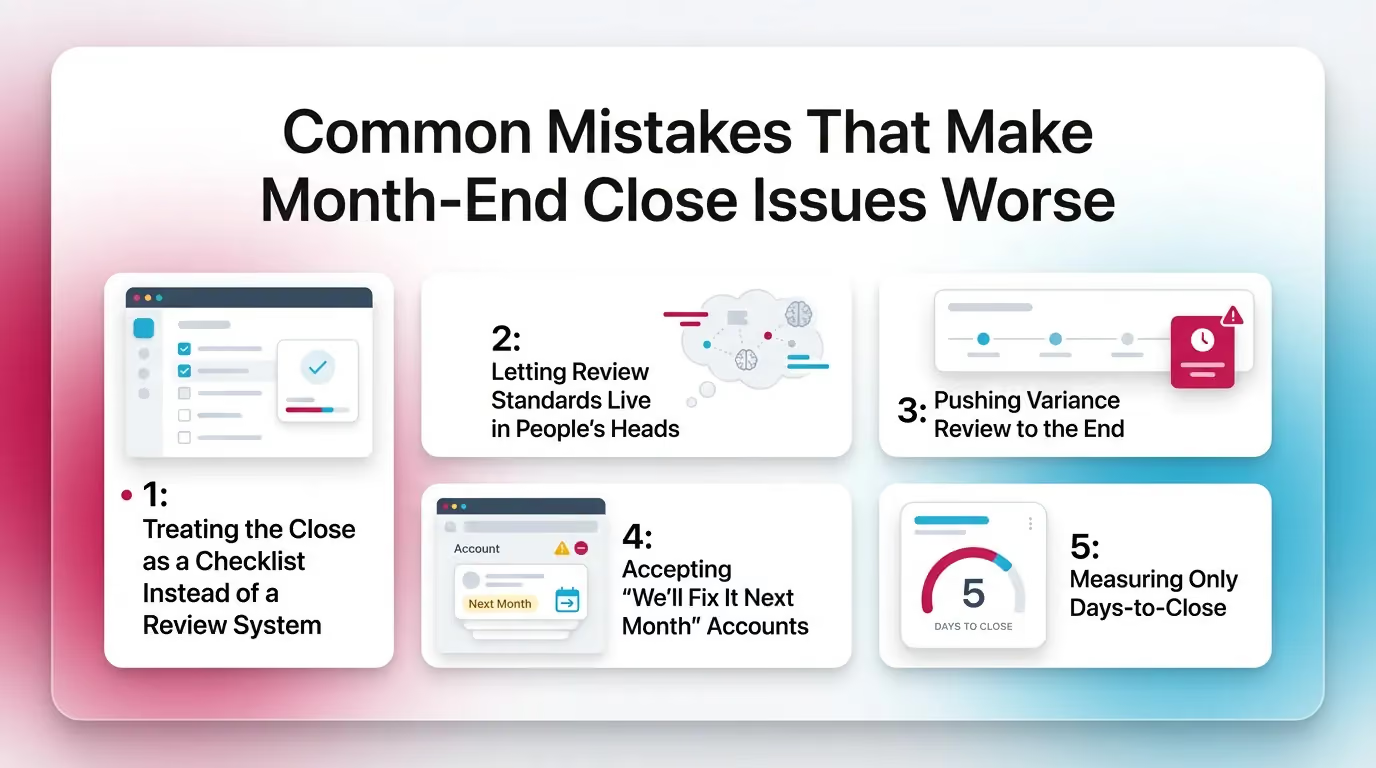
Mistake 1: Treating the Close as a Checklist Instead of a Review System
A checklist tracks tasks. It does not enforce review standards.
That is why month end close issues repeat even when tasks show “done.”
If your checklist says “Reconcile cash,” it does not answer:
- What support is required?
- What tolerance is acceptable?
- What gets escalated?
Therefore review becomes subjective. Rework grows.
Mistake 2: Letting Review Standards Live in People’s Heads
When standards live in heads, they change by reviewer and by mood.
That causes inconsistent review and month end close delays.
You see it when:
- One reviewer asks for screenshots.
- Another accepts a note.
- A third wants a rollforward tie-out.
The team cannot win. They guess. Then they redo work.
Mistake 3: Pushing Variance Review to the End
Late variance review guarantees rework. It also guarantees rushed narratives.
If you wait until posting finishes, you find issues when:
- upstream teams stop responding
- reviewers face time pressure
- reporting deadlines hit
Move variance review earlier. You will reduce close workflow problems fast.
Mistake 4: Accepting “We’ll Fix It Next Month” Accounts
Deferred cleanup compounds. It also creates multi-period confusion.
That drives accounting close bottlenecks later.
Common “we’ll fix it” accounts:
- suspense and clearing accounts
- intercompany
- payroll liabilities
- accrued expenses rollforwards
If you allow them to drift, review becomes archaeology.
That slows the close.
Mistake 5: Measuring Only Days-to-Close
Days-to-close tells you the outcome. It does not tell you why.
You need review and rework metrics.
Add:
- review cycle time
- post-close adjustments
- rework loops
- % of accounts approved by Day X
These show where month end close delays start.
Best Practices to Prevent Month-End Close Delays
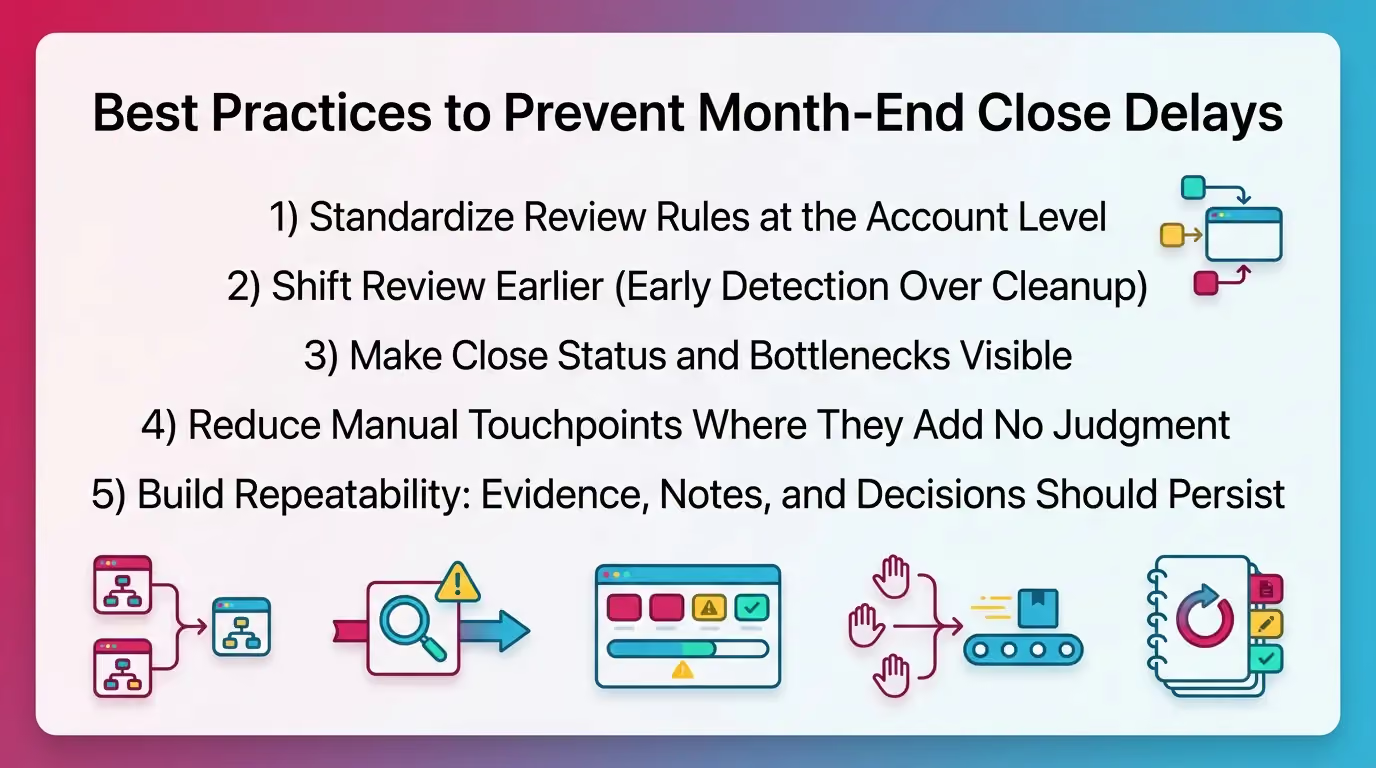
1) Standardize Review Rules at the Account Level
Standard rules reduce subjectivity. They also reduce rework.
This is the highest leverage fix for many finance teams.
Define “good” by account category:
- Cash: ties to bank statement. Explain timing items.
- AR: tie subledger to GL. Flag old items over X days.
- AP: tie aging to GL. Confirm cutoff rules.
- Payroll liabilities: tie to payroll reports. Clear old accruals.
- Deferred revenue: reconcile rollforward. Tie to billing.
- Intercompany: match by entity and counterparty. Clear variances.
Set thresholds so review stays consistent:
- flux % threshold
- dollar threshold
- required support types
- required explanations
This reduces slow month end close causes tied to “review roulette.”
2) Shift Review Earlier (Early Detection Over Cleanup)
Move review forward so you catch issues while fixes stay cheap.
This directly reduces month end close delays.
Practical ways to shift review earlier:
- Run preliminary flux checks before Day 1.
- Review high-risk accounts on a rolling basis.
- Pre-close bank recs for high-volume accounts.
- Lock cutoff dates with upstream teams.
Even one day of earlier detection can remove multiple days of rework.
3) Make Close Status and Bottlenecks Visible
Visibility prevents hidden queues. It also reduces status meetings.
This helps with finance team close difficulties across entities.
A useful close view shows:
- what is done
- what is blocked
- what is under review
- what is waiting on approval
- what changed since last review
Track blockers as first-class items. Do not bury them in notes.
Therefore you can fix constraints, not symptoms.
4) Reduce Manual Touchpoints Where They Add No Judgment
Automate repeatable logic. Keep judgment with humans.
That balance reduces errors without weakening control.
Remove low-value manual steps such as:
- copy and paste between reports
- re-keying balances into tie-outs
- manual matching rules that never change
- rebuilding the same variance file monthly
However do not automate around a broken process.
Fix the review rules first.
5) Build Repeatability: Evidence, Notes, and Decisions Should Persist
If the same question repeats, capture the answer once.
Attach it to the account’s history.
Make sure you can answer:
- Why did we book this entry?
- What support did we rely on?
- Who approved it? When?
- What changed this month?
This reduces month end close issues tied to “lost context.”
It also lowers onboarding time for new staff.
How Xenett Helps Teams Operationalize Review-First Month-End Closes
This section shows how teams translate the practices above into a system. Xenett supports close execution and financial review workflows. Xenett does not provide audit services and is not an audit tool.
Xenett’s Role: A Structured, Account-Level Financial Review Engine
Xenett helps teams standardize financial review across the P&L and Balance Sheet.
It focuses on review integrity, not checklists alone.
In practice, teams use Xenett to surface:
- anomalies and unexpected flux
- missing or inconsistent entries
- reconciliation gaps
- accounts that need follow-up
Earlier visibility reduces late surprises. Therefore month end close delays drop.
Close Task and Checklist Management (In Service of Review Findings)
Xenett helps teams connect tasks to findings. That keeps work focused.
It also reduces “busy close” behavior.
Instead of “checklist says do X,” the workflow becomes:
- finding appears
- owner gets assigned
- support gets attached
- reviewer approves with context
That structure helps reduce close workflow problems caused by unclear handoffs.
Related context on close workflow management: Month End Close Process
Review and Approval Workflows
Xenett supports consistent review standards across reviewers and periods.
That reduces subjective review and rework loops.
Teams can:
- define thresholds for exceptions
- capture review decisions consistently
- centralize approvals with timestamps
- keep evidence tied to the account
This helps when the same accounts break each month.
It also helps when reviewer capacity creates queues.
Visibility Into Close Status and Bottlenecks
Xenett helps teams see status without chasing updates.
That matters most in multi-entity or multi-client closes.
Teams can see:
- which accounts remain unresolved
- which findings stay open
- what awaits review
- what blocks the critical path
This reduces “Are we done?” meetings.
It also surfaces accounting close bottlenecks early.
FAQ: Month-End Close Challenges
What are the most common month-end close challenges?
Delayed reconciliations, manual data entry and matching, missing documentation, late approvals, inconsistent review standards, and last-minute adjustments.
These problems usually show up during review. That is why they drive rework.
What causes a slow month-end close?
A slow close is usually caused by late issue detection. Reconciliation gaps, missing entries, and unexpected flux get found too late. That creates rework and approval bottlenecks.
Many slow month end close causes tie back to inconsistent review standards.
What are the biggest accounting close bottlenecks?
Reconciliations, cutoff-related accruals, dependency handoffs (AP/AR/payroll), reviewer availability, and approvals that happen outside a structured workflow.
If review queues up, everything behind it waits.
How do you reduce month-end close delays without hiring?
Standardize account-level review rules, shift review earlier, track blockers visibly, reduce manual touchpoints, and eliminate recurring rework by fixing root-cause accounts.
This approach reduces month end close delays without adding headcount.
Why do month-end close workflow problems keep repeating?
Because review standards are inconsistent, documentation is scattered, and the same accounts generate exceptions each month without a system to prevent recurrence.
Fix the standards. Then fix the accounts.
What should finance teams measure to understand close difficulties?
Days-to-close, reconciliation timeliness by account type, post-close adjustments, review cycle time, and rework loops per account or category.
These metrics explain finance team close difficulties with precision.
Is automation the same as fixing the close?
No. Automation helps, but the close improves most when financial review is structured. That helps you detect errors and anomalies early and resolve them consistently.
Conclusion
If your close keeps slipping, do not start with a bigger checklist. Start with a faster diagnosis. Map the critical path. Measure review cycle time and rework loops. Then standardize review rules for the accounts that break every month.
If you want a simple next step, run the 30–60 minute Close Bottleneck Finder above with your team this week. Capture the top three constraints. Fix one. Then measure again next close.