
.svg)

Closing Entries: Definition, Purpose & Examples

Ask questions, get summaries, or uncover key takeaways from this article.

Blog Summary / Key Takeaways
- Closing entries reset temporary accounts. They move net income to equity.
- You post closing journal entries after adjustments and review.
- The standard order stays the same. Revenues, expenses, income summary, dividends.
- A post-closing trial balance proves only one thing. Temporary accounts are zero.
- A controlled workflow reduces rework. It also protects retained earnings.
What Are Closing Entries?
Closing entries are end-of-period journal entries that transfer balances from temporary (income statement) accounts to permanent (balance sheet) accounts, resetting temporary accounts to zero for the next period. They keep retained earnings (or capital) accurate.
Why this matters: Ensures the new period starts clean and the equity roll-forward is correct.
What Are Closing Entries in Accounting?
What “Closing the Books” Actually Means
Closing entries in accounting reset temporary accounts. They do not “lock” the general ledger by themselves. They post your net income or loss into equity.
Think of closing as the handoff. The income statement “hands” results to the balance sheet. Retained earnings becomes the running total.
Purpose of Closing Entries (Why We Do Them)
The purpose of closing entries is simple. You want clean reporting and a correct equity roll-forward.
Closing entries help you:
- Reset performance measurement. Revenues and expenses start at zero next period.
- Move results into equity. Net income updates Retained Earnings or Owner’s Capital.
- Support accurate reporting. The income statement shows one period only.
- Reduce review risk. A bad close hits equity and comparatives.
In practice, most issues show up later. For example, a mis-close can break a retained
earnings tie-out during a bank covenant review. It can also confuse budget variance work.
Closing Entries vs. Adjusting Entries vs. Reversing Entries (Common Confusion)
People often mix these up. They hit different goals and timing.
Closing Entries vs. Adjusting Entries
Adjusting entries fix balances before you publish statements. Closing entries move results after you finalize the period.
- Adjusting entries: accruals, deferrals, depreciation, estimates.
- Closing entries: reset temporary accounts after approval.
Closing Entries vs. Reversing Entries
Reversing entries reduce noise on day 1. They usually reverse accruals you will book through AP or payroll later.
- Reversing entries: optional. Posted at the start of next period.
- Closing entries: required if you formally close the period.
Differences at a Glance
When Are Closing Entries Made? (Month-End vs. Year-End Closing Entries)
Closing entries can happen monthly or yearly. Your reporting cadence drives timing. Your system setup also matters.
Month-End Close vs. Year-End Close
Some teams post closing journal entries every month. Others let income statement accounts roll until year-end. Both approaches can work.
Common month-end approaches:
- Management close: close monthly for clean monthly P&Ls.
- Rolling totals: close only at year-end, but report month activity by date filters.
However, even with strong systems, a monthly close often reduces confusion. It forces a clean cutoff and a clear equity roll-forward.
For example, I have seen teams skip monthly closing. A mid-year chart change then leaves “orphan” revenue accounts. The year-end close misses one. The post-close trial balance catches it late.
Year-End Closing Entries: What Changes (and What Doesn’t)
Year end closing entries use the same mechanics. They just carry higher risk and more scrutiny.
What stays the same:
- Revenues and expenses close to Income Summary.
- Income Summary closes to retained earnings or capital.
- Dividends or draws close to equity.
What changes at year-end:
- Final review and approval becomes stricter.
- Cutoffs need tighter support.
- Workpapers matter more.
- Post-closing trial balance becomes non-negotiable.
What Are the 4 Closing Entries?
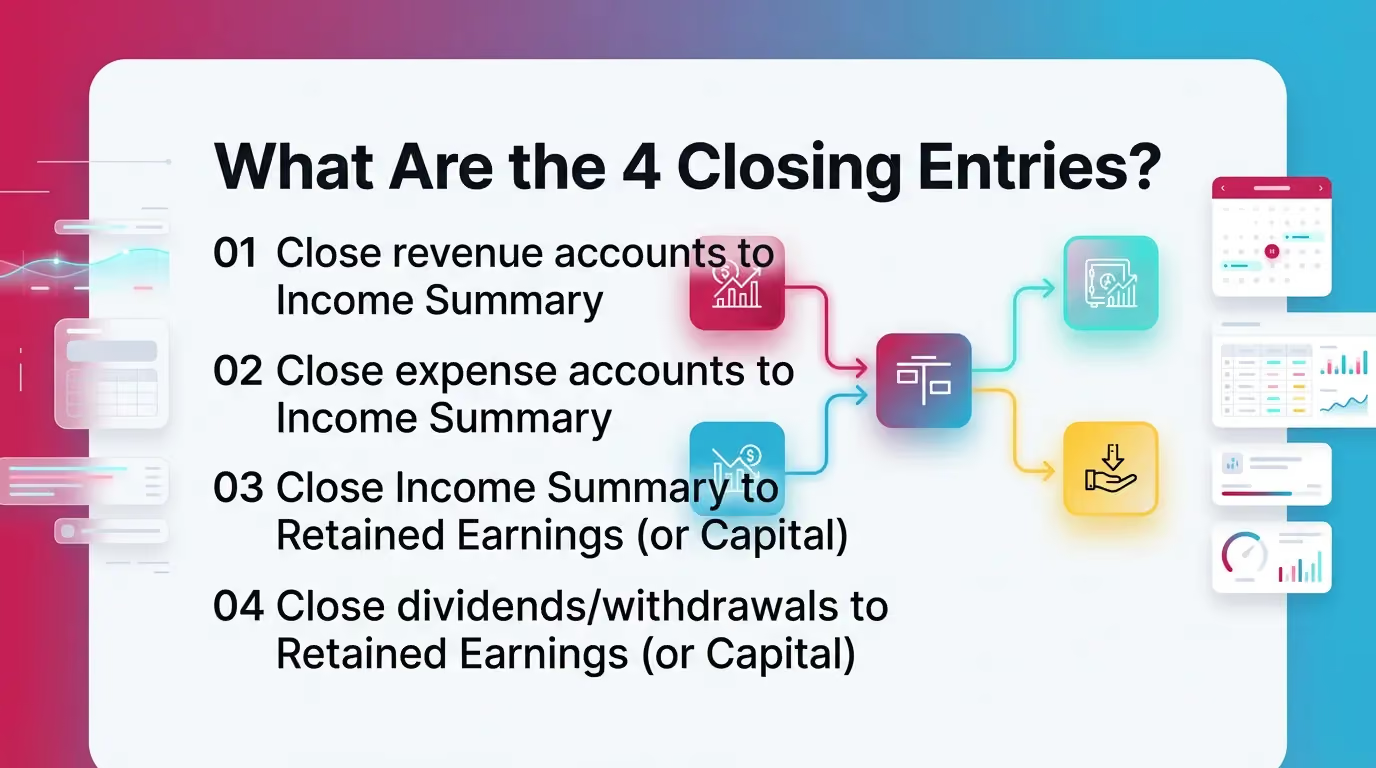
The 4 closing entries transfer all temporary balances to equity. You follow a standard order to avoid sign errors and partial closes.
The Standard Order for Closing Journal Entries
- Close revenue accounts to Income Summary
- Close expense accounts to Income Summary
- Close Income Summary to Retained Earnings (or Capital)
- Close dividends/withdrawals to Retained Earnings (or Capital)
How to Do Closing Entries (Step-by-Step Process)
.avif)
You do not start closing entries until the period stands ready. Most close errors start with rushed timing.
Step 1 (Precondition): Confirm the Period Is Ready to Close
Confirm these items first:
- Reconciliations complete. Cash at minimum.
- AR and AP tie-outs complete, if material.
- Adjusting entries posted and reviewed.
- Financials reviewed and approved.
- No suspense balances without sign-off.
This sequence reduces rework. It also protects comparatives. Therefore, it saves time in review.
Step 1: Close Revenue Accounts → Income Summary
You close revenue accounts by debiting them to zero. You credit Income Summary for the total revenue.
Process:
- Pull a trial balance for the period.
- Filter revenue accounts.
- Confirm each balance reflects the final adjusted number.
- Prepare the entry.
Journalize (concept):
- Debit each revenue account for its balance.
- Credit Income Summary.
Step 2: Close Expense Accounts → Income Summary
You close expenses by crediting them to zero. You debit Income Summary for total expenses.
Process:
- Filter expense accounts.
- Confirm no new accounts got missed.
- Prepare the entry.
Journalize (concept):
- Debit Income Summary.
- Credit each expense account for its balance.
Step 3: Close Income Summary → Retained Earnings (or Owner’s Capital)
Income Summary now holds net income or net loss. You move it to equity.
- If net income, Income Summary has a credit balance.
- If net loss, Income Summary has a debit balance.
Journalize:
- If net income: debit Income Summary, credit Retained Earnings.
- If net loss: debit Retained Earnings, credit Income Summary.
This step often triggers review notes. Reviewers should tie the movement to the final income statement.
Step 4: Close Dividends/Withdrawals → Retained Earnings (or Owner’s Capital)
Dividends and draws reduce equity. They do not hit the income statement.
Journalize:
- Credit Dividends or Drawings to zero it out.
- Debit Retained Earnings or Capital.
This step matters for entities with owner draws. It also matters for S corps that track distributions separately.
Checklist Box (Reusable)
- Revenues zeroed?
- Expenses zeroed?
- Dividends/Drawings zeroed?
- Income Summary zeroed?
- Retained Earnings updated correctly?
- Post-closing trial balance ties?
How to Journalize Closing Entries
These templates help you move fast and stay consistent. Consistency reduces review time.
Journal Entry Templates (Generic Formats)
Template A: Close Revenues
- Dr Revenue (by account)
- Cr Income Summary
Template B: Close Expenses
- Dr Income Summary
- Cr Expense (by account)
Template C: Close Income Summary
- If net income: Dr Income Summary / Cr Retained Earnings
- If net loss: Dr Retained Earnings / Cr Income Summary
Template D: Close Dividends/Withdrawals
- Dr Retained Earnings (or Capital)
- Cr Dividends (or Drawings)
Table: “Account Type → Normal Balance → Closing Direction”
Practical tip from the field: keep a “close map” of accounts. I recommend
reviewing it quarterly. New GL accounts often appear mid-year. They cause missed closes.
Closing Entries Example (Worked Mini-Scenario)
This closing entries example uses simple numbers. It shows the full flow and the expected retained earnings impact.
Example Inputs (Provide Simple Numbers)
Assume these final adjusted balances for the year:
- Service Revenue: 120,000 (credit)
- Rent Expense: 24,000 (debit)
- Payroll Expense: 60,000 (debit)
- Dividends: 10,000 (debit)
Example: The Four Closing Journal Entries
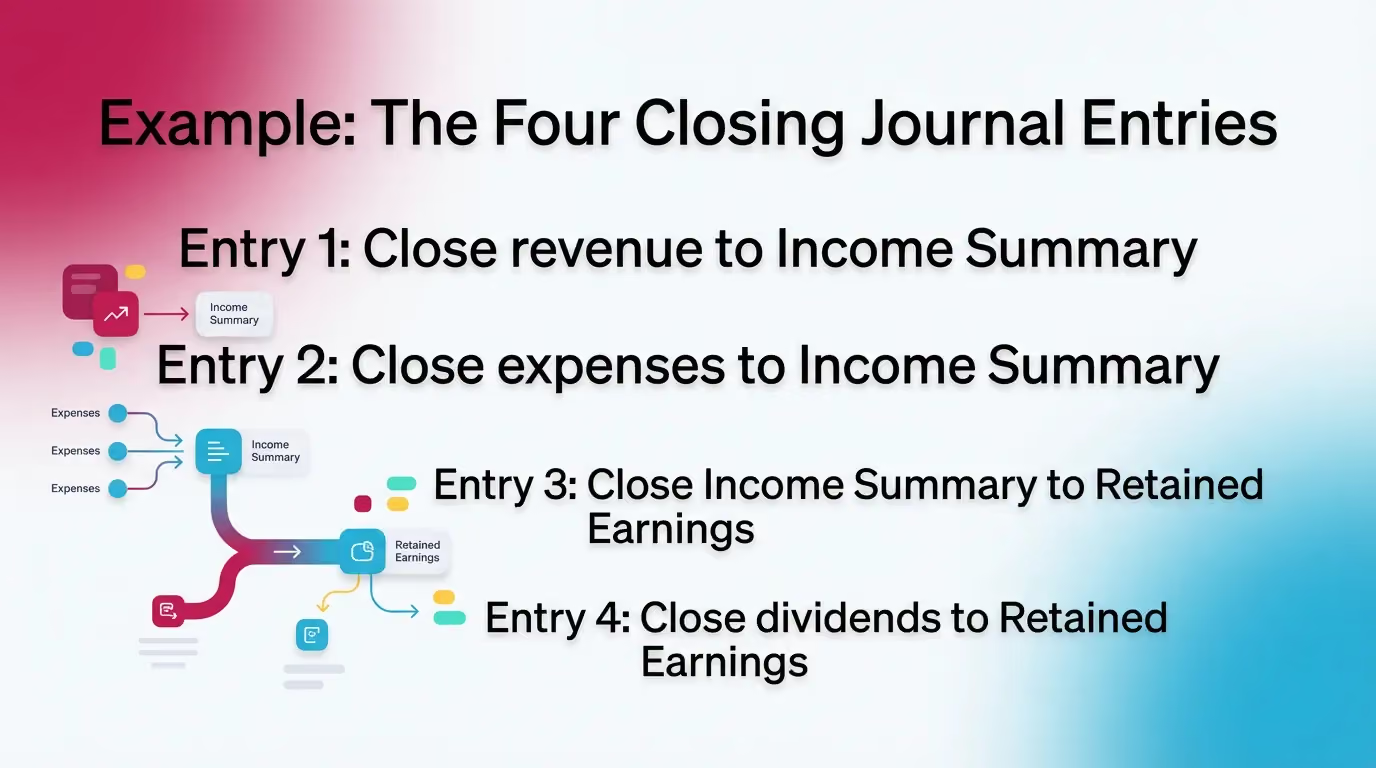
Entry 1: Close revenue to Income Summary
- Dr Service Revenue 120,000
- Cr Income Summary 120,000
Entry 2: Close expenses to Income Summary
- Dr Income Summary 84,000
- Cr Rent Expense 24,000
- Cr Payroll Expense 60,000
After Entry 2, Income Summary balance equals:
- Credit 120,000 minus debit 84,000 = credit 36,000.
That equals net income.
Entry 3: Close Income Summary to Retained Earnings (net income)
- Dr Income Summary 36,000
- Cr Retained Earnings 36,000
Income Summary now equals zero.
Entry 4: Close dividends to Retained Earnings
- Dr Retained Earnings 10,000
- Cr Dividends 10,000
Net effect on retained earnings equals:
+36,000 net income − 10,000 dividends = +26,000.
What the Post-Closing Trial Balance Should Show
After you post the closing journal entries:
- Revenue accounts show 0.
- Expense accounts show 0.
- Dividends show 0.
- Retained earnings increases by 26,000.
Post-Closing Trial Balance: What It Proves (and What It Doesn’t)
A post-closing trial balance matters because it gives you a clean control point. It confirms you removed temporary accounts from the ledger.
What It Proves
It proves process completion, not accuracy.
Specifically, it proves:
- Temporary accounts equal zero.
- Debits still equal credits after closing.
- Only permanent accounts carry forward.
What It Doesn’t Prove
It does not prove your balances are right.
It does not prove:
- Your reconciliations are correct.
- Your accruals are complete.
- Your cutoffs are clean.
- Your classifications make sense.
Therefore, keep your reconciliation and review evidence with the close package. Do not treat the post-close TB as a substitute.
Best Practices for Closing Entries (Especially at Year-End)
These practices reduce rework. They also reduce review comments. Year-end closing entries benefit the most from discipline.
Best Practices That Reduce Rework and Review Risk
- Lock the sequence. Adjusting → review → closing entries → post-close TB.
- Standardize mapping. Use consistent revenue and expense groupings.
- Separate preparation from review. Require a second set of eyes.
- Document the close. Save support for unusual balances and overrides.
- Use consistent naming. Keep “Income Summary” conventions stable.
- Exception-based review. Focus on unusual flux and negative balances.
Unique practical insight: add an “account scan” step before closing. Sort the trial
balance by account type. Then scan for income statement accounts with tiny balances.
Those often signal mis-posts. They also signal new accounts that need closing.
Common Mistakes (and How to Catch Them Early)
Most teams repeat the same mistakes. You can catch them with a short control list.
- Closing before adjustments finish.
- Missing a new revenue or expense account.
- Closing to the wrong equity account.
- Forgetting dividends or draws.
- Flipping the sign for net loss.
- Posting in the wrong period or date.
Table: “Mistake → Symptom → Where It Shows Up
How Xenett Helps Teams Operationalize a Clean, Repeatable Close (Without Making It About Audits)
Closing entries work best in a controlled close process. Teams need clear ownership, clear review steps, and clear status. Xenett supports that operational layer.
Turning Closing Entry Best Practices Into a Managed Review Process
Close task and checklist management
- Xenett standardizes close checklists by entity and period.
- It keeps the closing sequence intact. Adjust, review, then close.
- It reduces “tribal knowledge” close steps.
You can set a dedicated task like “Prepare closing journal entries.”
You can also require “Post-closing trial balance uploaded” before sign-off.
For more on close workflow structure, see Xenett resources:
Review and approval workflows
- Xenett supports structured reviewer sign-offs.
- It makes “prepared by” and “reviewed by” clear.
- It flags items that still lack approval.
This matters most for equity movement. Retained earnings needs a real review.
It also needs a tie to the final P&L.
Visibility into close status and bottlenecks
- Xenett shows what stands done, blocked, or in review.
- It helps leaders see where the close slows down.
- It helps teams avoid closing entries before reconciliations finish.
For example, if the cash rec sits incomplete, the “how to do closing entries”
task should not start. Dependencies enforce that discipline.
Accuracy, audit trail, and repeatability (financial review focus)
- Xenett keeps documentation tied to each close step.
- It captures what changed and why.
- It supports repeatable standards across staff.
Important: Xenett is not an audit tool. It does not provide audit services.
It helps accounting teams manage close execution and review.
FAQ
What Are Closing Entries?
Closing entries are journal entries made at the end of an accounting period to transfer balances from temporary accounts (revenues, expenses, dividends/withdrawals) to permanent equity accounts, resetting temporary accounts to zero.
What Is the Purpose of Closing Entries?
The purpose of closing entries is to reset temporary accounts for the next period and move net income or loss into retained earnings (or owner’s capital) so the balance sheet carries forward correct cumulative balances.
What Are the 4 Closing Entries?
- Close revenues to Income Summary
- Close expenses to Income Summary
- Close Income Summary to Retained Earnings (or Capital)
- Close dividends/withdrawals to Retained Earnings (or Capital)
What Is the Correct Order for Closing Journal Entries?
Revenues → Expenses → Income Summary → Dividends/Withdrawals.
Are Closing Entries Done Monthly or Yearly?
They can be done monthly or yearly depending on the organization’s reporting and system setup. Year-end closing entries usually carry more formality and review.
What Accounts Are Closed at Year-End?
Revenue, expense, and dividends/withdrawals accounts close at year-end. Assets, liabilities, and equity accounts remain open.
What Is an Income Summary Account?
Income Summary is a temporary clearing account used during closing to collect revenues and expenses and then transfer the period’s net income or loss into retained earnings (or capital).
What Is a Post-Closing Trial Balance?
A post-closing trial balance is a trial balance prepared after closing entries are posted. It confirms that only permanent accounts remain and the ledger still balances.
Conclusion
Closing entries in accounting look mechanical, but they carry real risk. A missed account or wrong equity target can distort comparatives for a full year. Therefore, you want a repeatable sequence, clear review, and clean documentation.
If you want to tighten your process, start with two steps. Standardize your closing journal entries templates. Then enforce the workflow with a checklist and review gates in Xenett.