.svg)

Best Accounting Workflow Management Software (2026 Buyer's Guide)

Ask questions, get summaries, or uncover key takeaways from this article.
Blog Summary / Key Takeaways
- Accounting workflow management software is not just a task tracker — it standardizes how recurring work moves through your firm by enforcing templates, dependencies, review gates, and handoffs so delivery does not rely on memory or heroics.
- The most common buying mistake is choosing tools based on features instead of failure points — the right tool is the one that solves where your work actually waits, whether that is client doc collection, reviewer queues, or late cleanup.
- Review gates and evidence requirements are what separate real workflow control from checkbox tracking — if a tool lets work be marked "done" without support, review surprises will keep showing up late.
- Choosing the right tool comes down to your firm type and operating model — solo and small teams need fast templates, mid-size CAS firms need coordination and WIP visibility, and tax-heavy firms need strong portals and e-sign.
- Xenett is built for firms where review quality drives rework — it starts with account-level P&L and balance sheet findings, routes exceptions to the right owner, and treats review as a workflow gate rather than a final step.
Best Accounting Workflow Management Software (2026 Buyer's Guide)
If you run a bookkeeping, CAS, or tax firm, you already know the problem. Work repeats every month. Deadlines pile up fast. Reviews bottleneck when one senior person gets pulled into everything. Client docs arrive late, in the wrong format, or buried in email threads.
Accounting workflow management software helps you standardize how work moves through your firm so delivery does not depend on memory or heroics. This guide compares the most common tools firms consider, shows what to look for, and gives you a practical rollout plan. Updated for 2026. We reviewed each tool for workflow depth, client collaboration, integrations, and controls that matter in real firms.
Quick Answer:
Accounting workflow management software helps your firm standardize recurring work (bookkeeping, close, tax), automate routing and reminders, centralize client requests and documents, and provide real-time visibility across preparers and reviewers. The right tool reduces handoff risk, prevents missed steps, and makes close and delivery more predictable as you scale clients and staff.
Comparison Table - Top Accounting Workflow Management Software (At a Glance)
You can compare accounting workflow management software fastest with a single table. Start here if you want a short list before you read tool-by-tool details.
The main thing to look for is workflow control, not just task lists. Recurring templates, dependencies, review gates, and client request handling usually separate "nice task tracking" from "your month-end stops slipping."
Note: Pricing and security claims change. Treat the table as a model comparison. Confirm details in a live demo and current vendor documentation.
Top Picks by Use Case
If you want the best accounting workflow tools quickly, match the tool to your operating model. Most firms pick wrong when they start with features instead of failure points.
Here is a practical shortlist based on what usually breaks first in real delivery.
- Best for solo or small bookkeeping team: Keeper or Financial Cents. You get fast templates and a simple month-end cadence without heavy setup.
- Best for mid-size CAS firm (5–25): Karbon or TaxDome. You get stronger coordination across staff and more structured pipelines.
- Best for tax-heavy + portal: TaxDome or Canopy. You get strong client intake, secure docs, e-sign, and reminders.
- Best for lightweight template workflows: Jetpack Workflow or Aero Workflow. You get recurring templates and deadline discipline, but less portal depth.
- Best for close management (industry teams): FloQast or BlackLine. You get internal close control, not firm client delivery.
- Best when review discipline is breaking down at scale: Xenett. You get workflow driven by account-level review findings, not only task completion.
Use this shortlist as a starting point. Then validate with the feature checklist and a pilot cycle. Most "bad tool" stories come from skipping that step.
What Is Accounting Workflow Management Software?
Accounting workflow management software is the category of tools that standardizes how your firm delivers recurring services. It tracks work from intake through close, review, and delivery with templates, owners, due dates, and visibility.
Accounting workflow management software is defined as a system that lets accounting firms run recurring work using standardized templates, dependencies, and review steps, while centralizing client requests and documents so delivery stays on time and consistent across the team.
A strong tool does three things well:
- It makes recurring work repeatable.
- It makes handoffs visible and controlled.
- It makes review a real gate, not a checkbox.
Workflow Management for Accountants vs Project Management vs Practice Management
Workflow management for accountants focuses on execution control. It cares about templates, recurrence, dependencies, review gates, and WIP across many clients. You need it when the same service repeats across dozens or hundreds of files.
Project management tools help teams track tasks, but they often miss accounting-specific needs like monthly recurrence, reviewer queues, and client document chase built into the workflow. You can make them work, but you will build a lot yourself.
Practice management software goes broader. It may include billing, time tracking, CRM, proposals, and engagement letters. Some practice tools include workflow features, but workflow depth varies a lot.
Also watch category drift. FP&A, BI, and reporting platforms help you analyze data. They do not run your firm's client delivery workflow. If your issue is late close caused by missing docs and review bottlenecks, BI tools will not fix it.
What Problems Does Accounting Workflow Software Solve in Firms?
Accounting workflow software solves predictable failure points in delivery. It reduces missed steps, late handoffs, and invisible bottlenecks that grow as your client count grows.
The best tools do not just "organize tasks." They enforce a standard way work moves. That matters most when multiple people touch the same file across a close cycle.
Recurring Monthly Work Without Consistent Templates
Symptom: each preparer runs month-end differently. Some reconcile early. Others defer cleanup.
Consequence: review quality varies, and you find problems late.
What the right tool should do: give you standardized templates by service, with clear owners, due dates, and a definition of done.
Client Document Chase That Stalls Close and Review
Symptom: bank statements, AP detail, and payroll reports arrive late.
Consequence: close slips, review compresses, and cleanup happens under pressure.
What the right tool should do: centralize requests, automate reminders, and keep docs tied to the client and period.
No Visibility Across Preparers and Reviewers
Symptom: you do not know what is stuck until the deadline hits.
Consequence: you reassign work too late, and partners get pulled into triage.
What the right tool should do: show WIP by stage, owner, and due date, with clear queues for reviewers.
Rework Found Late (Review Bottlenecks and Cleanup)
Symptom: the file looks "done," but review finds missing recs or odd flux.
Consequence: you reopen work, message the client again, and lose days.
What the right tool should do: enforce review gates and route exceptions early.
Scaling Clients Increases Risk, Not Control
Symptom: adding clients increases late closes and reviewer load.
Consequence: quality depends on senior memory and last-minute saves.
What the right tool should do: make delivery predictable by turning standards into a system, not a person.
Must-Have Features Checklist for Workflow Tools for Accounting Firms
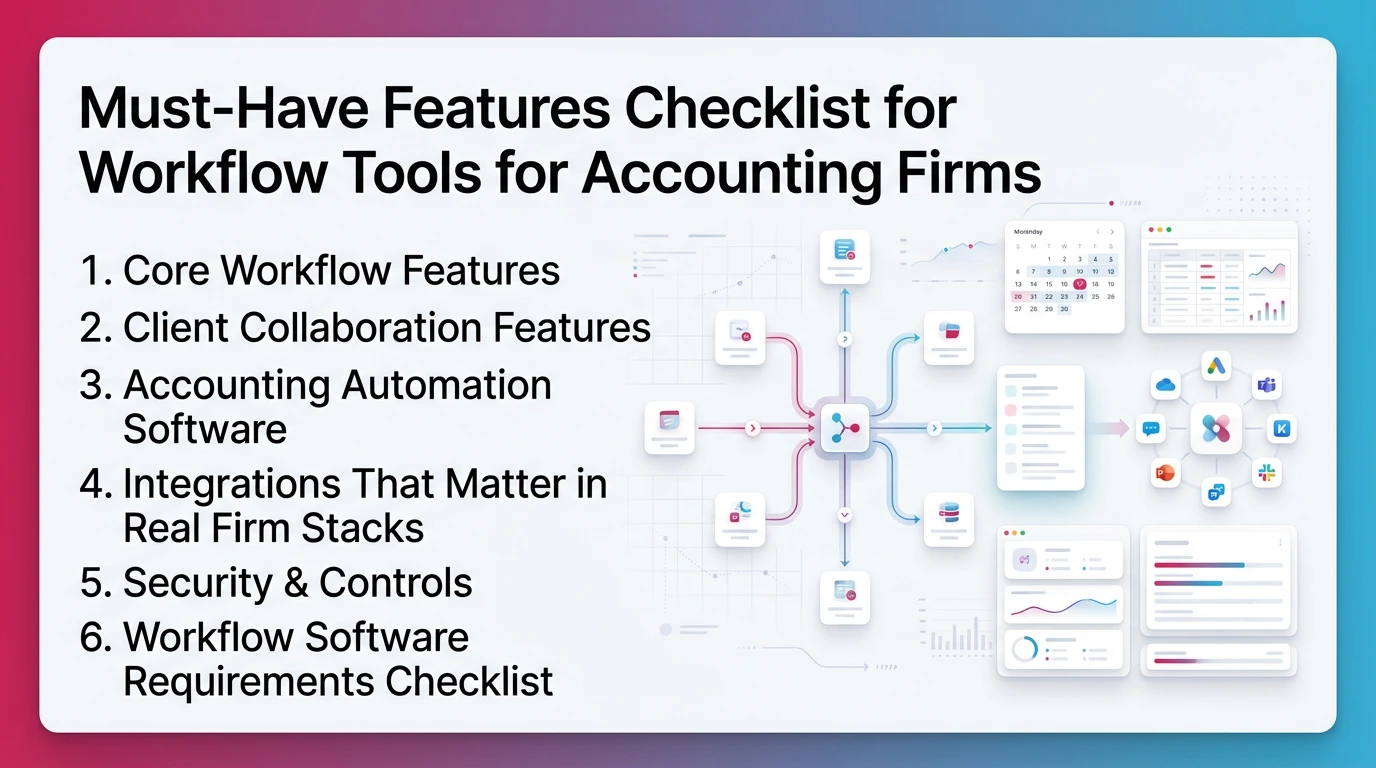
Workflow tools for accounting firms should cover execution, client collaboration, automation, integrations, and security. If any one area is weak, your workflow will break at scale.
Start with your firm's reality. You run multiple clients, repeating cycles, with multiple handoffs. You need control, not just visibility.
Core Workflow Features (Firm Execution)
You need these to make recurring services repeatable:
- Recurring workflows and templates by service type
- Dependencies, sub-tasks, milestones, and stages
- Role-based assignment with review steps
- Workload and capacity visibility across staff
- Due dates with SLA tracking by client and service
Client Collaboration Features (Requests + Docs + Reminders)
You need these to reduce email-driven close delays:
- Request lists tied to a period (not a random thread)
- Automated reminders and nudges
- Portal capture or structured email intake
- File and version control where possible
- Approvals and "received" status you can trust
Accounting Automation Software Capabilities (Rules + Routing)
You need automation that reduces coordination cost:
- Triggers for recurring work and stage changes
- Auto-assign rules by client, service, or team
- Approvals and review routing
- Exception handling and escalations
- A clear definition of done before review begins
For more on where automation helps most in firms, see Xenett's workflow automation discussion.
Integrations That Matter in Real Firm Stacks
You should verify integrations during a demo. The usual "must-haves" are:
- QuickBooks Online and/or Xero
- Email (Gmail or Outlook) for client comms capture
- Document storage (Google Drive, OneDrive, Dropbox)
- E-sign where relevant
- Payments if you bill inside the platform
Security & Controls (Non-Negotiables)
You should not compromise here:
- Role-based permissions by client and function
- Audit trails for changes and approvals
- SSO support if you use it
- Encryption and secure access practices
- SOC 2 / ISO only if the vendor states it clearly
Workflow Software Requirements Checklist (copy/paste)
- Recurring templates for monthly, quarterly, annual work
- Dependencies and review steps that enforce handoffs
- Work queues for preparers and reviewers
- WIP dashboards by client and stage
- Client request lists with automated reminders
- Central document collection tied to a period
- Automation rules for routing and escalations
- QBO/Xero integration that fits your service model
- Email and document storage integrations
- Permissions by role and client
- Audit trail you can export or review
- Clear onboarding path for staff and clients
How to Choose the Best Accounting Workflow Tools (7-Step Framework)
.webp)
You choose the best accounting workflow tools by matching them to your process and your failure points. You get better results when you score tools against your workflow, not against a feature list.
Use this 7-step framework. It keeps selection practical and reduces regret.
Step 1 — Map Your Accounting Process (Intake → Close → Review → Delivery)
Write your process in plain stages. For example: client intake, document request, prep, reconciliation, review, fixes, delivery. Then list where work enters and where it waits. This is accounting process management in practice.
Step 2 — Identify Failure Points (Handoffs, Approvals, Client Waits)
Circle the waits. Most firms find delays in doc collection, reviewer queues, and cleanup after review. Those are the areas to test hardest.
Step 3 — Define Required Integrations (QBO/Xero + Docs + Comms)
List your non-negotiable tools. If the workflow tool cannot connect cleanly, your team will revert to spreadsheets and inbox searches.
Step 4 — Decide Your Operating Model (Templates vs Flexible Pipelines)
Template-first works well for standardized recurring services. Pipeline-first works well when work varies by client type. Pick the model that matches how you actually deliver.
Step 5 — Score Vendors (Simple Weighted Scorecard)
Use a quick scorecard so you do not "buy the demo."
Step 6 — Pilot With 5–10 Clients (One Close Cycle Minimum)
Run one full close cycle. Do not shortcut this. The tool must hold up during real client waits and real review handoffs.
Step 7 — Roll Out With QA + Success Metrics
.webp)
Define metrics that signal calm and predictability:
- On-time close rate
- Cycle time from intake to delivery
- WIP aging by stage
- Rework rate after review
- Reviewer load and queue length
Best Accounting Workflow Management Software (Reviewed)
The best accounting workflow management software depends on what you need to control. Some tools excel at firm-wide workflow. Others win on portals. A few focus on close for internal accounting teams, not client service firms.
Use the same lens for every tool: workflow strengths, automation, client collaboration, integrations, controls, and dealbreakers.
Workflow-First Tools for Accounting Firms
Xenett
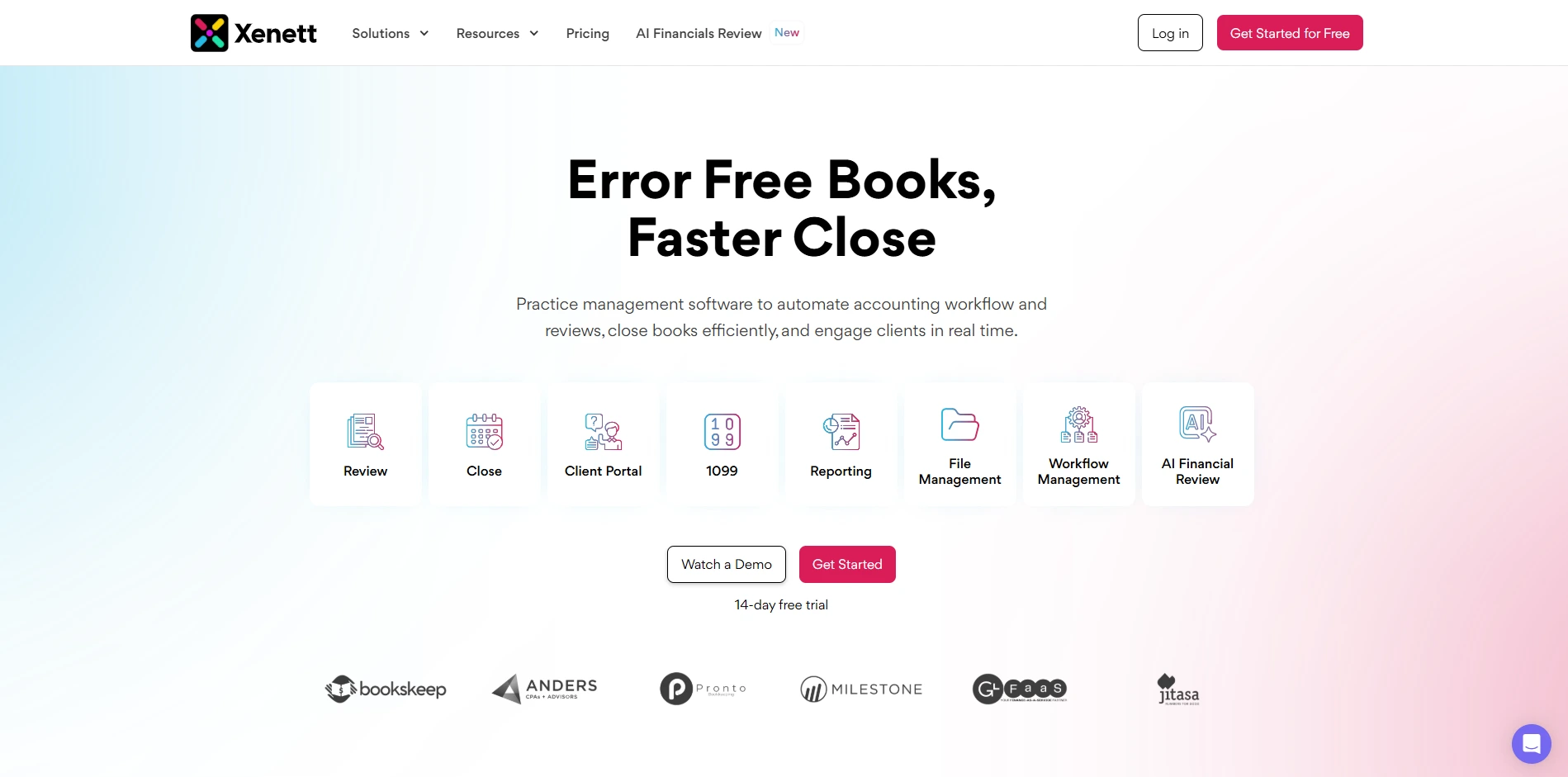
Best For: Firms where review quality drives rework and "done" does not reliably mean "correct."
Workflow Strengths: Review-driven workflows, exception queues, and close readiness tied to account-level findings.
Automation Capabilities: Anomaly detection, reconciliation gaps, and missing accrual flags routed to exception queues.
Client Collaboration: Client portal for requests, questions, reminders, and secure file sharing.
Integrations: Built around QuickBooks Online and Xero. Confirm document storage needs during a demo.
Limitations / Dealbreakers: Purpose-built for review and close. Not a full practice management suite.
Pricing Approach: Per client.
Implementation Notes: Start with one service line and one close template. Run one full cycle before expanding.
Who Shouldn't Buy:
- You need a full practice management platform with billing and CRM.
- Your bottleneck is client portal and e-sign, not review quality or rework.
Karbon
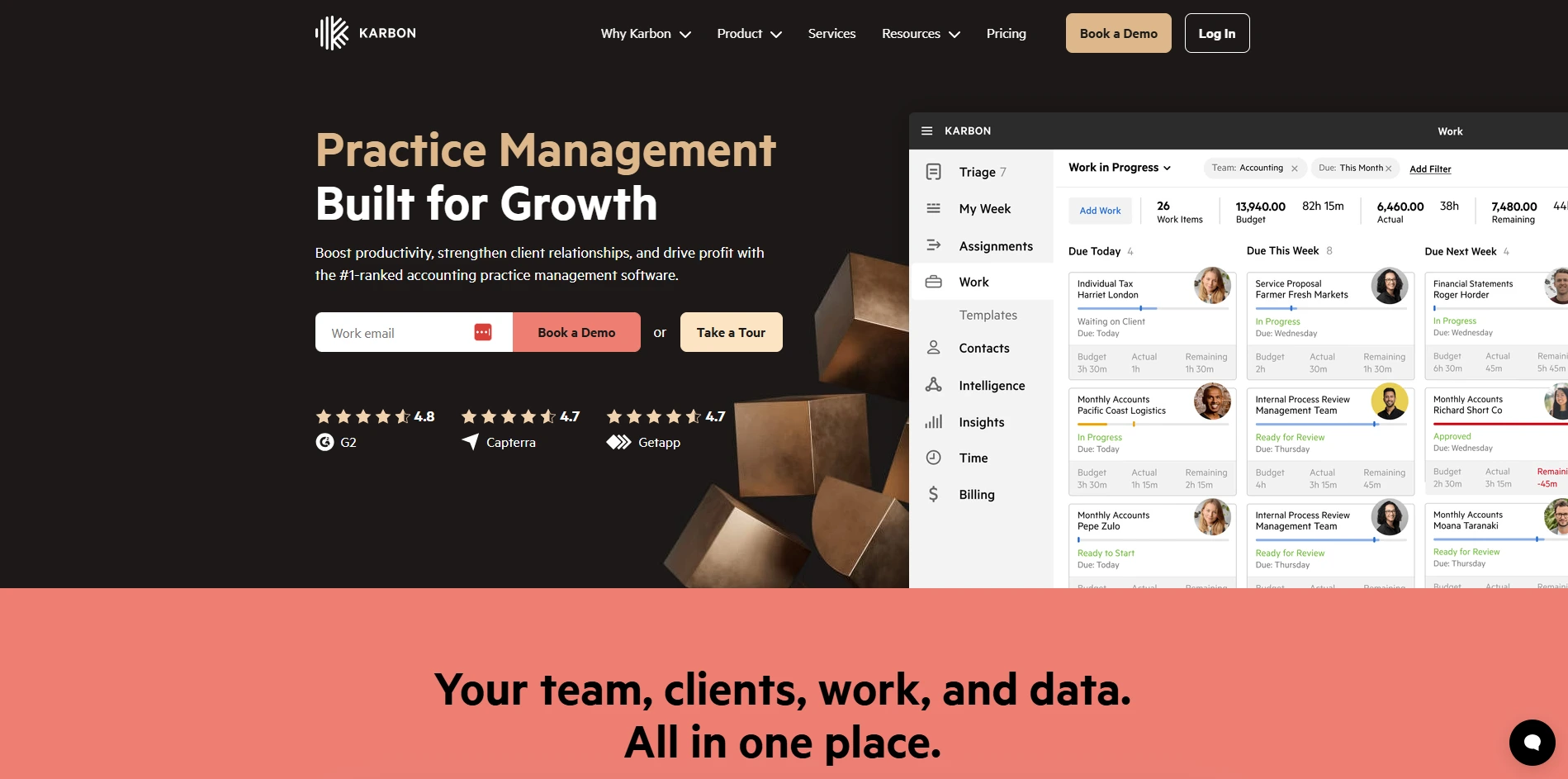
Best For: Mid-size and larger accounting firms that need strong internal coordination and visibility.
Workflow Strengths: Recurring work templates, ownership, collaboration, and WIP visibility across teams.
Automation Capabilities: Routing and workflow automation options vary by configuration.
Client Collaboration: Strong communication features; portal needs depend on your setup.
Integrations: Common accounting and firm tools, including QBO/Xero connections in many stacks.
Limitations / Dealbreakers: Setup can feel heavy. Search and workflows may feel slow at scale.
Pricing Approach: Per user tiers.
Implementation Notes: Plan time for template setup and adoption. Assign an internal owner.
Who Shouldn't Buy:
- You want a simple checklist tool with minimal setup.
- You cannot invest time in configuration and governance.
Financial Cents
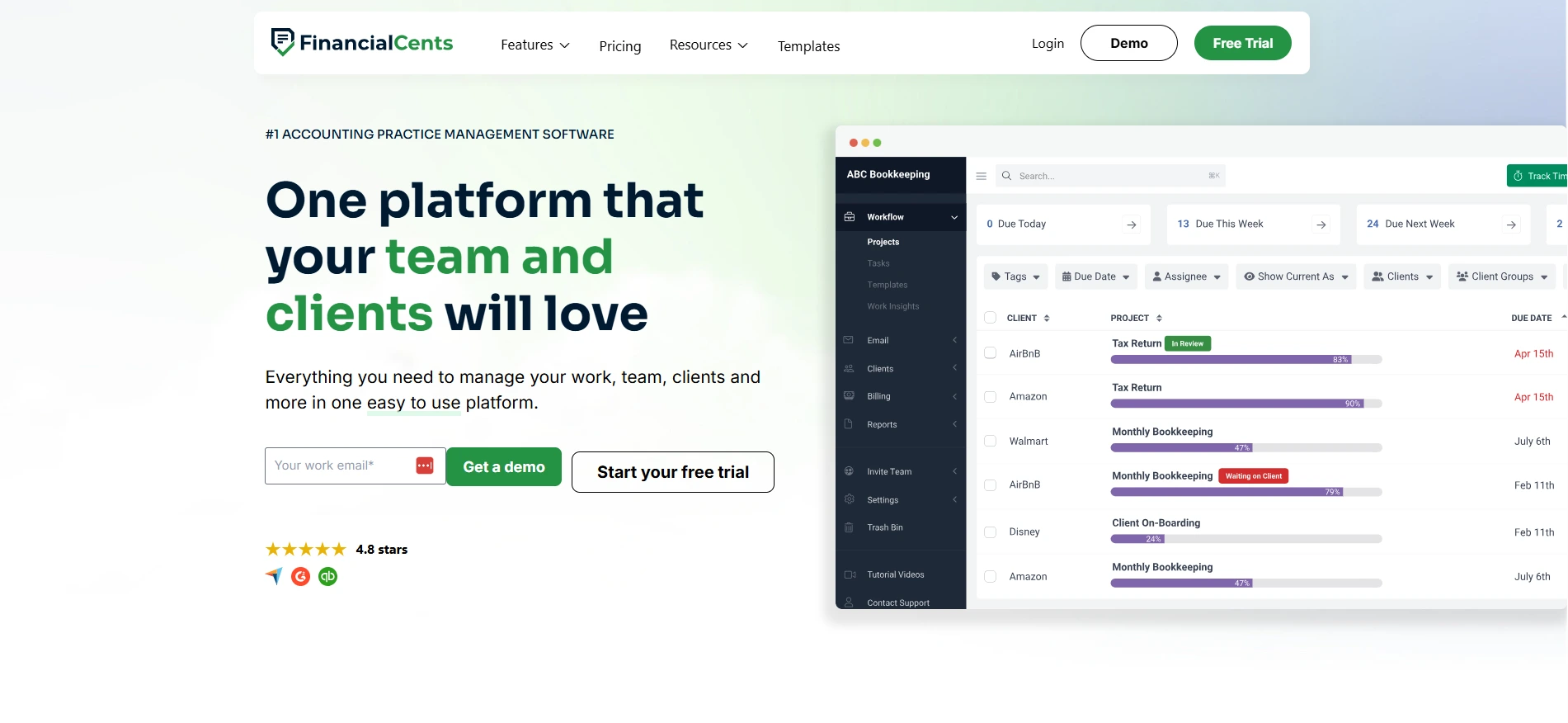
Best For: Small to mid-size bookkeeping and CAS teams that want a simpler workflow system.
Workflow Strengths: Recurring tasks, templates, project tracking, and basic reporting.
Automation Capabilities: Helpful automation for recurring work, but less advanced routing than enterprise tools.
Client Collaboration: Client portal features available depending on plan and workflow design.
Integrations: Common integrations including QuickBooks Online. Confirm your document and email needs.
Limitations / Dealbreakers: User limits and feature packaging can matter as you scale.
Pricing Approach: Per user.
Implementation Notes: Fast to deploy if your workflows are already standardized.
Who Shouldn't Buy:
- You need complex review gates and exception routing.
- You run a large firm with strict controls and advanced reporting needs.
TaxDome
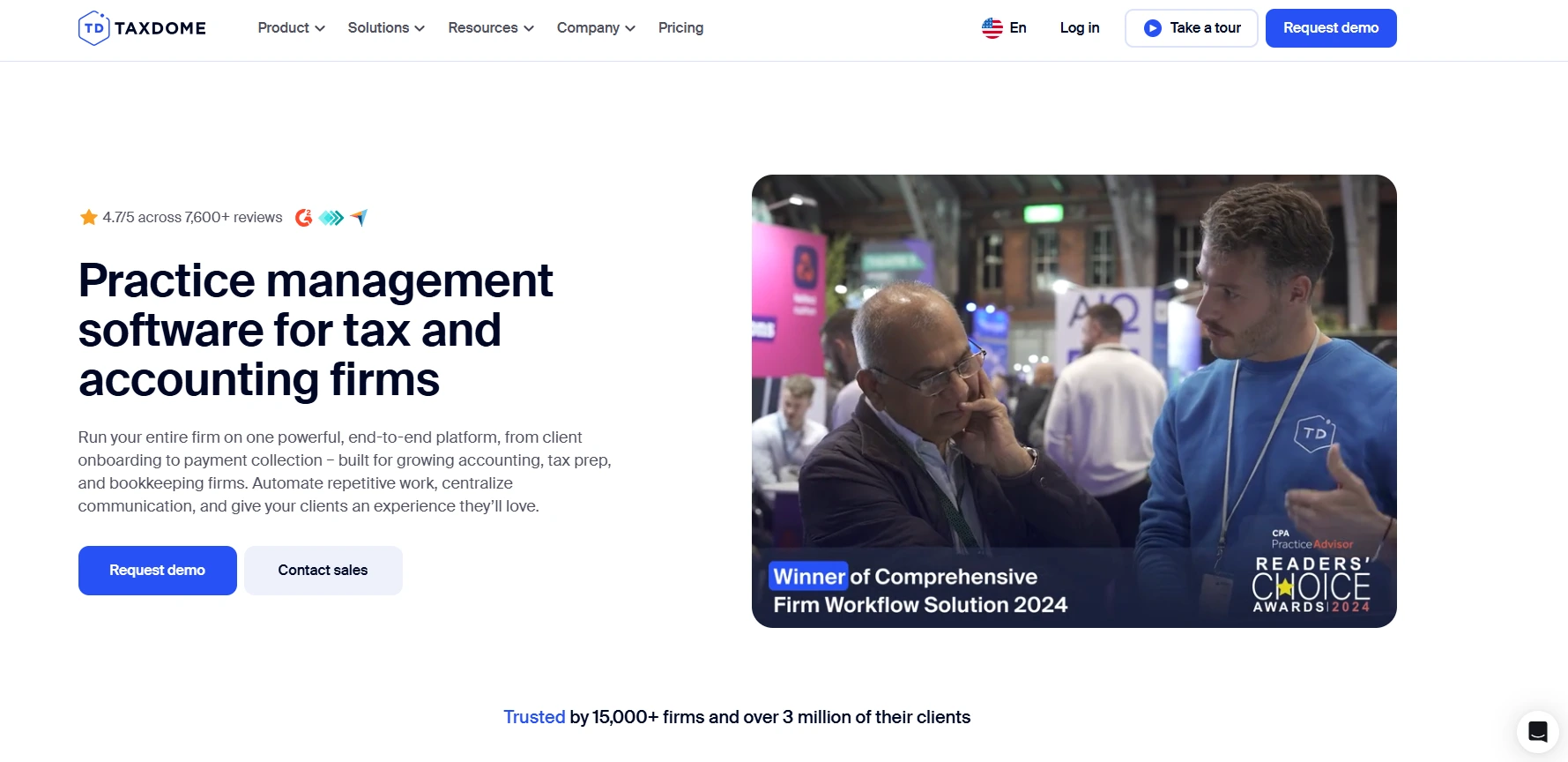
Best For: Tax-heavy firms that want a client portal, pipelines, and firm operations features in one place.
Workflow Strengths: Pipelines and automation can be strong after setup. Recurring work depends on how you build it.
Automation Capabilities: Rules and automations exist, but you often build your own pipelines.
Client Collaboration: Strong portal experience, secure messages, reminders, e-sign, and payments.
Integrations: Many firm tools, but confirm accounting system behavior for your use case.
Limitations / Dealbreakers: Setup takes time. Some automation feels limited out of the box.
Pricing Approach: Per user, often annual commitment.
Implementation Notes: Budget time for pipeline design and staff training.
Who Shouldn't Buy:
- You want a workflow system that works well without configuration.
- You need very flexible reporting across workflow and capacity.
Canopy

Best For: Firms that prioritize client portal, document management, and tax-focused workflows.
Workflow Strengths: Tasks and projects support basic workflows. Depth depends on modules and configuration.
Automation Capabilities: Basic automation; confirm routing depth in a demo.
Client Collaboration: Strong portal and secure document handling.
Integrations: Varies. Validate QuickBooks behavior and any tax software ties you rely on.
Limitations / Dealbreakers: Reporting and pricing complexity can frustrate teams.
Pricing Approach: Per user for small firms, modular for larger setups.
Implementation Notes: Map modules to your process before you sign.
Who Shouldn't Buy:
- You need clear, simple pricing and standardized packaging.
- You need deep workflow dependencies and reviewer queues.
Double
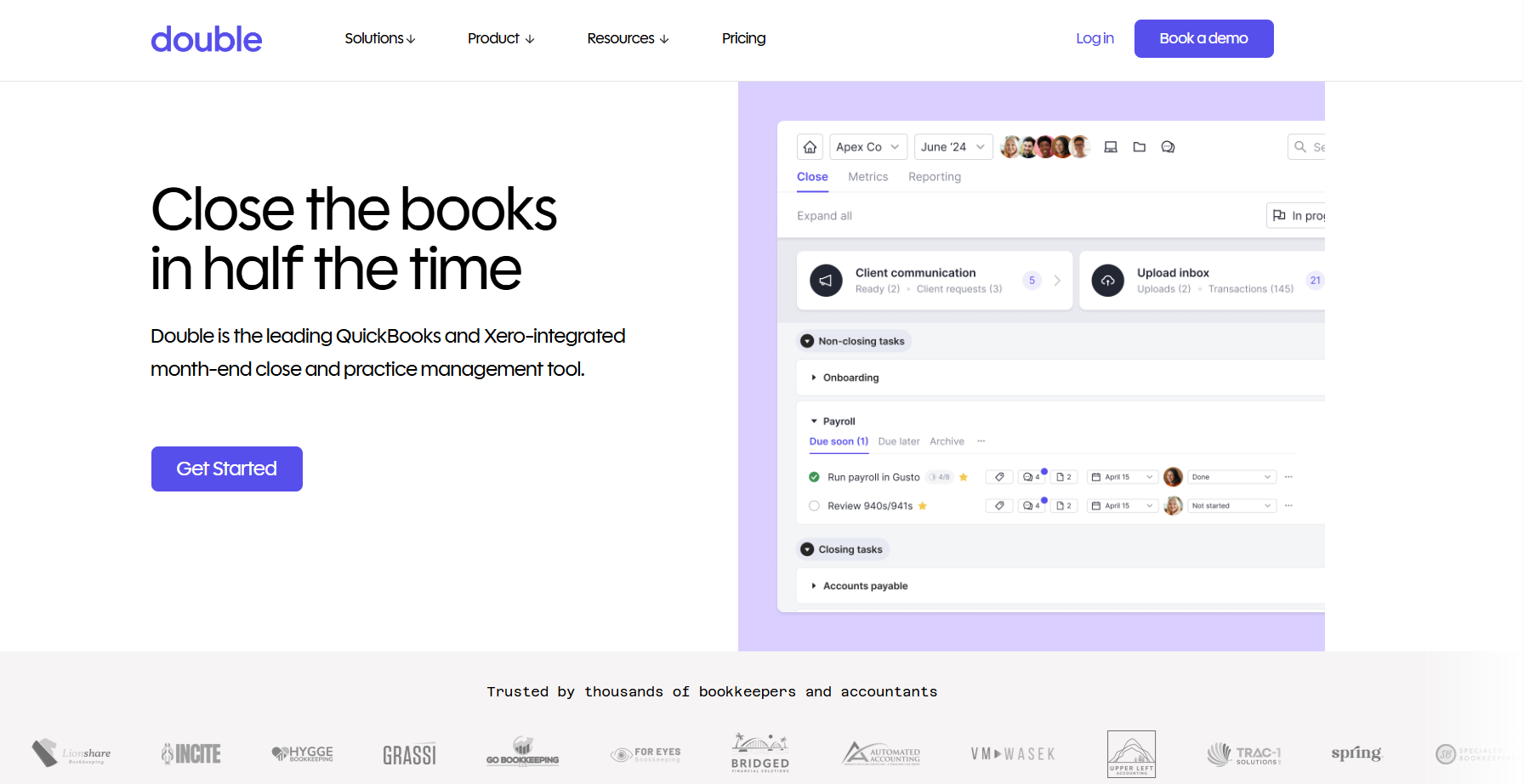
Best For: Bookkeeping teams that want month-end templates and a client portal geared to bookkeeping cadence.
Workflow Strengths: Checklists, templates, month-end close structure, and quality control concepts.
Automation Capabilities: Useful reminders and workflow streamlining for common bookkeeping patterns.
Client Collaboration: Portal and secure document sharing.
Integrations: Often aligned with QBO/Xero workflows. Confirm document tooling.
Limitations / Dealbreakers: Learning curve and file organization complaints come up in reviews.
Pricing Approach: Per client.
Implementation Notes: Standardize your month-end checklist first, then migrate templates.
Who Shouldn't Buy:
- You need broad practice management features.
- You need deep customization across many service lines.
Jetpack Workflow
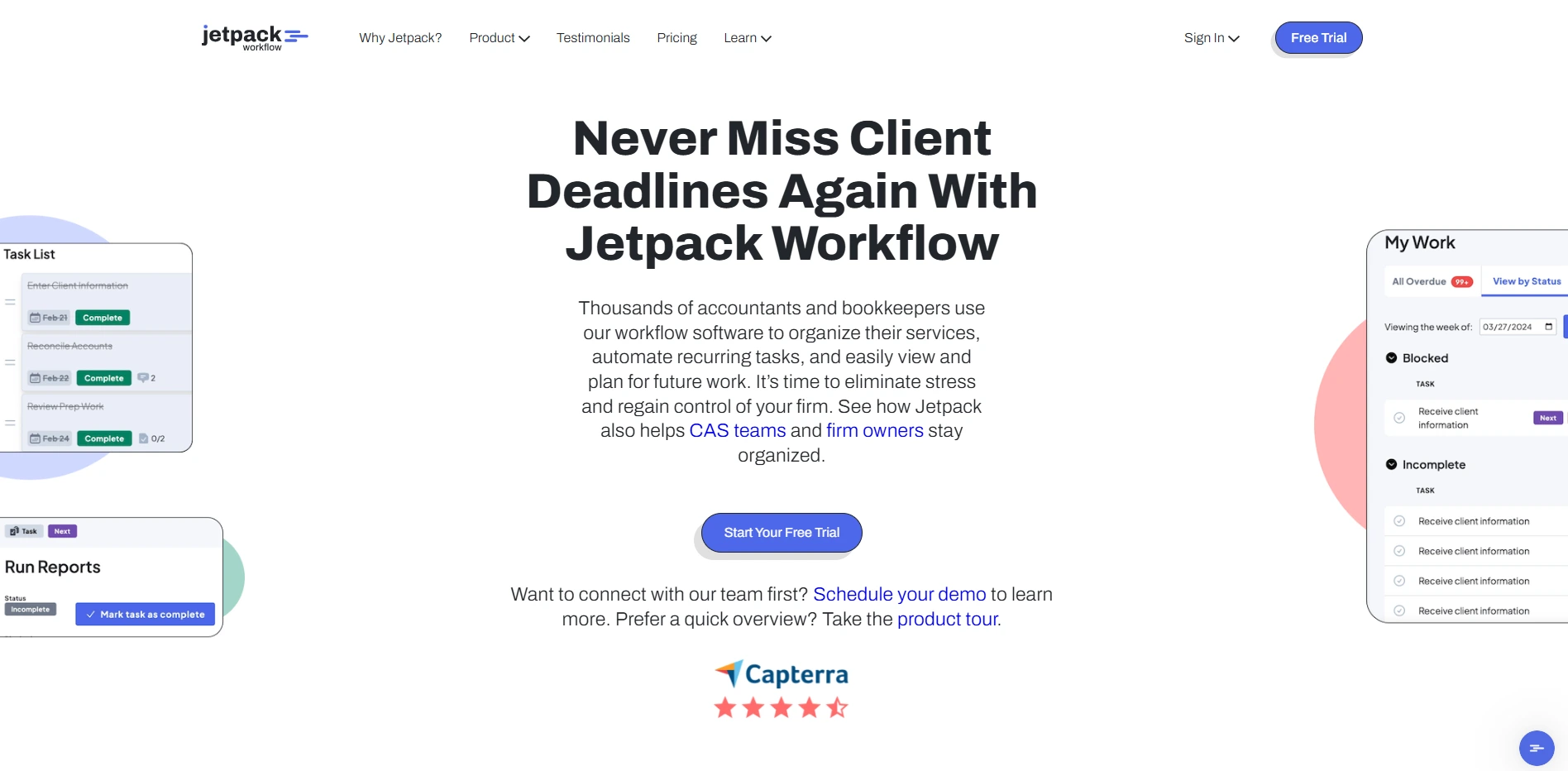
Best For: Firms that want template-driven recurring workflows and deadline discipline.
Workflow Strengths: Strong recurring templates, clear due dates, and visibility into work status.
Automation Capabilities: More workflow scheduling than complex routing.
Client Collaboration: Limited compared to portal-first tools.
Integrations: Varies. Confirm your QBO/Xero and doc storage requirements.
Limitations / Dealbreakers: If client requests and docs live in email, you will still chase.
Pricing Approach: Typically per user.
Implementation Notes: Works best when you already have strong SOPs and you want to enforce them.
Who Shouldn't Buy:
- You need a robust client portal and request management built in.
- You need advanced automation for exceptions and escalations.
Aero Workflow
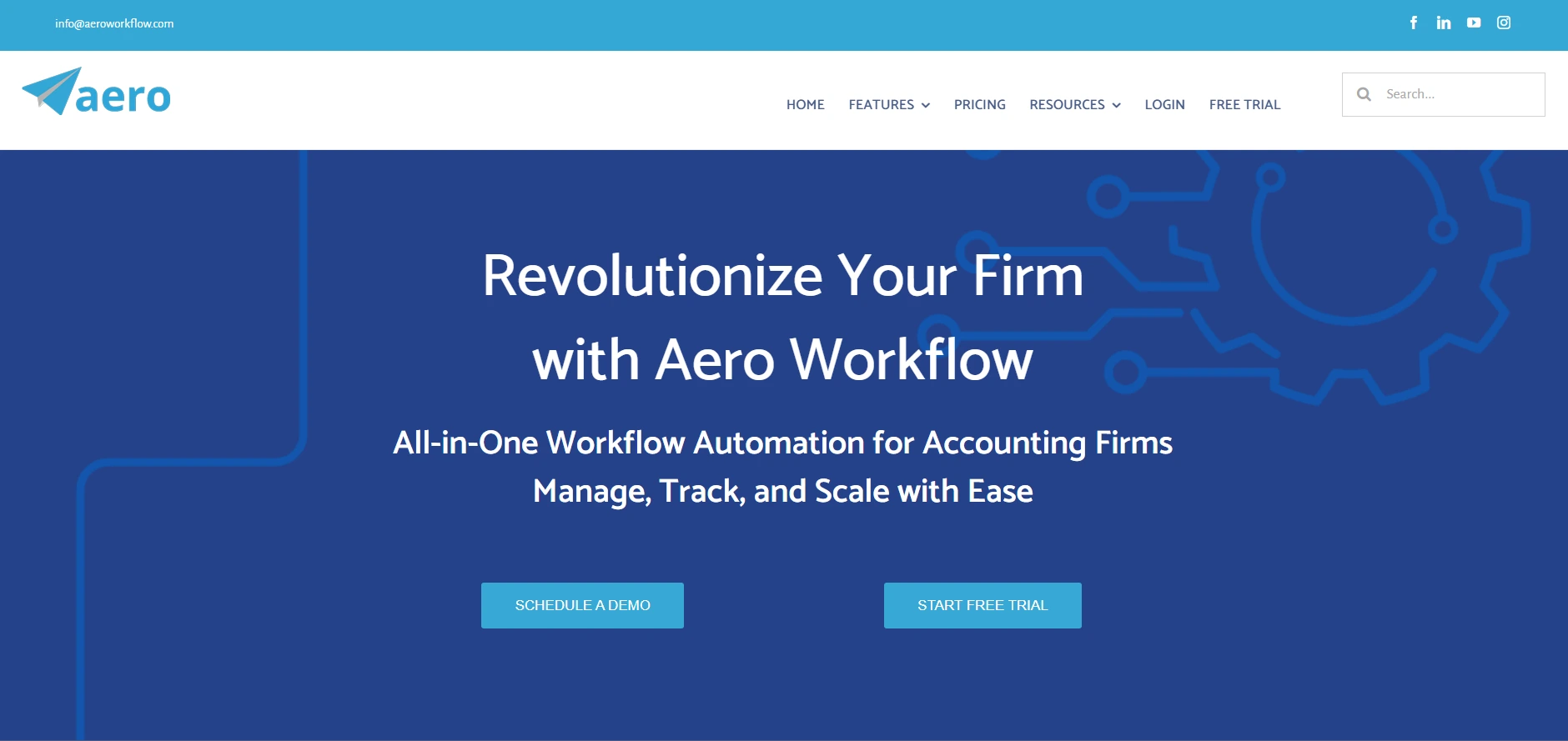
Best For: Firms that want strict checklist workflows for recurring accounting and tax services.
Workflow Strengths: Strong checklist approach, recurring scheduling, and standardized steps.
Automation Capabilities: Focuses on cadence and assignment more than complex exception logic.
Client Collaboration: Limited compared to tools built around portals.
Integrations: Varies. Validate the integrations you require before committing.
Limitations / Dealbreakers: Can feel rigid if your service lines vary a lot by client.
Pricing Approach: Typically per user.
Implementation Notes: You need clean templates and clear owners for best results.
Who Shouldn't Buy:
- You want flexible pipelines for varied work types.
- You need client request handling to replace email threads.
Close Management Platforms (Best for Internal Accounting Teams)
FloQast
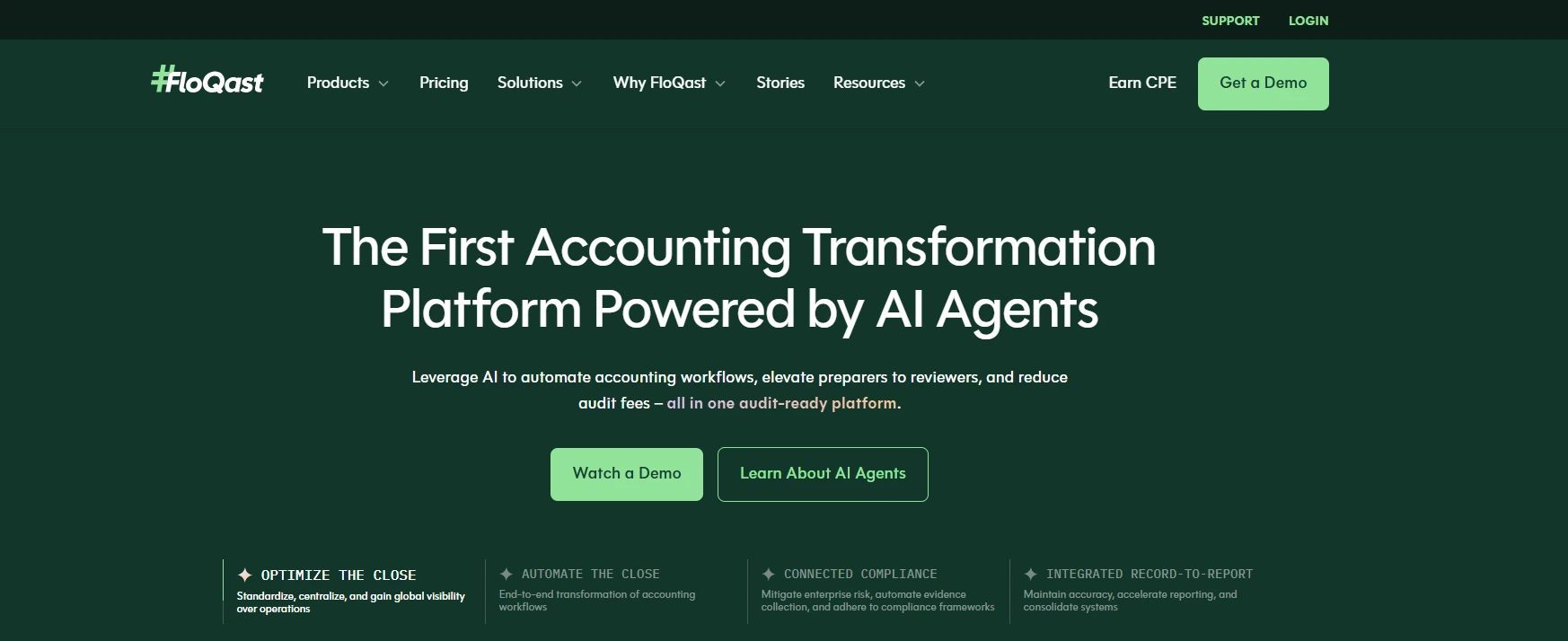
Best For: Internal accounting teams running a structured month-end close.
Workflow Strengths: Close checklists, reconciliations support, and close visibility.
Client Collaboration: Not designed for external client document chase across many client files.
Integrations: ERP and accounting system integrations (for example, NetSuite) depending on environment.
Limitations / Dealbreakers: Pricing transparency and setup complexity can be issues.
Pricing Approach: Quote.
Implementation Notes: Strong choice for industry teams, not typical client service firms.
Who Shouldn't Buy:
- You need multi-client workflow operations like a bookkeeping firm.
- You need portal-based client requests as a core workflow.
BlackLine
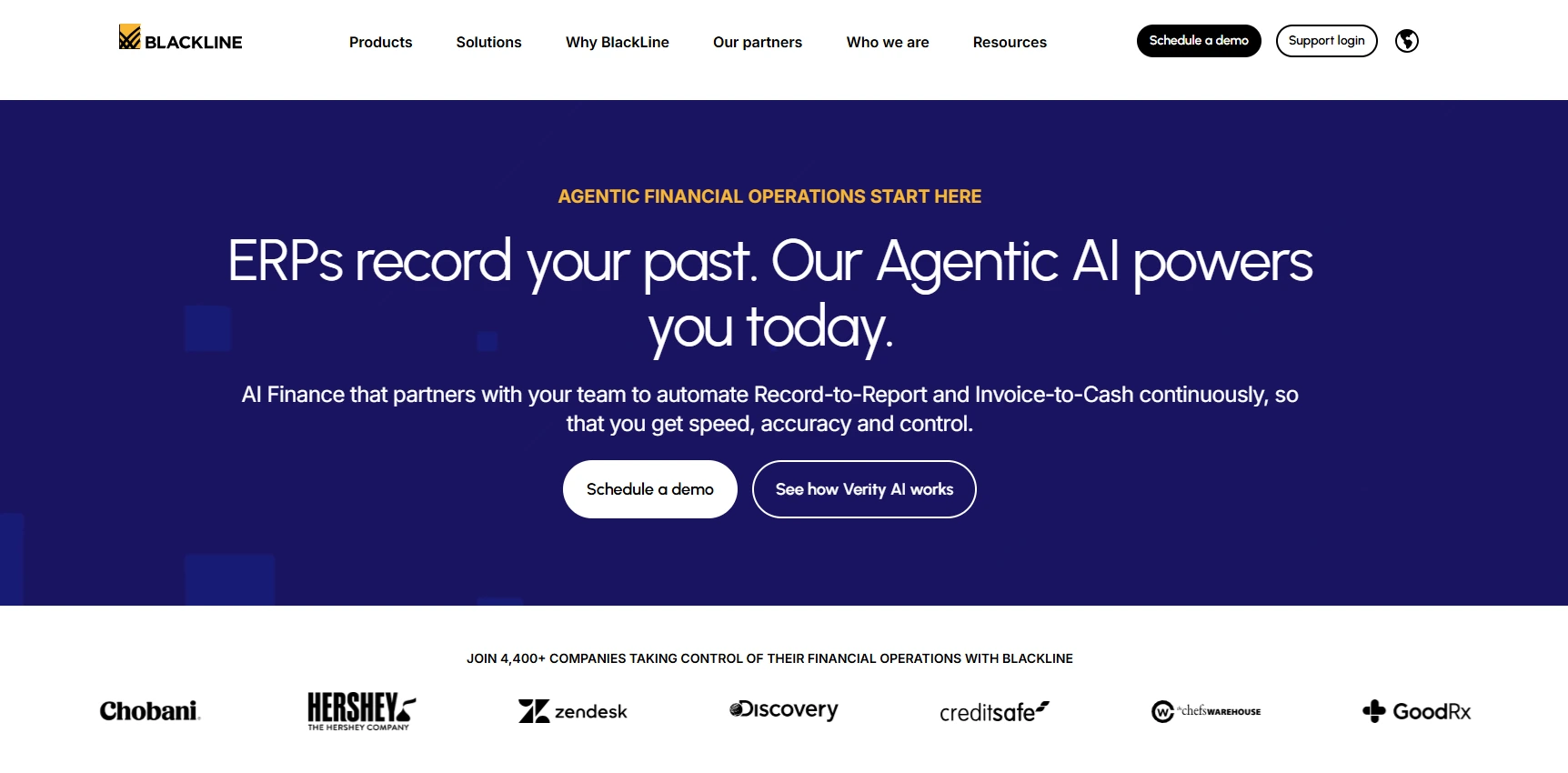
Best For: Mid-market to enterprise teams needing close controls, reconciliations, and compliance strength.
Workflow Strengths: Close automation, approvals, controls, and auditability for internal close.
Client Collaboration: Not for accounting firm client collaboration at scale.
Integrations: ERP-focused integrations.
Limitations / Dealbreakers: Implementation complexity and cost. UI and support feedback varies.
Pricing Approach: Quote.
Implementation Notes: Treat as an enterprise close platform, not a firm workflow tool.
Who Shouldn't Buy:
- You run a client service firm that needs external doc chase workflows.
- You need simple rollout with minimal admin overhead.
Adjacent Platforms (Reporting / FP&A / BI) — Optional Short List
These tools can be excellent, but they are not accounting workflow management software for firms.
Workiva helps with reporting, compliance workflows, and collaborative documents. It does not run your client delivery workflow.
Planful supports FP&A, budgeting, forecasting, and performance reporting. It will not manage client requests and month-end delivery.
Board supports analytics, planning, and dashboards. It is not built to manage recurring bookkeeping and close workflows across clients.
Common Limitations and Dealbreakers to Watch For
You can avoid most bad purchases by looking for dealbreakers early. If a tool cannot enforce workflow control, it will not reduce late closes. It will only give you nicer dashboards.
Use the checks below to disqualify tools quickly.
Signs the Tool Is "Task Tracking," Not Workflow Control
If you can mark work "done" without evidence, you will still get late review surprises. Task tools track activity. Workflow tools enforce standards.
Look for dependencies, gated stages, and clear definitions of done. If you do not see them, assume you will rebuild process control manually.
Weak Review Gates (Work Marked Done Without Evidence)
Review breaks when "done" means "I think I did it." You need review steps that require artifacts, like completed recs, explanations for flux, or cleared exceptions.
If the tool cannot require evidence, your reviewers will keep working from memory and trust.
Poor Client Request Handling (Docs Live in Email Threads)
If client docs and answers live in email, your workflow tool cannot see the real blockers. You want requests tied to a period, visible to the team, with reminders you can automate.
If the tool only links out to an email search, expect friction.
Limited Permissions/Audit Trail for Multi-Client Teams
As you scale staff, you need client-level permissions and an audit trail. Without it, you risk accidental access, unclear changes, and weak accountability.
Automation That Can't Handle Exceptions
Automation fails when exceptions happen, and accounting always has exceptions. You need escalation paths, exception queues, and the ability to route work when something looks off.
Pros/Cons + Dealbreakers (quick list)
Pros you want: recurring templates, review gates, client requests, WIP visibility, strong integrations, permissions.
Cons to avoid: "checkbox done," email-driven doc chase, weak controls, rigid pipelines that do not fit your services, automations that break on exceptions.
How Xenett Can Help (When You Need More Review Discipline)
Xenett helps when your main issue is not task completion. It helps when review quality drives rework, and "done" does not reliably mean "correct." It fits firms that run recurring close cycles in QuickBooks Online or Xero and need consistent account-level review across staff.
Xenett takes a review-first approach. It starts with account-level review findings in the P&L and Balance Sheet. Then it drives the work needed to resolve those findings before you finalize close.
When "Done" Isn't the Same as "Correct" (Review as a Workflow Gate)
Most workflow tools can tell you a task is complete. They cannot tell you the accounts make sense.
When review lives in someone's head, standards vary. You also find issues late. Xenett treats review as a workflow gate by anchoring work to findings. That reduces "late cleanup" cycles that slow delivery.
What to Automate in Review and Close (Without Replacing Judgment)
You can automate detection and routing without automating judgment.
Xenett supports automation around:
- Anomaly checks and unusual account behavior
- Reconciliation gaps and missing support
- Flux review routing and follow-up
- Exception queues that keep issues visible until resolved
If you want context on close structure and controls, see this guide.
If you want a deeper look at AI-assisted review, see this page.
Who Benefits Most (QBO/Xero Firms Running Recurring Close + Review)
Xenett fits firms that:
- Manage 10–500+ active clients
- Run recurring monthly close cycles
- Have multiple preparers and a small reviewer group
- See inconsistent review standards across staff
- Lose time to late cleanup and rework
When a Lightweight Workflow Tool (or QBO-Only Process) Stops Being Enough
QuickBooks Online can hold the books. It cannot enforce consistent account-level review standards across a team.
Lightweight workflow tools can track tasks. They cannot prove the financial review logic stayed consistent across clients and months.
Xenett reinforces workflow by driving work from review findings. That matters when your bottleneck is reviewer confidence, not task lists.
Sign up for a 14-day free trial.
Implementation Playbook — Roll Out Without Breaking Month-End
You can implement accounting process management changes without blowing up month-end. The key is a small pilot, minimum viable standardization, and clear ownership.
If you try to rebuild everything at once, your team will revert to old habits. You want stability first, then improvement.
Data + Template Migration (Minimum Viable Standardization)
Start with one service line, like monthly bookkeeping close.
Migrate only what you need:
- Client list and service tags
- One set of templates for monthly close
- Your standard request list for client docs
- Roles and review stages
Then iterate after the pilot.
Team Adoption (Roles, Naming Conventions, SOP Ownership)
Adoption fails when no one owns the workflow.
Set:
- A workflow owner who maintains templates
- Naming conventions for tasks and stages
- A definition of done for each stage
- Reviewer standards that do not change by person
Client Onboarding (Requests, Portals, SLAs)
Clients adopt what you enforce.
Give them:
- One place to upload docs
- A standard request list by month
- Clear deadlines for document delivery
- Reminders they will actually receive
Success Metrics (Cycle Time, WIP, Rework Rate, On-Time Close)
Pick metrics that show predictability:
- Close completed by day X
- Average days stuck in "waiting on client"
- Rework rate after review
- Reviewer queue length
- WIP over 7 days old
For a practical view of why modernizing close matters, see this article.
30-Day Implementation Checklist
- Pick 5–10 pilot clients with typical complexity
- Build one monthly close template with review gates
- Create a standard client request list for the month
- Connect QBO/Xero and your doc storage tool
- Assign owners for prep, review, and client follow-up
- Run one full close cycle in the tool
- Track cycle time, WIP aging, and rework rate
- Fix the template based on real exceptions
- Train the rest of the team on the final template
- Roll out to the next client batch in waves
Common Mistakes When Buying Accounting Workflow Software
Most workflow purchases fail for predictable reasons. You can avoid them if you treat selection like a delivery design project, not a software shopping trip.
Here are the mistakes that cost firms the most time.
- Buying features instead of process fit. You need the tool that fits your intake, review, and delivery model.
- Underestimating setup and governance. Templates and standards need an owner, or they rot.
- No standard templates and no review gates. Without gates, "done" stays subjective.
- No clear workflow owner. If no one owns the system, it becomes shelfware.
- Ignoring security and access controls. Multi-client teams need permissions and audit trails.
- Not piloting through a full close cycle. Demos do not show real client waits and reviewer bottlenecks.
If you avoid these, most tools can work. If you repeat them, even the best tool will disappoint.
FAQ (Before Conclusion)
What Is Accounting Workflow Management Software?
Accounting workflow management software helps your firm standardize recurring work, assign owners, track deadlines, and control handoffs through prep and review. Strong tools also centralize client requests and documents, so you can see blockers in real time and keep delivery predictable as client volume grows.
What's the Difference Between Accounting Workflow Software and Practice Management Software?
Accounting workflow software focuses on delivery control: templates, recurrence, dependencies, review steps, and WIP. Practice management software often includes broader firm operations like CRM, proposals, time tracking, billing, and payments. Some platforms overlap, but workflow depth varies a lot, so you should test review gates and handoffs.
What Features Should Workflow Tools for Accounting Firms Include?
At minimum, you need recurring templates, dependencies, role-based assignments, review steps, WIP visibility, and client request management with reminders. You also need QBO/Xero integration, document storage and email support, plus permissions and audit trails. Without controls, the tool becomes task tracking instead of workflow control.
Is Accounting Workflow Management Software Worth It for Small Firms?
It is worth it when you run recurring monthly work and you feel bottlenecks in review or client documents. Even a small team benefits when deadlines stay consistent and work does not rely on one person's memory. If you have only a few clients and low complexity, a simple checklist may be enough.
How Do You Choose the Best Accounting Workflow Tools?
Use a structured selection process. Map your intake-to-delivery workflow, identify where work waits, define required integrations, and score vendors with a weighted scorecard. Then pilot with 5–10 clients for one full close cycle. The best tool is the one that reduces rework and makes review predictable.
How Long Does Implementation Usually Take?
Most firms can run a pilot in 2–4 weeks if they limit scope to one service line and one set of templates. A broader rollout usually takes 30–90 days, depending on how many workflows you standardize, what integrations you need, and how you onboard clients to requests and portals.
Can Workflow Software Improve Review Quality, Not Just Task Completion?
Yes, but only if the tool enforces review gates and standards. Otherwise, "done" stays operational, not financial. You need evidence-based review steps, exception routing, and consistent definitions of done. If review depends on individual judgment alone, workflow tools may improve speed but not reliability.
What If We Switch Tools Later—Can We Export Data and Templates?
You can reduce lock-in by keeping SOPs tool-agnostic. Document your workflows in plain language, export client lists and task history where possible, and store templates outside the tool as a backup. Piloting and standard naming conventions also make switching easier if your needs change later.
Conclusion
You pick faster when you match the tool to what you need to control.
- Best for solo/small bookkeeping teams: Keeper or Financial Cents
- Best for mid-size CAS firm: Karbon or TaxDome
- Best for tax-heavy workflow + portal: TaxDome or Canopy
- Best for internal close management teams: FloQast or BlackLine
- Best when review discipline is the bottleneck: Xenett
Ready to close faster?
Try Xenett free →