
Your Firm's Files,
inside Xenett.
Connect your existing Google Drive or OneDrive once. Your folders appear inside every client's file view. No migration, no reorganization.
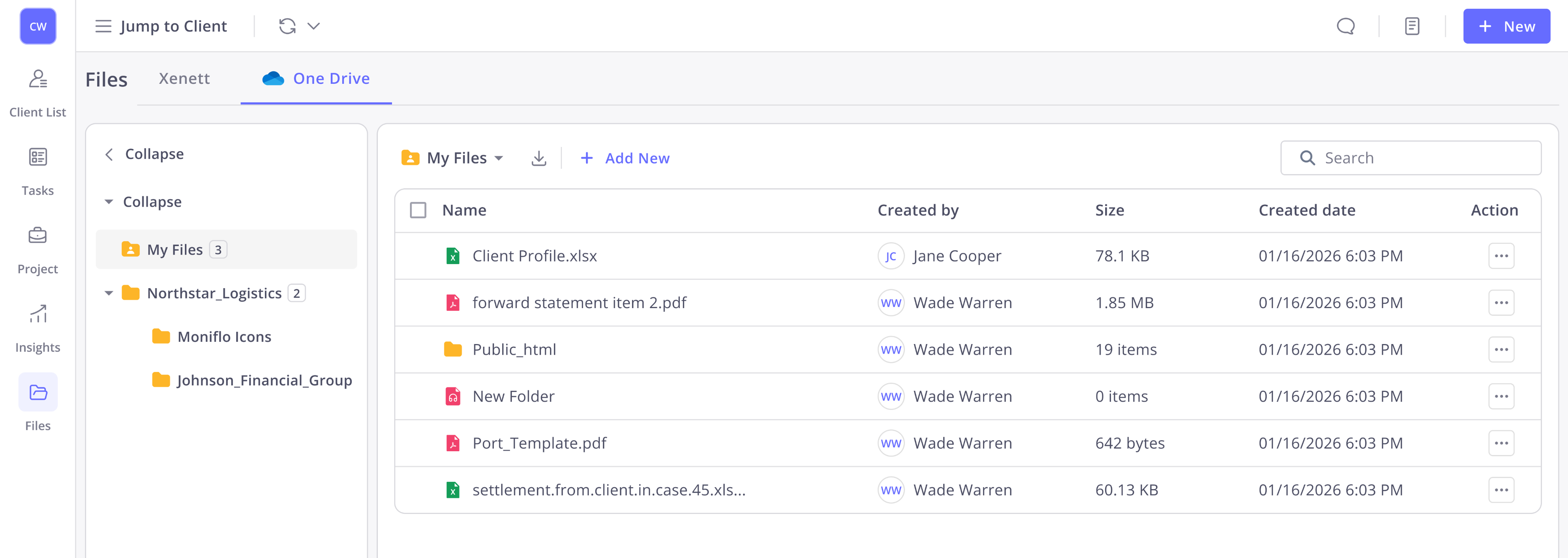
Files stay in Drive.
Xenett never copies or hosts your files. They stay in Google Drive or OneDrive Xenett just gives your team access to them inside the platform. Your existing folder structure and offline access stays intact.
- Zero data migration required
- Existing folder structure preserved
- Changes sync instantly to the provider
- Team retains existing Drive access & permissions
- Google Shared Drives & SharePoint supported
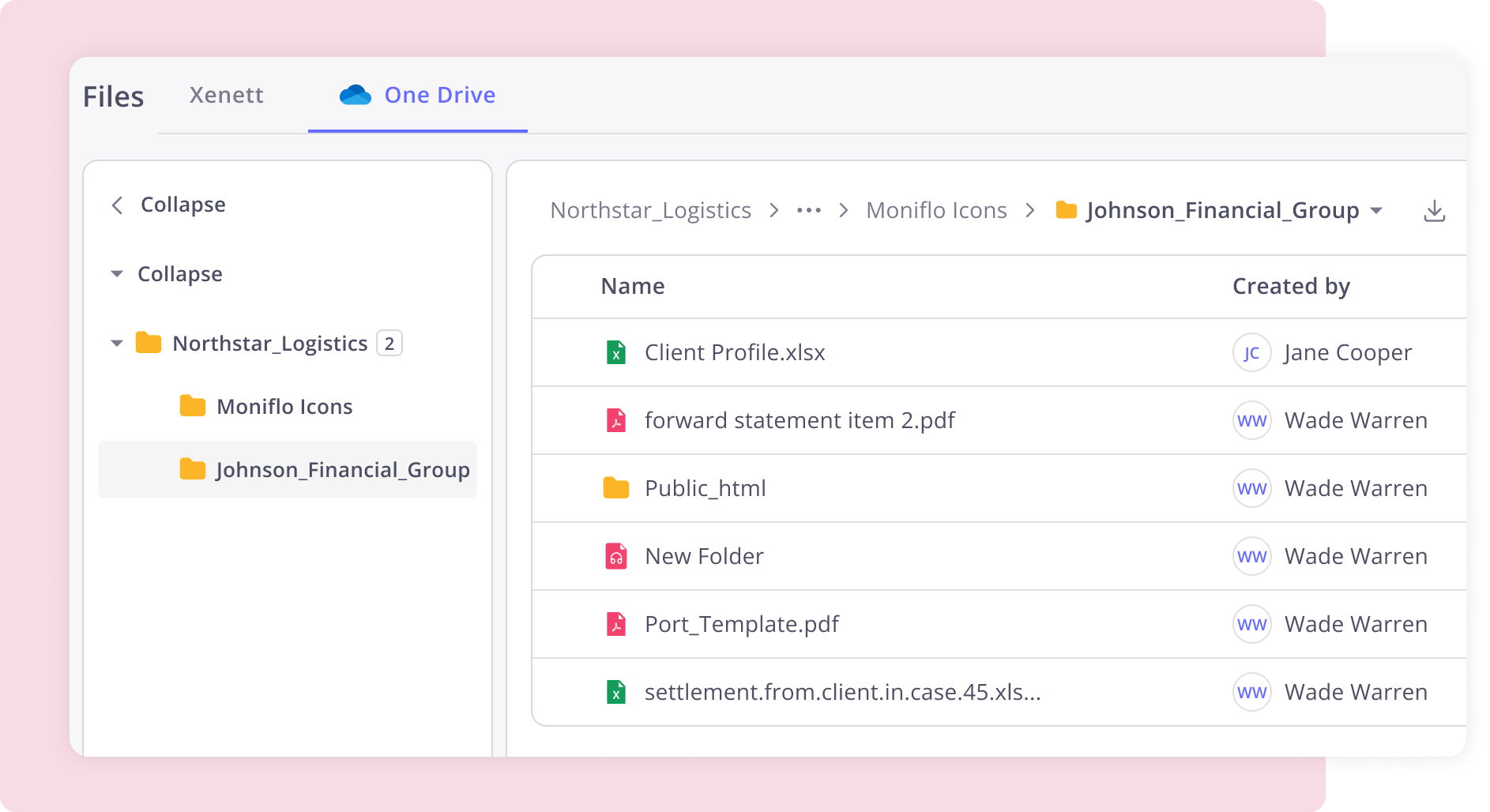
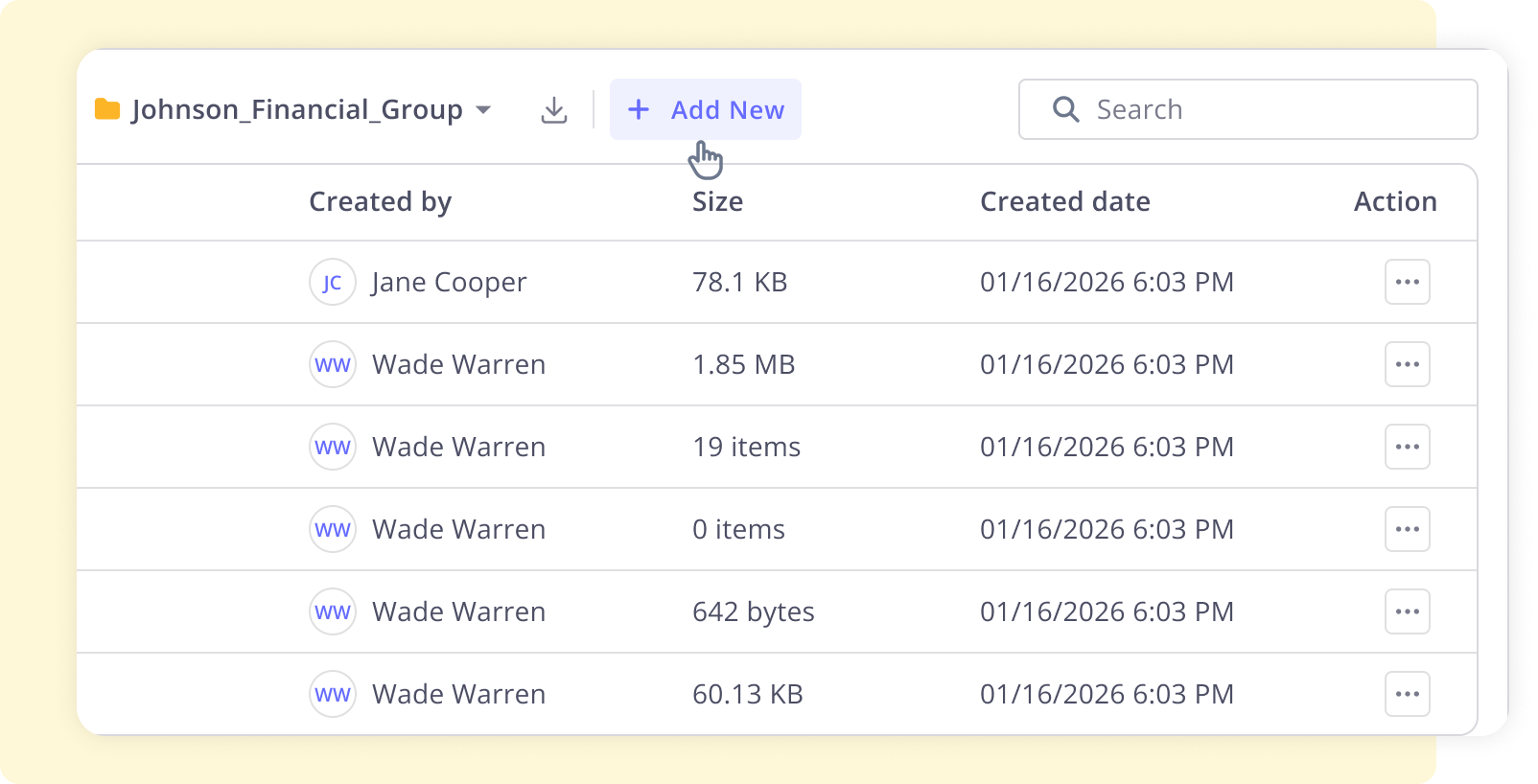
One folder per client, visible instantly
Connect a specific Drive folder to each client it appears inside Xenett's file view immediately. Browse, rename, preview, and upload without leaving the platform.
- Connect any folder in a single action
- Appears natively in the client file view
- Supports Google Shared Drives & SharePoint
- Per-user authentication full audit trail
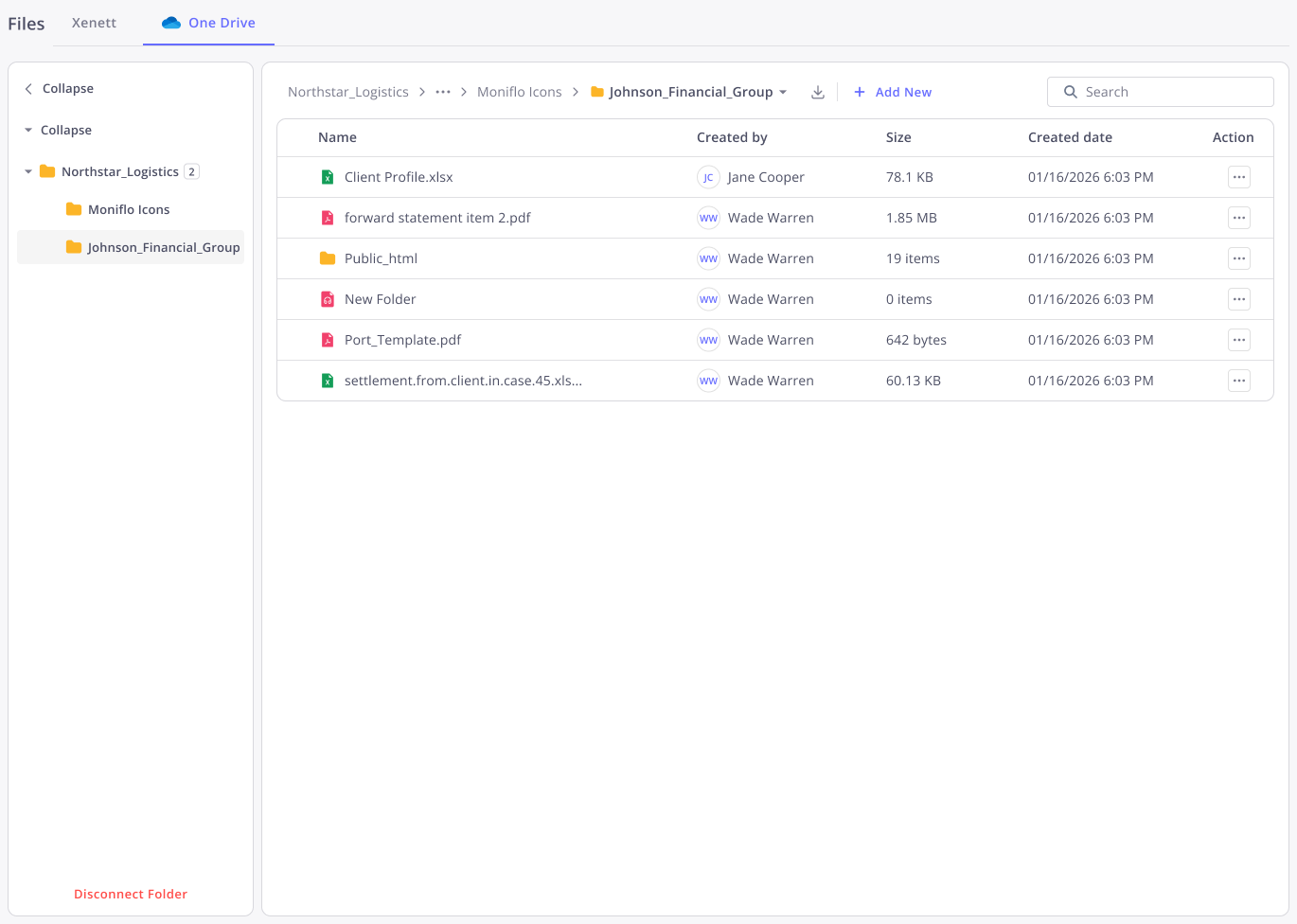
How It Works
Step 01
Admin connects the firm
Go to Firm Info → External Storage. Takes 30 seconds. The admin's account is linked automatically.

Step 02
Each team member signs in once
One-time personal sign-in. Every action is logged under each person's own identity. Audit-ready from day one.
Step 03
Connect a folder per client
Browse your folder tree, pick the right folder for each client, and connect. Files are available inside Xenett immediately.
Does Xenett copy or store my files?
No. Your files always stay in Google Drive or OneDrive. Xenett connects to your provider and shows files inside the platform nothing is copied, hosted, or moved.
Can I connect both Google Drive and OneDrive at the same time?
Not in the current version. Each firm connects one provider either Google Drive or Microsoft OneDrive. You pick whichever your team already uses.
Is this available for small accounting firms too?
Yes the Email module supports solo practitioners and shared team inboxes alike. No minimum team size required.
What happens if a team member hasn't signed in to Drive yet?
They won't see the connected folders until they complete their one-time personal sign-in from My Account. It takes under a minute and only needs to be done once.
Will connecting a folder change my existing folder structure?
No. Xenett reads your existing structure as-is. Nothing is renamed, moved, or reorganized. You connect what's already there.
Can I control which clients see which folders?
Folder-level permissions are inherited from your Drive or OneDrive settings. You control access at the provider level Xenett respects whatever permissions are already in place
Still have questions?
Contact Our TeamFiles , inside your accounting workflow. No extra tabs needed.
No More Forwarding Chains
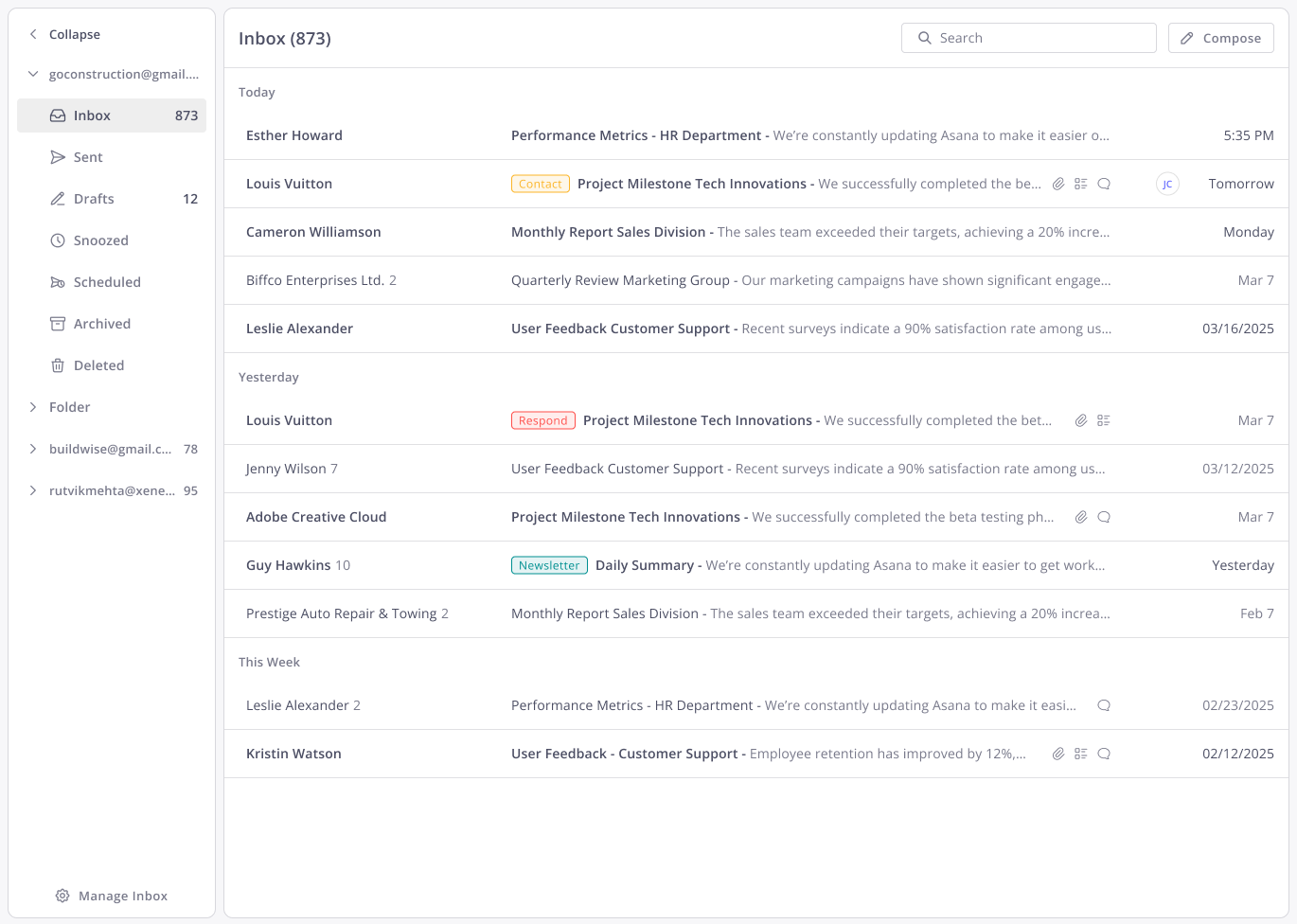
Comments and @mentions replace the forward-reply-forward loop entirely. Your team collaborates on emails without creating new threads or losing context in someone's private inbox.
Full Client Communication History
Every email tied to a client lives in their file. New team members get full context from day one no handover document, no digging through inboxes, no asking around.
Email Connected to the Work
Link emails to projects and tasks. Create tasks from emails in one click. Everything is logged, everything is visible, and nothing falls through the cracks.
%20White.svg)
.svg)