.svg)

The Best Workflow Management Software for Accountants in 2026
.jpg)
Ask questions, get summaries, or uncover key takeaways from this article.
.webp)
Blog Summary / Key Takeaways
- Accounting workflow software is built for the recurring processes, review stages, and client dependencies that generic project management tools struggle to handle effectively.
- Choosing the right platform depends on your firm's size, workflow complexity, integration needs, and how you manage recurring accounting work.
- This guide compares the leading workflow management tools for accounting firms, highlights the features that matter most, and explains where each solution fits best.
- It helps you evaluate your options, streamline firm operations, and choose software that supports efficient, scalable accounting workflows.
Most workflow management tools will tell you they work for accounting firms.
What they mean is: you can set up tasks, assign them to people, and check them off. Which is technically true. But it's also true of a whiteboard.
Accounting workflow has specific structure. Monthly bookkeeping cycles. Deadline-driven tax seasons. Multi-stage review with preparer → reviewer → partner sign-off. Recurring work that resets every month, quarter, or year. Client dependencies that block completion until a document comes in.
Generic project management tools weren't designed for that. They'll bend to fit but the workarounds create overhead, not efficiency.
This guide covers the tools that actually understand accounting workflow, what each one does well, and how to decide which one fits your firm.
What Makes Workflow Software "Accounting-Specific"?
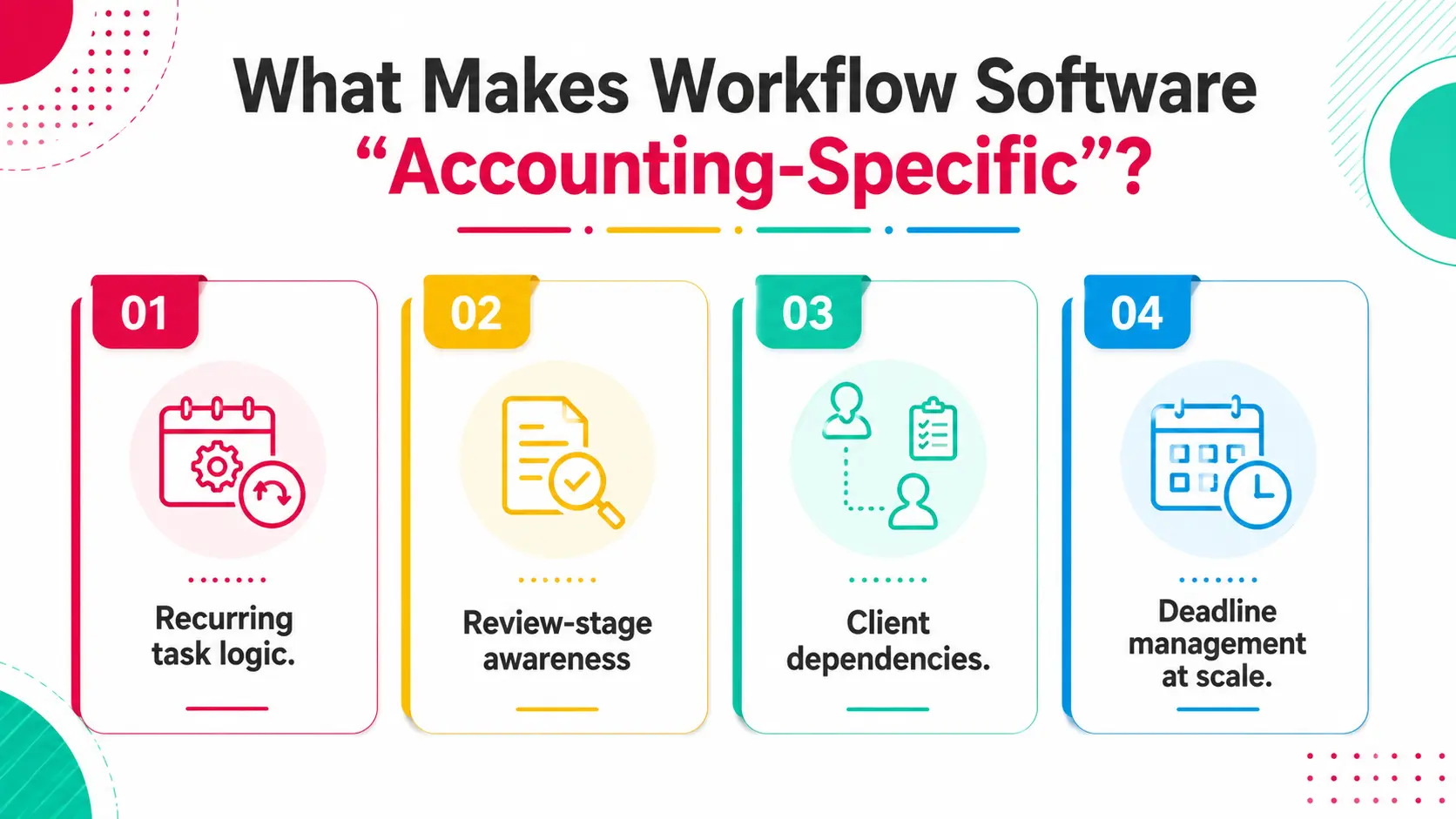
Accounting-specific workflow software is built around the rhythms of how accounting work actually operates recurring cycles, structured review, and client-dependent timelines.
The difference from generic project tools shows up in a few key areas.
Recurring task logic. A bookkeeping client needs the same set of tasks every month. Accounting-specific tools auto-generate those tasks on a schedule. Generic tools require you to duplicate or rebuild them manually which takes time and introduces errors.
Review-stage awareness. Accounting work doesn't just get "done." It moves from preparer to reviewer to partner. The tool needs to understand that sequence, not just mark tasks complete.
Client dependencies. If a client hasn't sent their bank statements, the whole job is blocked. Accounting tools track that as a status, not just as an overdue task.
Deadline management at scale. When you have 60 clients with different due dates across tax, payroll, and bookkeeping, you need a firm-level view of what's due when not just a task list.
Tools that don't have these built in force you to build workarounds. Those workarounds break during busy season.
What to Look For Before You Choose
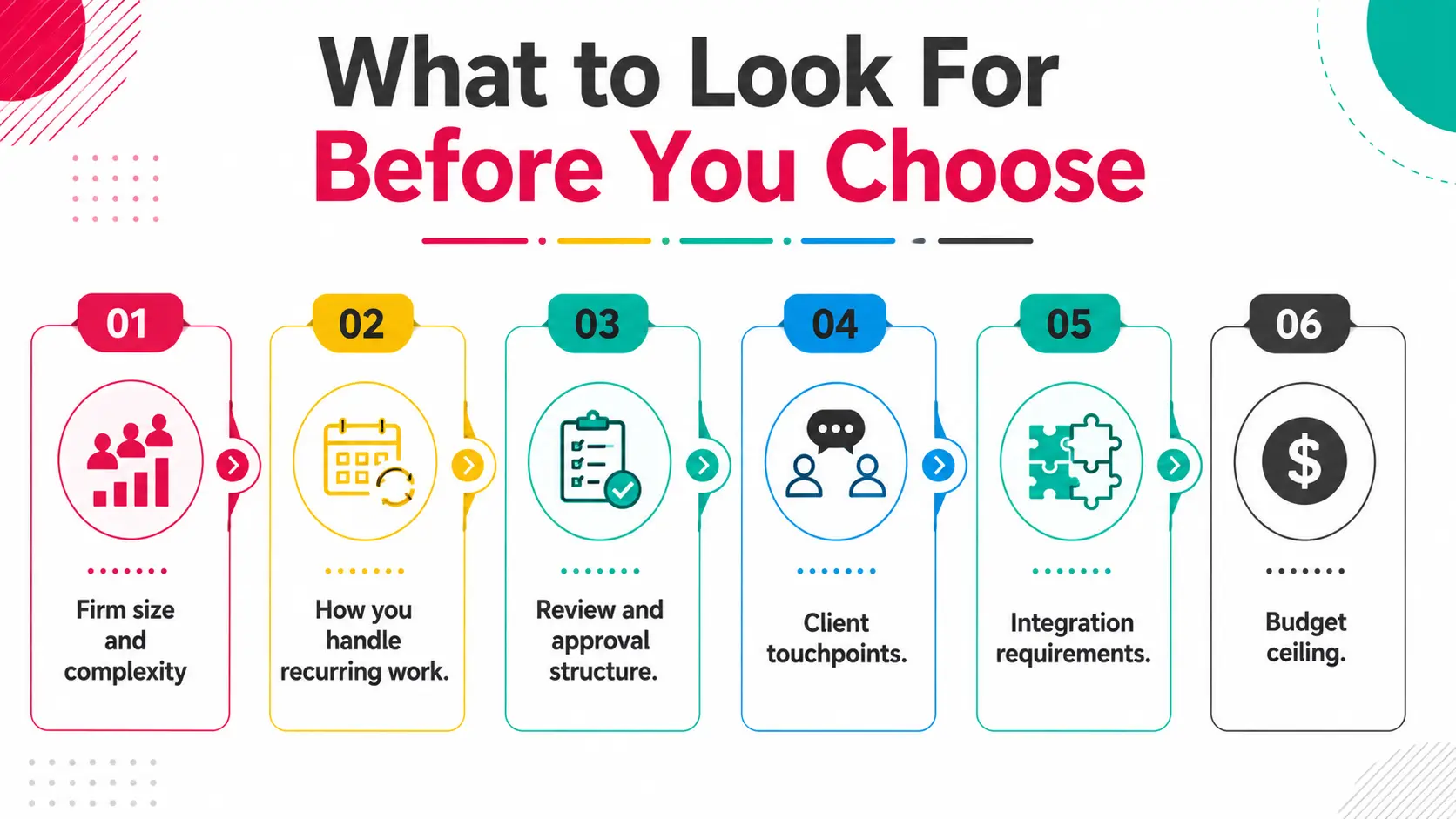
Before you demo anything, get clear on what your firm actually needs.
Firm size and complexity. A solo bookkeeper has different needs than a 15-person CPA firm with tax, advisory, and bookkeeping lines. Tool depth should match that complexity.
How you handle recurring work. Monthly bookkeeping is the clearest test case. Can the tool auto-create tasks for all recurring clients on the right schedule? Can you adjust one client's schedule without touching the rest?
Review and approval structure. Do you need a formal two-stage or three-stage review? Or is it just a manager sign-off? The answer determines how much workflow structure you need built in.
Client touchpoints. Do clients need to submit documents, respond to requests, or see job status? If yes, you need a client portal that doesn't embarrass you.
Integration requirements. QBO, Xero, Drive, email know what you need to connect before you start the demo so you can ask the right questions.
Budget ceiling. Per-user pricing compounds fast. A tool at $25/user at 5 staff is $375/month before add-ons. Know your number going in.
The Top Workflow Management Tools for Accounting Firms in 2026
Here's how the leading platforms compare on the criteria that matter most.
Tool-by-Tool Breakdown
Xenett
Xenett is built accounting-first. The product is organized around how accounting work actually flows through a firm not adapted from a generic project tool.
The standout features are the Bookkeeping Dashboard and Close Dashboard. These give partners and managers a real-time view of every client's status across the firm what's in progress, what's in review, what's blocked, what's ready to deliver. There's no equivalent in any other tool on this list.
Review workflows are structured: preparer → reviewer → partner, with comments tied directly to the work item. Recurring tasks auto-generate on schedule. The client portal is clean and professional.
Firms using Xenett report 70% less review time and 3x faster close cycles. Over 1,000 accounting and bookkeeping firms currently run on it.
Best for: Bookkeeping firms, CAS practices, and small-to-mid CPA firms that want full visibility and a structured review process. Pricing: Firm-based pricing (not per user).
Karbon
Karbon is built around email. Its core differentiator is a shared team inbox that threads client emails directly into work items. For firms where email is the primary client communication channel, that's genuinely useful.
It also has solid workflow and task management, and a well-designed timeline view for deadline tracking.
The tradeoffs: it's expensive at scale, the learning curve is real, and it's more suited to enterprise or established mid-market firms than to smaller teams. There's no dedicated bookkeeping or close dashboard.
Best for: Mid-size to large CPA firms with high email volume and multiple service lines. Pricing: Per user, higher end of the market.
Financial Cents
Financial Cents is a clean, approachable tool aimed at small bookkeeping firms and solo practitioners. Setup is fast, the interface is intuitive, and it covers the basics well: task management, recurring work, client portal, time tracking, and billing.
Where it falls short is in review depth. Multi-stage review with structured sign-off isn't well-developed. For firms where a single person reviews all work, that's fine. For firms with a preparer/reviewer/partner structure, it's a limitation.
Best for: Solo bookkeepers and small bookkeeping-focused firms (1–5 staff). Pricing: Per user, entry-level pricing.
Jetpack Workflow
Jetpack is one of the original accounting workflow tools. It's straightforward, focused on task and deadline management, and easy to onboard. Recurring task automation works reliably.
The limitations are significant for growing firms: no native client portal, minimal review workflow structure, and limited integrations. It's a task manager with accounting templates, not a full practice management platform.
Best for: Solo practitioners and very small firms that need simple task and deadline management without complexity. Pricing: Per user, mid-range.
Canopy
Canopy started as a tax resolution tool and has expanded into full practice management. Its strongest features are document management and the client portal both well-designed. Tax workflow coverage is solid.
The workflow and task management outside of tax isn't as strong. Review workflows are limited compared to Xenett or Karbon. For firms with significant bookkeeping or advisory work, Canopy can feel underdeveloped outside its core tax use case.
Best for: Tax-focused CPA firms that need strong document management and a polished client portal. Pricing: Per user, tiered.
Which Tool Is Right for Your Firm Size?
Real Scenario: A 6-Person Firm That Cut Review Time by 70%
A six-person bookkeeping and CAS firm was managing 42 recurring clients using a combination of Asana, Google Drive, and email.
Every month, the same friction: work would be completed by the preparer, a Slack message would go to the reviewer, the reviewer would open Drive, leave comments in the document, Slack back, and the cycle would repeat. Average review cycle: three to four days per client.
The specific problem wasn't the people. It was that "review" had no structure in their stack. There was no tool that said: this item is in review, here are the comments, here is what's been addressed, here is the approval status.
After moving to Xenett, review became a workflow step not an email chain. Comments were tied to the work item. Preparers addressed them inside the platform. Partners approved with one click.
Review cycle dropped from 3–4 days to under 24 hours. Across 42 clients per month, that's not a marginal improvement. It's a different operating model.
How Xenett Can Help
If your firm is running workflow through a combination of tools or through a generic project management platform that doesn't understand accounting. Xenett is built for the switch.
Key capabilities:
- Workflow automation: Recurring tasks auto-create on schedule. Handoffs trigger when work is marked complete. No manual setup each cycle.
- Bookkeeping Dashboard: Firm-level view of every bookkeeping client's status. Open items, review stage, and delivery status in one screen.
- Close Dashboard: Track month-end close progress across all clients simultaneously.
- Structured review: Preparer → Reviewer → Partner workflow with comments tied to work items.
- Client portal: Document requests, status updates, and communication without email.
1,000+ accounting and bookkeeping firms run on Xenett. The average firm consolidates from 4 tools to 1 and reports 70% less review time within the first quarter.
Start your free trial or book a 15-minute demo to see how your firm's workflow looks inside the product.
FAQ
What is the best workflow management software for accountants?
The best tool depends on firm size and workflow complexity. Xenett is best for bookkeeping and CAS firms that need structured review and full practice visibility. Karbon suits larger CPA firms with high email volume. Financial Cents and Jetpack Workflow work well for smaller or solo practices.
Is QuickBooks a workflow management tool?
No. QuickBooks is accounting software it manages financial data, transactions, and reporting. Workflow management tools manage how work moves through your firm: tasks, assignments, deadlines, review, and client communication. They're complementary, not competing.
How much does accounting workflow software cost?
Pricing ranges from around $19/user/month (Jetpack) to $65+/user/month (Karbon at higher tiers). Xenett uses firm-based pricing, which can be more cost-effective for growing teams. Budget $100–$500/month for a 5–10 person firm depending on the tool.
Can workflow software replace spreadsheets entirely?
For most firms, yes. The common use cases for spreadsheets tracking which clients have been done, what's in review, what's overdue are all handled better by dedicated workflow software. The transition takes 1–2 weeks but the time saved compounds quickly.
What's the difference between workflow software and project management software?
Generic project management tools (Asana, Monday, ClickUp) manage tasks and deadlines but aren't built around accounting-specific structures like recurring billing cycles, review stages, or client document dependencies. Accounting workflow software handles all of that out of the box.
How long does it take to set up accounting workflow software?
Most tools take 1–2 weeks to fully implement, including importing client data, setting up recurring task templates, and training staff. Xenett's onboarding is designed specifically for firms migrating from spreadsheets or other tools.
Does workflow software work for tax season?
Yes, and it's most valuable during busy season. Deadline tracking, capacity visibility, and recurring task automation reduce the coordination overhead that peaks in January through April. Firms that implement workflow software before tax season consistently report less firefighting and fewer missed deadlines.
Conclusion
Accounting firms don't have a "productivity problem." They have a structure problem.
Work gets lost in email threads, review cycles drag because there's no defined process, and partners spend time on coordination instead of on billable work.
The right workflow software fixes the structure. Tasks have owners. Reviews have stages. Clients have a place to submit documents that isn't your inbox.
If your firm runs on spreadsheets and hope, that's the gap.
Start a free trial of Xenett and see how a firm with structure actually operates.
The best tool depends on firm size and workflow complexity. Xenett is best for bookkeeping and CAS firms that need structured review and full practice visibility. Karbon suits larger CPA firms with high email volume. Financial Cents and Jetpack Workflow work well for smaller or solo practices.
No. QuickBooks is accounting software it manages financial data, transactions, and reporting. Workflow management tools manage how work moves through your firm: tasks, assignments, deadlines, review, and client communication. They're complementary, not competing.
Pricing ranges from around $19/user/month (Jetpack) to $65+/user/month (Karbon at higher tiers). Xenett uses firm-based pricing, which can be more cost-effective for growing teams. Budget $100–$500/month for a 5–10 person firm depending on the tool.
For most firms, yes. The common use cases for spreadsheets tracking which clients have been done, what's in review, what's overdue are all handled better by dedicated workflow software. The transition takes 1–2 weeks but the time saved compounds quickly.
Generic project management tools (Asana, Monday, ClickUp) manage tasks and deadlines but aren't built around accounting-specific structures like recurring billing cycles, review stages, or client document dependencies. Accounting workflow software handles all of that out of the box.