.svg)

Software for Accountants: The Complete Buyer's Guide

Ask questions, get summaries, or uncover key takeaways from this article.

Blog Summary / Key Takeaways
- The accounting software landscape is fragmented. Most firms use 3-5 different tools: one for practice management, one for accounting software, one for reconciliation, one for close tracking, one for communication.
- This fragmentation costs time, creates integration headaches, and delays close.
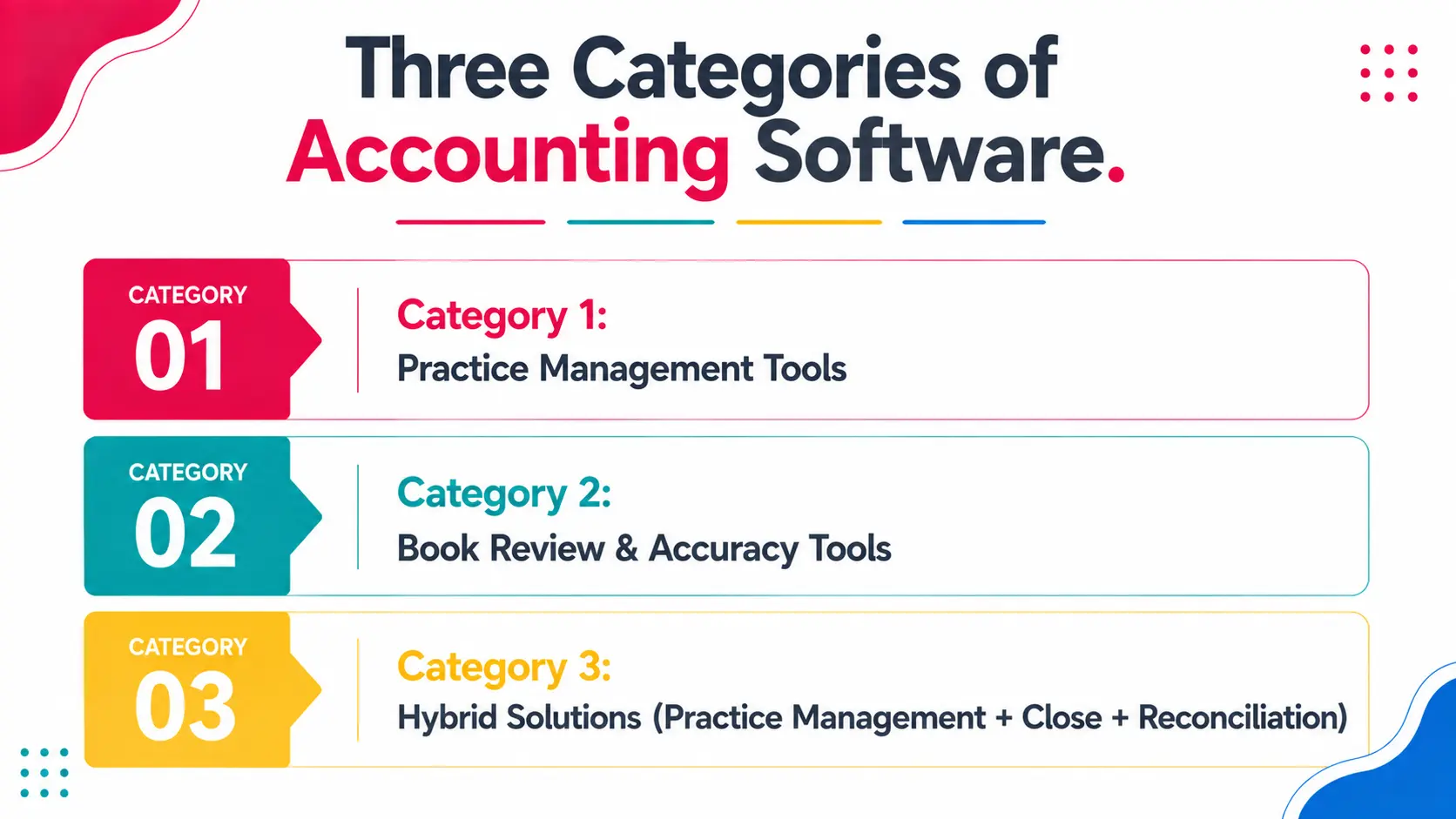
- Three categories of solutions exist.
- 1: Practice Management Tools (Karbon, Canopy, TaxDome) - Focus on workflow, task management, and team collaboration. Limited accuracy/review features.
- 2: Book Review & Accuracy Tools (Numeric, Uncat, Keeper) - Focus on catching errors and automating reconciliation. Limited practice management.
- 3: Hybrid Solutions (Xenett) - Combine practice management, close workflow, and error detection in one platform.
- This guide compares these categories and shows which tool is right for your firm size and service model.
The Accounting Tech Stack Problem
Most accounting firms operate with a fragmented tech stack.
Typical setup:
A 30-person firm managing 50 clients uses:
- Canopy (practice management) - Task management, timeline, client portal.
- QuickBooks Online (accounting software) - GL, AR, AP, basic close features.
- Numeric (reconciliation) - Automate account matching.
- Microsoft Teams (communication) - Team coordination and client updates.
- Google Drive (document storage) - Working papers, tax documents.
The problem with this setup:
Each tool has its own login, data structure, and workflow. Information does not flow between them automatically.
- Close status in Canopy does not automatically update when reconciliation completes in Numeric.
- Team cannot see which accounts are reconciled without logging into Numeric.
- Client does not know close status without checking Canopy.
- Close workpapers are scattered across QBO, Numeric, and Drive.
Cost of fragmentation:
- Context switching (team logs into 3-4 systems per day): 2-3 hours per person per week.
- Manual status updates (reconciliation complete in Numeric, but someone has to mark it done in Canopy): Error-prone.
- Integration gaps (data does not flow between systems): Rework and delays.
- Training complexity (new hire must learn 5 different systems).
The solution: Consolidate onto a single platform where practice management, close workflow, and reconciliation are integrated.
Three Categories of Accounting Software
Category 1: Practice Management Tools
Examples: Karbon, Canopy, TaxDome, FloQast (also a close platform), OfficeTools
Primary Focus: Workflow, task management, timeline, team collaboration, client portal
Strengths:
- Excellent task and project management.
- Client-facing portal (clients can see timeline and deliverables).
- Team collaboration (assignments, approvals, comments).
- Time tracking and billing integration.
- Good for managing project timelines and accountability.
Weaknesses:
- Limited financial accuracy features (no automated error detection).
- Limited reconciliation automation (basic matching only).
- Require integration with separate tools for close and reconciliation.
- Do not include accounting software (you still need QBO or Xero).
Best for:
- Firms that want a workflow tool and are willing to use separate tools for close and reconciliation.
- Firms that need client portal and public-facing timeline.
- Firms that already have a close process working well and want to improve task management only.
Not good for:
- Firms looking for an all-in-one solution.
- Firms that want integrated close and reconciliation.
Category 2: Book Review & Accuracy Tools
Examples: Numeric, Uncat, Keeper
Primary Focus: Error detection, duplicate identification, account matching, reconciliation automation
Strengths:
- Excellent at catching errors and anomalies.
- Automated account matching (eliminates manual reconciliation).
- Fast implementation (2-4 weeks).
- Lower cost than practice management tools.
- Purpose-built for reconciliation and accuracy.
Weaknesses:
- No task management or workflow.
- No client portal or communication features.
- Standalone tool (requires integration with practice management system).
- Do not include accounting software (you still need QBO or Xero).
Best for:
- Firms that have practice management working well and need to add reconciliation automation.
- Firms where accuracy is the primary pain point.
- Firms that want a specialist tool rather than an all-in-one solution.
Not good for:
- Firms looking for a comprehensive all-in-one solution.
- Firms that need practice management features (timeline, task management, client portal).
Category 3: Hybrid Solutions (Practice Management + Close + Reconciliation)
Examples: Xenett
Primary Focus: Integrated practice management, close workflow, and reconciliation in one platform
Strengths:
- Single platform (no context switching).
- Practice management + close workflow + reconciliation integrated.
- Real-time close visibility (which accounts are done, which are not).
- Faster close (2-3 days faster typical).
- Automated error detection built-in.
- Lower cost than buying separate tools.
- Purpose-built for mid-market accounting firms.
Weaknesses:
- Fewer practice management features than dedicated practice management tools (Karbon, Canopy).
- Not a multi-entity consolidation tool (FloQast/BlackLine are better for that).
- Newer to market (but 1,000+ firms using).
Best for:
- Firms managing 20-100+ clients who want practice management and close integrated.
- Firms that prioritize close speed and accuracy over bells-and-whistles workflow tools.
- Firms looking to consolidate 2-3 tools into 1.
Not good for:
- Firms with complex multi-entity consolidation needs (use FloQast/BlackLine instead).
- Firms with only 1-5 clients (overhead is unnecessary).
Detailed Feature Comparison Matrix
Software Recommendations: By Firm Size
Firms with 5-15 Clients
Situation: Team can manage close manually. Coordination is not the primary pain point.
Recommendation: Start with accounting software (QBO or Xero) + optional reconciliation tool.
Rationale: At this scale, overhead of practice management tool is not justified. Manual close process works.
Budget: $0-5,000/year (tool cost only; accounting software separate).
Setup: 1-2 weeks.
Tools to consider: Uncat (lightweight reconciliation), Keeper (simple error detection).
Firms with 15-40 Clients
Situation: Close is becoming a bottleneck. Team coordination is improving but not yet critical.
Recommendation Option A (Workflow First):
- Canopy or Karbon (practice management) + Numeric or Uncat (reconciliation).
- Cost: $20,000-50,000/year.
- Setup: 12-20 weeks (each tool separate).
- Best if: Client portal and public timeline are critical.
Recommendation Option B (Integrated):
- Xenett (practice management + close + reconciliation).
- Cost: $12,000-20,000/year.
- Setup: 2-3 weeks.
- Best if: Close speed and accuracy are priorities.
Most firms choose Option B (Xenett) because it is faster to implement and easier to manage.
Firms with 40-100+ Clients
Situation: Close is complex and time-consuming. Manual reconciliation is not feasible. Team coordination is critical.
Recommendation Option A (Best for Speed):
- Xenett (practice management + close + reconciliation).
- Cost: $18,000-35,000/year.
- Setup: 2-3 weeks.
- Close cycle improvement: 2-3 days faster.
Recommendation Option B (Best for Features):
- Canopy or Karbon (practice management) + Numeric or Xenett's Recs (reconciliation) + custom integrations.
- Cost: $30,000-60,000/year.
- Setup: 16-24 weeks.
- Close cycle improvement: 1-2 days faster (more overhead to manage multiple tools).
Recommendation Option C (Complex Consolidation):
- If you have multi-entity consolidation requirements: FloQast or BlackLine + Karbon.
- Cost: $50,000-150,000/year.
- Setup: 12-24 weeks.
Most firms at this scale choose Xenett if consolidation is not a requirement. It is faster, cheaper, and easier than a multi-tool setup.
Cost Comparison: Single Tool vs. Multi-Tool Approach
Scenario: 50-client firm
Option 1: Multi-Tool Approach
- Canopy (practice management): $20,000/year
- Numeric (reconciliation): $18,000/year
- QuickBooks Online (accounting): $1,000/year (plus add-ons)
- Total: $39,000/year
Hidden costs:
- Integration/API: $5,000 setup
- Training (5 tools): 40 hours
- Support time (tool coordination): 10 hours/month
Total cost (with hidden): $39,000 + $5,000 + $15,000 (value of time) = ~$59,000/year
Option 2: Integrated Approach (Xenett)
- Xenett (practice management + close + reconciliation): $20,000/year
- QuickBooks Online (accounting): $1,000/year
- Total: $21,000/year
Hidden costs:
- Integration: $0 (already built-in)
- Training (1 platform): 8 hours
- Support time: 2 hours/month
Total cost (with hidden): $21,000 + $0 + $2,000 = ~$23,000/year
Cost Savings: $36,000/year (Option 2 vs. Option 1)
The integrated approach is not only faster to implement and easier to use. It is significantly cheaper.
Real Scenario: Firm Consolidating from 4 Tools to 1
Firm Profile: 35-person accounting firm, 65 clients, mixed service lines (write-ups, reviews, tax).
Current Tech Stack:
- Karbon (practice management)
- Numeric (reconciliation)
- Xero (accounting software)
- Slack (team communication)
Problems:
- Close timeline in Karbon did not reflect reconciliation status from Numeric. Team members checked Numeric separately to see actual status.
- Reconciliation exceptions in Numeric were not visible in Karbon. Reviews were delayed waiting for reconciliation to complete.
- Client did not know close status (not on Karbon timeline).
- Team spent 3-4 hours per week logging into different systems and updating status across platforms.
- New hire took 3 weeks to learn all the tools and workflows.
Decision: Migrate to Xenett.
Implementation (3 weeks):
Week 1: Data migration (historical close data from Karbon, client list), training setup. Week 2: Parallel run (run new close in Xenett while still using Karbon for backup). Week 3: Cutover (Karbon retired, all new close in Xenett).
Results (Month 1):
- Context switching eliminated (1 login instead of 4).
- Close cycle: 8 days → 5 days.
- Team reconciliation responsibility reduced 40% (Numeric automated matching was now built-in).
- Errors found and corrected before review: 98% (vs. 75% prior).
- Client satisfaction: Improved (close was faster and more reliable).
Cost impact:
- Numeric cost eliminated: $18,000/year.
- Xenett cost: $20,000/year.
- Time savings (context switching + status updates): 200 hours/year = $10,000 value.
- Net savings: $8,000/year. Plus 3-day close improvement.
Xenett Spotlight: How Xenett Bridges Practice Management + Close + Reconciliation
Xenett is the only platform that integrates practice management, close workflow, and automated reconciliation.
Xenett's Approach:
1. Practice Management Core
- Task management with team assignments.
- Project timelines showing all close activities.
- Client communication portal (status updates).
- Document library (close workpapers, tax docs).
2. Close Dashboard
- Real-time visibility into close status across all clients.
- Which accounts are complete, in progress, or have exceptions.
- Which accounts have open reconciliation items.
- Which reviews are pending.
3. Reconciliation Automation
- GL-to-sub-ledger matching (AR, AP, fixed assets, accruals).
- Automated flagging of duplicates, uncategorized entries, and mispostings.
- Exception workflow (exceptions are routed to the right person for review).
- Documentation (reconciliation workpapers auto-generated).
4. Review Workflow
- Reconciliations move from preparer → reviewer → partner with comments.
- Sign-off captured electronically.
- Audit trail complete.
Result: A firm manages practice management, close workflow, and reconciliation in a single platform. No context switching. No manual status updates. Fast close.
Comparison: Xenett vs. Karbon vs. Canopy vs. FloQast
Xenett vs. Karbon
Xenett wins on:
- Close integration (Karbon requires separate close tools).
- Reconciliation automation (Karbon has none).
- Speed (Xenett goes live in 2-3 weeks; Karbon in 8-12 weeks).
- Cost (Xenett is half the price for comparable features).
Karbon wins on:
- Workflow customization (Karbon is more flexible).
- Time tracking & billing (Karbon is mature).
- Client portal features (more mature).
For close-focused firms: Xenett. For workflow-focused firms: Karbon.
Xenett vs. Canopy
Xenett wins on:
- Close integration & speed.
- Reconciliation automation.
- Cost (Xenett is cheaper).
- Easier to implement.
Canopy wins on:
- More comprehensive practice management features.
- Larger user base (more established).
- More app integrations.
For close speed: Xenett. For comprehensive PM features: Canopy.
Xenett vs. FloQast
Xenett wins on:
- Faster implementation (2-3 weeks vs. 12-24 weeks).
- Lower cost ($20K vs. $50K+).
- Easier to use (built for mid-market, not enterprise).
FloQast wins on:
- Multi-entity consolidation (FloQast is superior).
- Regulatory compliance features (for heavily regulated firms).
- Larger feature set (for very complex requirements).
For mid-market firms (20-100 clients): Xenett. For enterprise or complex consolidation: FloQast.
FAQs
What is the most important feature in accounting software?
It depends on your firm size and pain point.
- For firms under 20 clients: Accuracy/error detection is most important.
- For firms 20-100 clients: Close speed and workflow integration are most important.
- For enterprise firms: Consolidation and regulatory compliance are most important.
Identify your primary pain point, then choose software that solves it.
Can I use multiple tools together?
Yes, but integration is often manual or requires custom APIs. The more tools you use, the more coordination overhead you have.
A single integrated platform is always easier to manage than multiple specialized tools, even if the integrated tool has slightly fewer features.
What is the typical ROI for accounting software?
For firms managing 40+ clients:
- Time saved (close acceleration + automation): $50,000-150,000/year.
- Errors prevented: $10,000-30,000/year (audit fees, rework, client issues).
- Tool cost: $10,000-50,000/year (depending on tools chosen).
- Net ROI: 100-300% in year one.
Payoff period is typically 2-4 months.
How long does implementation take?
Practice management tools (Karbon, Canopy): 8-12 weeks. Reconciliation tools (Numeric, Uncat): 4-6 weeks. Integrated solutions (Xenett): 2-3 weeks. Enterprise platforms (FloQast, BlackLine): 12-24 weeks.
Is there a free trial?
Most tools offer a free trial (14-30 days) or a demo. Use the trial to validate that the tool solves your specific problem before committing.
What if I need customization?
All tools support some customization. Practice management tools (Karbon, Canopy) are more flexible. Reconciliation tools (Numeric) are more rigid.
Discuss specific requirements with the vendor before signing the contract.
Can I switch tools later if I choose wrong?
Yes, but switching costs time, effort, and temporary disruption to your close process. Choose thoughtfully the first time.
Historical data can usually be migrated, but team workflows and approvals will need to be re-established in the new tool.
Conclusion
The fragmented tech stack approach (separate practice management, reconciliation, and close tools) is outdated. Integration overhead and context switching delay close and frustrate teams.
The future is integrated platforms where practice management, close workflow, and reconciliation are unified.
For most mid-market accounting firms (20-100+ clients), an integrated solution like Xenett is the right choice. It is faster to implement, easier to use, cheaper, and delivers a faster close.
For firms with complex consolidation needs, enterprise platforms like FloQast are appropriate (but expect longer implementation and higher cost).
For firms just starting to systematize close, a lightweight reconciliation tool (Numeric, Uncat) combined with your current practice management tool is a starting point.
The key: Choose based on your primary pain point and firm size. Do not try to solve every problem with one tool. Identify what is slowing your close the most, and choose software that solves that specific problem.
Xenett solves the integration problem and close speed problem simultaneously.
See how integrated software accelerates your close.
Book a 15-Minute Demo | Get a Personalized
It depends on your firm size and pain point. For firms under 20 clients: Accuracy/error detection is most important. For firms 20-100 clients: Close speed and workflow integration are most important. For enterprise firms: Consolidation and regulatory compliance are most important. Identify your primary pain point, then choose software that solves it.
Yes, but integration is often manual or requires custom APIs. The more tools you use, the more coordination overhead you have. A single integrated platform is always easier to manage than multiple specialized tools, even if the integrated tool has slightly fewer features.
For firms managing 40+ clients: Time saved (close acceleration + automation): $50,000-150,000/year. Errors prevented: $10,000-30,000/year (audit fees, rework, client issues). Tool cost: $10,000-50,000/year (depending on tools chosen). Net ROI: 100-300% in year one. Payoff period is typically 2-4 months.
Practice management tools (Karbon, Canopy): 8-12 weeks. Reconciliation tools (Numeric, Uncat): 4-6 weeks. Integrated solutions (Xenett): 2-3 weeks. Enterprise platforms (FloQast, BlackLine): 12-24 weeks.
Most tools offer a free trial (14-30 days) or a demo. Use the trial to validate that the tool solves your specific problem before committing.
All tools support some customization. Practice management tools (Karbon, Canopy) are more flexible. Reconciliation tools (Numeric) are more rigid. Discuss specific requirements with the vendor before signing the contract.