
.svg)

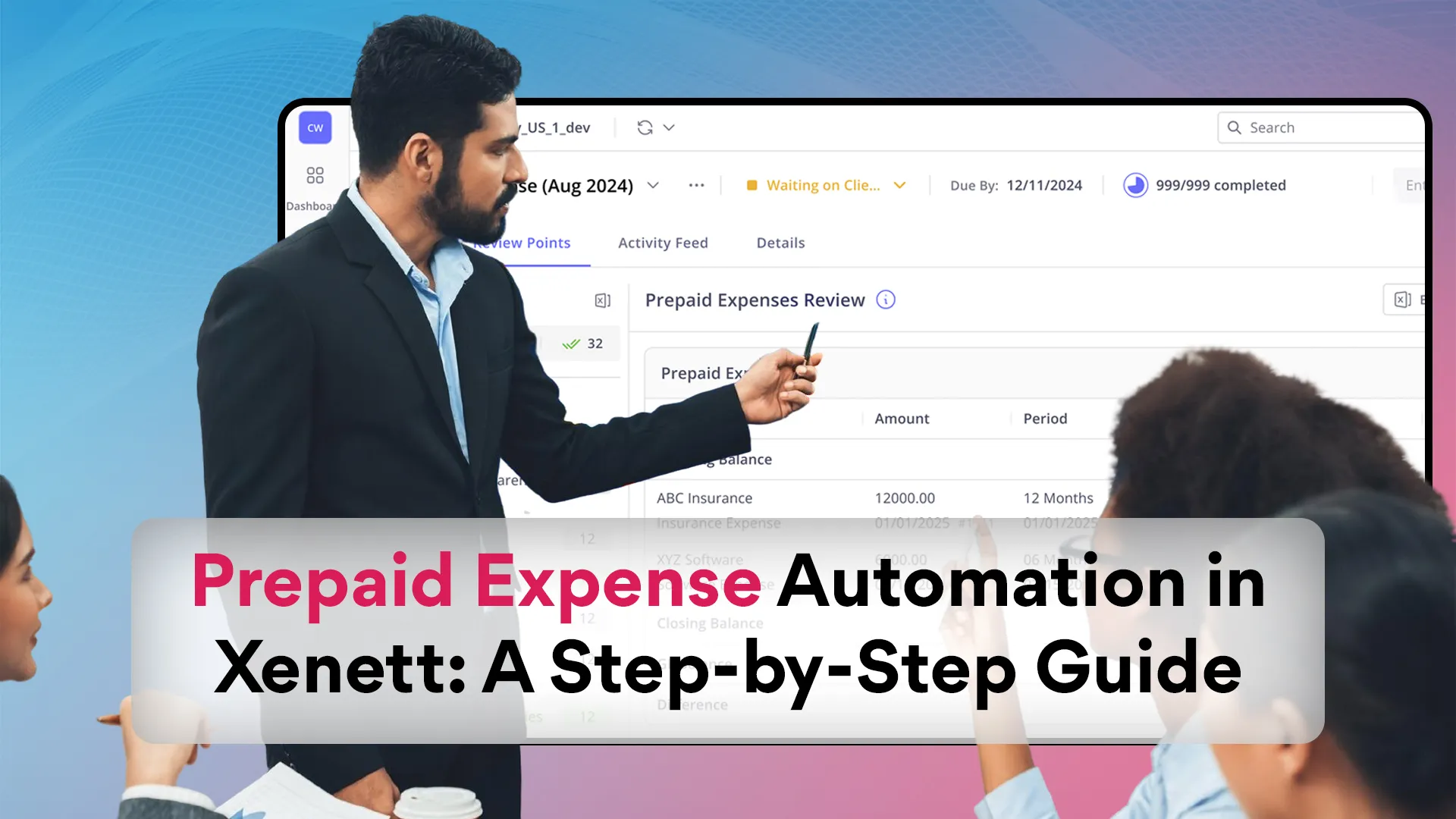
Prepaid Expense Automation in Xenett: A Step-by-Step Guide

Ask questions, get summaries, or uncover key takeaways from this article.
Let’s be honest!
Tracking prepaid expenses manually is one of those tasks that quietly eats away hours every month.
I’ve been there.
You make an initial payment for software, insurance, or lease. You record it somewhere... and then every month, you have to move a tiny portion into your expense account.
Miss one, and your balance sheet starts looking suspiciously off. Miss two, and your income statement won’t make any sense.
That’s exactly why I started using Xenett. It turned what used to be a spreadsheet nightmare into a smooth, automated flow.
In this blog, I’ll walk you through everything. What prepaid expenses really are, why they matter, how the matching principle comes into play, and how Xenett automates the entire recognition process step by step.
What Are Prepaid Expenses, Really?
A prepaid expense (also called a prepaid asset) is something you pay for before you actually get the benefit.
Think of things like:
- Prepaid insurance — you pay the whole year upfront.
- Software licenses — annual subscriptions paid once but used monthly.
- Lease payments or building insurance — prepaid for future coverage.
- Even travel or event costs, if you pay ahead of time.
When you make that initial payment, it doesn’t hit your income statement right away. Instead, it lands on the asset side of your balance sheet, under current assets.
Over time, month by month. You move a portion of that prepaid asset into your expense account, following the matching principle in accounting standards.
This simply means expenses should match the period in which the benefit is used, not when the cash left your cash account.
That’s why accurate expense recognition is such a big deal. It keeps your financial statements balanced, your profit and loss statement clean, and your financial reporting trustworthy.
Why Automating Prepaid Expenses Matters
I’ll be honest! I used to manage prepaids in Excel. It worked… until it didn’t.
The problems were always the same:
- Forgetting an adjusting journal entry
- Losing track of prepaid balances
- Misstating current liabilities and current assets
- Endless back-and-forth at month-end close
When I switched to Xenett, it felt like someone finally fixed the system.
Here’s why automation changes everything:
- Time Saved: Xenett automatically calculates and posts adjusting entries, so you don’t have to spend hours every month.
- Error-Free Accounting: No more duplicate entries, missed amortizations, or misclassified expenses.
- Real-Time Reporting: You can see how much of your prepaid asset remains, how much has been expensed, and what’s due next month.
- Financial Close Simplicity: No more scrambling at month-end. Xenett syncs with your accounting system, posts the journals, and your financial statements stay in sync.
- Compliance: Automation helps you stick to accounting standards and the matching principle without second-guessing.
Basically, I get to spend more time analyzing my financial processes instead of correcting them.
When to Automate Prepaid Expense Recognition
If you’re wondering whether it’s worth setting up prepaid automation, ask yourself a few questions:
- Do you often prepay for software subscriptions or software licenses?
- Do you have recurring lease payments or insurance policies?
- Do you close books monthly and spend hours on adjusting journal entries?
- Do you handle multiple clients or departments in one accounting platform?
If you said yes to any of these, it’s time to automate prepaid expense recognition.
Because once the number of prepaids crosses ten or twenty a month, manual tracking starts breaking down fast.
Where Prepaid Expenses Show Up on Financial Statements
Understanding how prepaids move through your financial statements makes automation easier to appreciate.
On the Balance Sheet
At first, prepaid expenses sit under current assets.
They’re not cash and not exactly receivables, but they are still future benefits your business owns.
Each month, as you recognise part of that prepaid amount, the asset account decreases.
On the Income Statement
The recognised portion shows up as an expense. Usually under categories like “Prepaid Insurance” or “Software Subscription Expense.”
This keeps your profit and loss statement clean and accurate.
On the Cash Flow Statement
You’ll see the cash outflow when you make the initial payment. The monthly expense recognition doesn’t impact cash, just accounting.
Automation ensures all this happens seamlessly, and you never have to chase down missing entries.
Who Benefits from Prepaid Automation
I’d say almost everyone in accounting or finance gets something out of it:
- If you’re a CFO or controller, it keeps your financial reporting precise and audit-ready.
- If you’re an accountant, it saves hours of manual amortization and spreadsheet chaos.
- If you’re handling vendor payments or virtual cards, automation ensures your cash activity aligns with proper expense recognition.
- And if you’re in financial planning, you get accurate visibility on upcoming expenses and deferred expenses that impact forecasts.
In short, if you touch numbers, automation helps.
How Xenett Automates Prepaid Expenses
Alright, let’s get practical.
Here’s how I set up prepayment automation inside Xenett... and how you can too.
Step 1: Configure Your Settings
Inside Xenett, I went to the Prepaid Expense module and set a few parameters:
- Start Date: From when I wanted Xenett to start tracking prepaid transactions.
- Threshold Amount: I set it to ₹2,000 — anything below that wasn’t worth amortizing.
- Memo Format: Xenett detects the service period based on memo text (like “for the period Jan–Dec 2026”).
- Accounts Mapping: I mapped my asset account (“Prepaid Expenses”) and expense account (“Insurance Expense” or “Software Expense”).
- Auto Entry: I turned this on so new prepaid transactions were picked up automatically.
That’s it! The base setup takes less than 10 minutes.
Step 2: Import or Sync Transactions
Xenett connects directly to accounting platforms like QuickBooks or Xero.
It pulled in all transactions matching my criteria, things like:
- Annual software licenses
- Lease payments
- Prepaid insurance policies
- Server hosting fees
- Even travel or event costs
It reads the memo, detects the coverage period, and flags them as potential prepaids.
Step 3: Review the Month-Wise Prepaid Table
This is one of my favorite parts.
Xenett creates a month-wise prepaid expense view showing:
- Opening balance (remaining prepaid amount)
- Current month recognition (the amortized portion)
- Closing balance (remaining prepaid asset)
If something doesn’t match your accounting system, Xenett marks it as a mismatch so you can fix it before month-end.
You can even add missing schedules manually or adjust existing ones.
Step 4: Let Xenett Post Journal Entries
Every month, Xenett automatically drafts or posts the necessary adjusting journal entries.
So instead of doing this manually 20 times, it’s just done, instantly.
Example:
Debit: Insurance Expense (Expense Account)
Credit: Prepaid Insurance (Asset Account)
Your cash account was already hit at payment time, so this entry just moves the expense where it belongs.
This simple automation saves hours, and keeps your financial close clean.
Step 5: Review at Month-End
Before closing the books, I check Xenett’s real-time reporting dashboard.
It shows:
- Total prepaid assets left on the balance sheet
- Monthly expense recognised on the income statement
- Remaining schedules or mismatches needing attention
With one glance, I can confirm that my financial statements are aligned... no surprises during review or audit.
Step 6: Make Adjustments When Needed
If something changes, say, a subscription gets canceled early or a credit note arrives. I can edit the schedule in Xenett.
I can adjust:
- Amounts
- Dates
- Periods
It updates everything instantly, so I don’t need to redo formulas or re-upload anything.
That flexibility keeps your financial processes smooth, especially when dealing with FX rates, interest costs, or multiple vendor payments.
Example: How It Looks in Real Life
Let’s say I pay ₹120,000 on January 1 for an annual software subscription.
Here’s what happens:
- I record the initial payment in my accounting system:
- Debit Prepaid Software ₹120,000
- Credit Cash Account ₹120,000
- Xenett detects the memo (“for the period Jan 1 to Dec 31”) and creates a 12-month amortization schedule.
- Every month, it automatically posts:
- Debit Software Expense ₹10,000
- Credit Prepaid Software ₹10,000
- My balance sheet now shows the prepaid asset reducing monthly, and my income statement records the expense correctly each month.
By year-end, everything ties out perfectly, without me touching a spreadsheet once.
Common Mistakes I’ve Seen (and How Xenett Fixes Them)
Here are a few pitfalls I’ve seen accountants fall into:
- Booking prepaid items directly to expense → messes up both your balance sheet and profit and loss statement.
- Forgetting adjusting entries → leaves prepaid balances hanging forever.
- Misstating periods → violating the matching principle.
- Overwriting schedules when a credit note or change occurs.
Xenett solves all of these.
Its automated systems and real-time processing keep every prepaid schedule accurate, and its AI ensures your accounting rules are followed down to the detail.
Why Prepaid Automation Improves Financial Reporting
When your prepaid schedules are automated:
- Your financial statements always reflect the real story.
- Your balance sheet stays accurate with proper current assets.
- Your income statement shows only what belongs to the period.
- Your cash flow statement lines up with real cash outflows.
- Your financial close becomes faster and cleaner.
- And audits? Practically stress-free.
It’s more than just automation. It’s clarity in your accounting.
Tips for Getting the Most Out of Xenett
If you’re setting this up soon, here’s what I’ve learned the hard way:
- Use clear memos like “for the period Jan–Dec 2026”. That’s how Xenett’s natural language algorithms detect duration.
- Keep your threshold reasonable... not every small subscription needs amortizing.
- Always map the right asset account and expense account before enabling automation.
- Include prepaid review in your month-end checklist.
- Train your users... Xenett is intuitive, but a little user training goes a long way.
- If you handle POs, goods receipts, or GR/IR accounts, double-check they follow your firm’s spend policies.
Once your system is set, Xenett handles everything automatically.
Wrapping It All Up
What: Prepaid expenses are advance payments that sit on your balance sheet as current assets, gradually moving to your income statement as expenses.
Why: To follow the matching principle, keep financial reporting accurate, and save time.
When: Whenever you pay for future benefits like software subscriptions, lease payments, or insurance.
Where: Prepaid assets live under current assets; their amortized portion shows on your income statement.
Who: Accountants, CFOs, controllers, auditors, anyone dealing with financial statements or financial close.
How: Configure Xenett, sync transactions, review schedules, let it post draft journals, and monitor your results, all automated.
Managing prepaid expenses doesn’t have to be a monthly grind.
I’ve seen how easily automation tools like Xenett transform messy schedules into clean, reliable insights.
When you automate prepayments, you don’t just save time... you gain control.
Your balance sheet stays accurate, your income statement reflects reality, and your financial processes stop running on spreadsheets.
Whether it’s prepaid insurance, software licenses, or lease payments, the key is the same:
record once, automate forever.
So if you’re still handling prepaids manually, give Xenett a try.
Because once you experience real-time, AI-powered prepaid tracking, you’ll wonder how you ever closed books without it.



.webp)