.svg)

Month End Close Automation: What to Automate and Why

Ask questions, get summaries, or uncover key takeaways from this article.
Quick Summary
- Month-end close automation means systematizing repeatable close steps in the month-end close process. Think capture → reconcile → review → approve → report.
- Fast wins come from imports, matching, reconciliations, variance review, approvals, and close status visibility.
- Biggest risk: you automate work, but you do not standardize review. That makes errors move faster.
What Is Month-End Close Automation?
Month-end close automation means you use systems to run repeatable close work. You reduce manual steps like exports, copy‑paste, and spreadsheet roll‑forwards.
It often includes:
- Imports and sync from banks, payroll, AR, AP, and expense tools
- Matching and reconciliation support
- Variance checks and exception lists
- Task routing and approvals
- Reporting package assembly
Automation can include rules, templates, integrations, and AI-assisted review, plus automating accounting workflows end to end. However, accountants still use judgment. Automation should not remove accountability.
Month-End Close Automation vs. Close Process Automation
Month-end close automation focuses on the monthly cycle. Close process automation covers the whole close program across periods and entities.
Use these terms like this:
- Month-end close automation: monthly tasks and monthly reporting cadence
- Close process automation: month-end, quarter-end, year-end, plus consolidation
- Financial close automation / accounting close automation: broad terms buyers use when they compare tools
If your search intent includes multi-entity, multi-ledger, or consolidation, you likely mean close process automation. If you mean “finish the month faster,” you likely mean month-end close automation.
What “Good” Looks Like: The Automated Month-End Close Process
A good automated month end close process follows a simple flow. It pushes humans toward exceptions and review.
High-level flow:
- Capture & categorize transactions
- Reconcile & validate balances
- Review & investigate variances (flux)
- Post adjustments (as needed)
- Approve & lock period
- Publish month-end reporting package
Why Automate the Month-End Close?
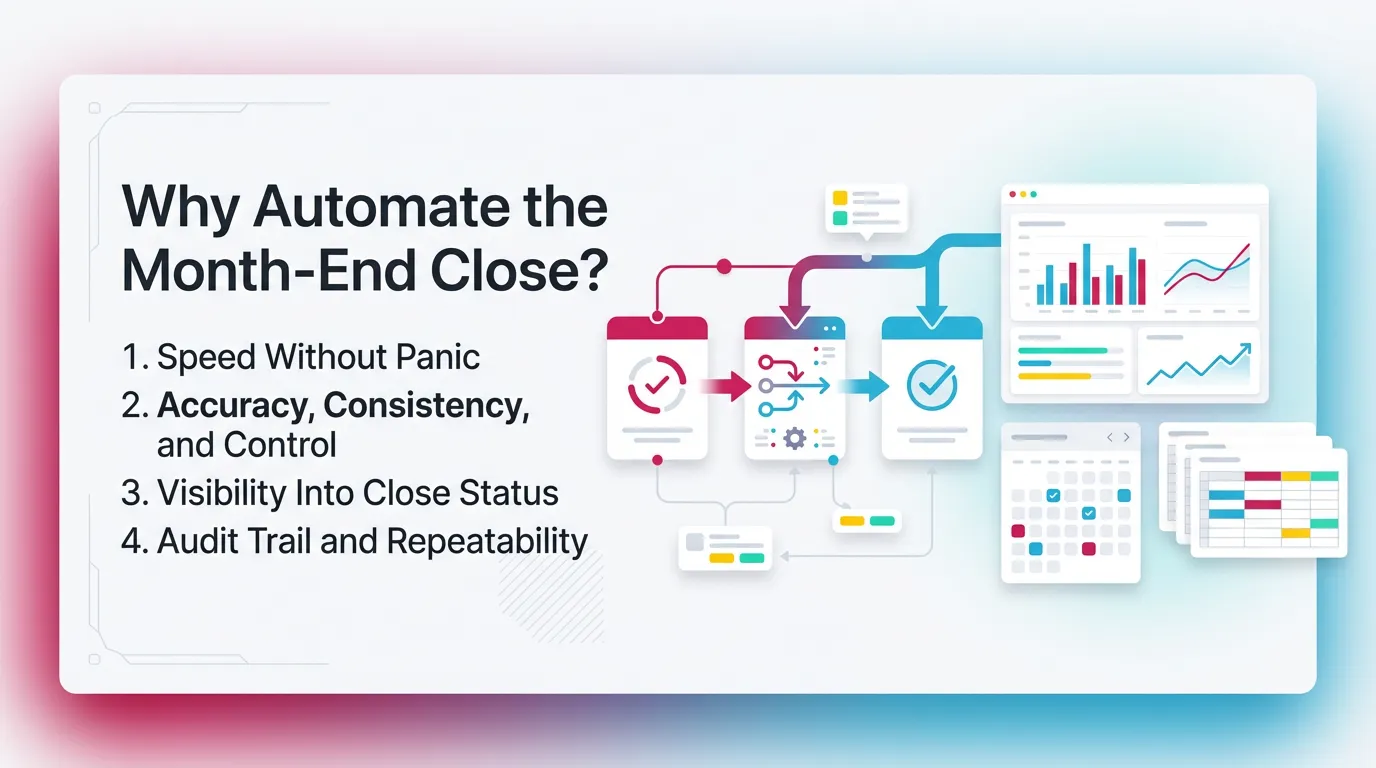
Speed Without Panic
Automation reduces late cleanups. It also reduces “surprise work” on day five—one of the common close challenges teams face.
For example, bank transactions arrive daily. Matching runs continuously. Therefore, you do less catch-up during close week.
Accuracy, Consistency, and Control
Accounting close automation improves consistency. It makes every preparer follow the same standards and best practices for closing the books.
It also reduces:
- Missing entries that only one person remembers
- Recons that “tie” but do not explain changes
- Variance explanations that never get documented
Visibility Into Close Status
A close breaks when work hides in email and DMs. Financial close automation should show status by entity and by account using financial close management strategies.
You want visibility into:
- What finished
- What blocked
- Who owns it
- What evidence supports it
Therefore, handoffs become predictable. That matters in firms and in multi-entity teams.
Audit Trail and Repeatability
Automation creates history. You can see what changed and who approved.
That supports:
- Internal controls
- Leadership review
- Client review
- Repeatable close quality
This supports close integrity. It does not mean you perform audit work. Keep that line clear.
What to Automate in the Month-End Close
A Simple Rule: Automate High-Volume + High-Frequency + Low-Judgment Tasks First
Automate what repeats and stays consistent. Do not automate what needs heavy judgment.
Start here:
- High volume
- High frequency
- Clear rules
- Easy evidence
Keep these human-led:
- Complex estimates
- Policy decisions
- Unusual transactions
- One-off cleanup
This answers the intent behind what to automate in month end close. You want ROI without risk.
The 12 Close Activities Most Teams Automate First
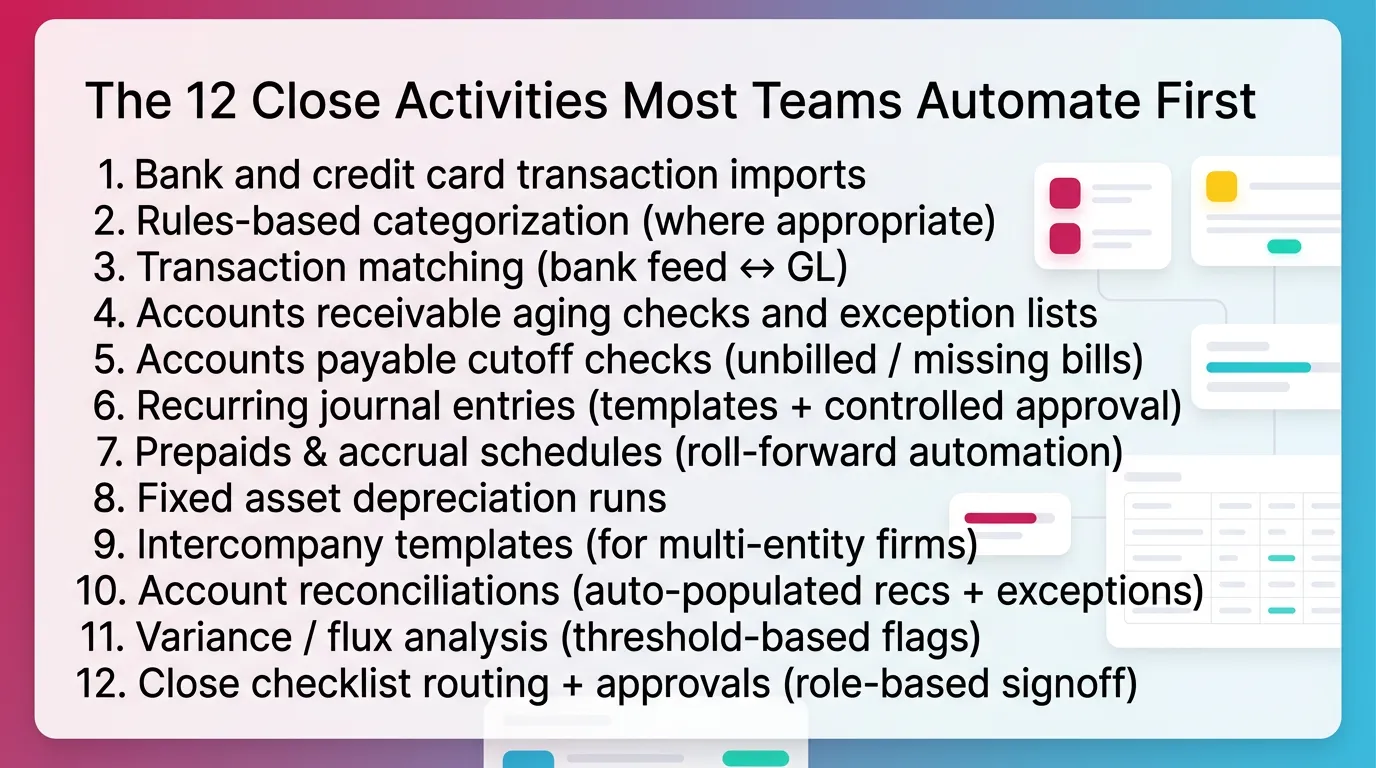
These often deliver the fastest impact. They also reduce avoidable rework.
- Bank and credit card transaction imports
- Rules-based categorization (where appropriate)
- Transaction matching (bank feed ↔ GL)
- Accounts receivable aging checks and exception lists
- Accounts payable cutoff checks (unbilled / missing bills)
- Recurring journal entries (templates + controlled approval)
- Prepaids & accrual schedules (roll-forward automation)
- Fixed asset depreciation runs
- Intercompany templates (for multi-entity firms)
- Account reconciliations (auto-populated recs + exceptions) for streamlining account reconciliation
- Variance / flux analysis (threshold-based flags)
- Close checklist routing + approvals (role-based signoff)
Practical example from the field:
A controller I worked with ran close in eight business days. The team spent two days on bank recs. They imported bank activity daily. They matched rules-based items automatically. Close dropped to five days. The biggest win came from fewer “unknowns,” not faster typing.
What Not to Automate Blindly
Do not automate areas that can create silent errors.
High-risk areas:
- Judgment-heavy items like revenue recognition edge cases
- Complex accrual estimates without stable drivers
- Unusual classification decisions
- One-off corrections without review logic
- Work with weak source data or unstable mappings
If you automate these without guardrails, you build faster failure.
Framework: How to Implement Close Process Automation Without Losing Control
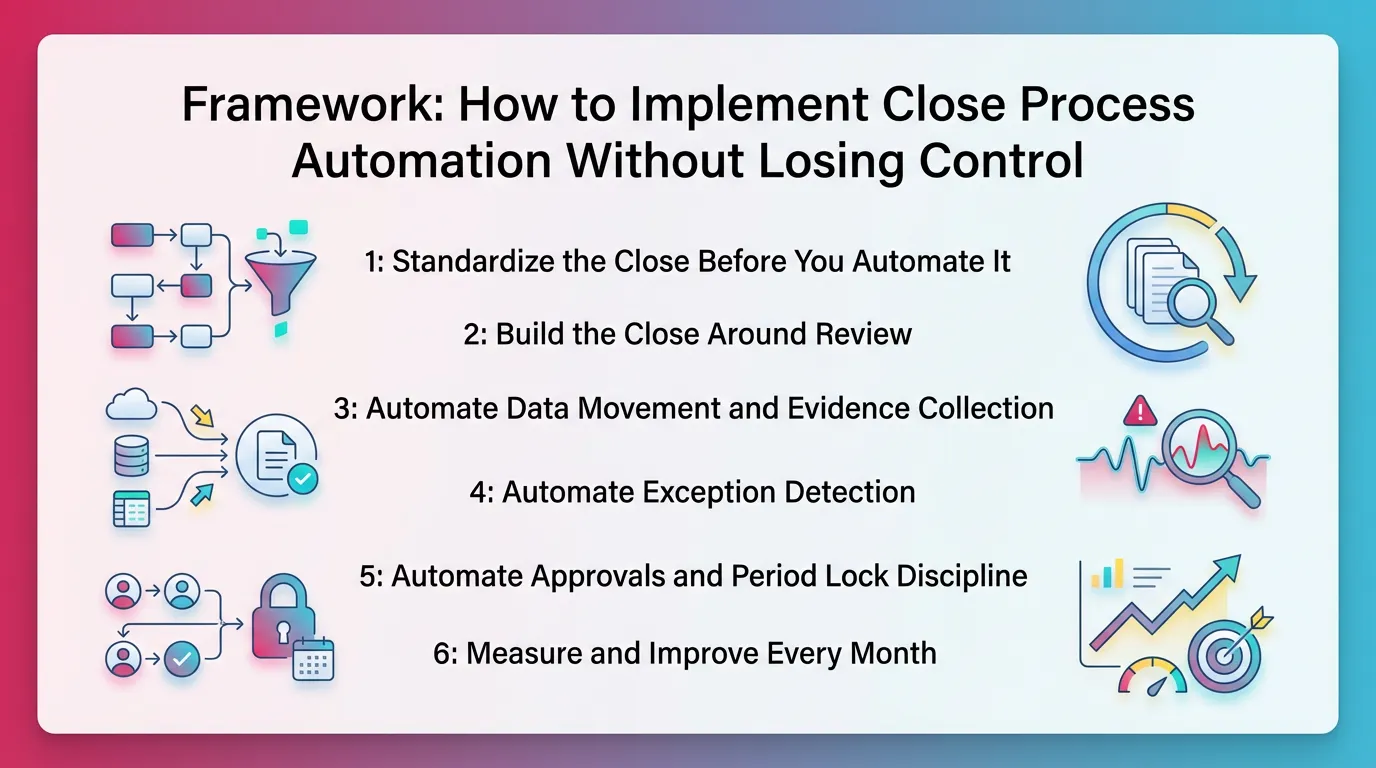
Step 1: Standardize the Close Before You Automate It
Standardize first. Then automate. That order protects you.
Do this per client or entity:
- Create one source-of-truth comprehensive close checklist
- Assign an owner, reviewer, and approver for each step
- Define “done” in plain language
Definition of done matters most for:
- Reconciliations
- Variance explanations
- Accrual support
- Period lock readiness
Step 2: Build the Close Around Review
Review acts as the control point. It tells you what needs work.
You want the close to run like this:
- Review flags issues
- Tasks exist to resolve issues
- Approvals confirm resolution
- Reports publish after review clears
If you only track task completion, people will check boxes. Balances can still be wrong.
Step 3: Automate Data Movement and Evidence Collection
Automate movement first. You cannot review what you cannot see.
Common integrations:
- Accounting system (QBO, Xero, NetSuite, Sage Intacct)
- Banks and credit cards
- Payroll
- Bill pay and AP
- Expense tools
- Revenue systems
Also automate evidence collection:
- Auto-attach bank statements
- Store schedules with the rec
- Keep variance notes with the account
Step 4: Automate Exception Detection
Exception detection drives leverage. It cuts review time without cutting review quality.
Use:
- Thresholds based on materiality
- Period-over-period consistency checks
- Missing activity checks
- Unexpected account behavior checks
Examples that work well:
- “Payroll expense varies by > 8% without headcount change.”
- “Deferred revenue dropped but billings stayed flat.”
- “AR aging shows credits older than 60 days.”
Therefore, reviewers spend time where risk lives.
Step 5: Automate Approvals and Period Lock Discipline
Approvals protect the close. They stop premature reporting.
Use:
- Role-based signoff
- Timestamped approvals
- Reviewer gating before “complete”
- Period lock rules that match risk
For example, you can lock earlier for low-risk clients. You can lock later for high-change entities.
Step 6: Measure and Improve Every Month
Close process automation should improve over time. Track friction like you track finance metrics.
Measure:
- Close cycle time
- Task aging by owner and type
- Top recurring anomalies by account
- Rework rate after review
Set elimination goals:
- Reduce manual checks
- Reduce repeated anomalies
- Reduce “missing data” blockers
Month-End Close Automation Tools
Tool Categories
Month end close automation tools usually fall into these categories:
- Core accounting system (QBO, Xero, ERP)
- Bank feed & transaction matching
- Reconciliation tooling
- Close checklist & close management
- Variance/flux review and anomaly detection
- Reporting package automation and distribution
- Data pipeline / ETL for complex stacks
Most teams already own the ledger. They usually lack standard review and workflow control. That gap creates messy closes.
Evaluation Checklist: What to Look For in Accounting Close Automation
Use this checklist when you evaluate tools. It keeps you focused on control, not features.
Look for:
- Review integrity: consistent standards across accounts and staff
- Exception-first workflows: surface issues early
- Audit trail (non-audit): change history, approvals, notes
- Role clarity: preparer vs reviewer vs approver
- Visibility: close status, blockers, aging work
- Integration depth: ledger, banks, and key apps
- Configurability: per entity without fragile setups
If you cannot enforce review, you cannot trust speed.
Quick Comparison of Tool Capabilities
AI for Month-End Close: Where It Helps
What AI Is Good At in the Close
AI for month end close helps with review support. It speeds triage and explanation.
Strong use cases:
- Turn plain language into review rules and checks
- Summarize flux drivers and likely causes
- Cluster exceptions so reviewers see patterns
- Draft variance narratives for human editing
Therefore, AI supports better review coverage. It does not replace it.
What AI Should Not Be Doing Unsupervised
AI should not act without accountable approval.
Avoid unsupervised AI for:
- Posting journal entries without review
- Reclassing transactions without approval
- Overriding your accounting policy
- “Fixing” reconciliations by forcing ties
These actions create hidden risk. They also weaken your control environment.
“AI-Assisted, Not AI-Led”: A Practical Standard for AI-Powered Close Process Automation Platforms
Use a simple standard for ai-powered close process automation platforms.
- Humans define policy and materiality
- Humans approve outcomes
- AI supports detection, prioritization, and explanation
- Systems enforce consistency
- Accountants keep judgment
This keeps AI useful and safe. It also matches how real teams operate.
Best Practices for Month-End Close Automation
Best Practice 1: Standardize Review Logic Across Accounts
Standardize review logic first. Then your checklist means something.
Define expected behaviors by account type:
- Cash: ties to bank. Explains reconciling items.
- AR: ties to subledger. Reviews old credits.
- Accrued expenses: rolls forward with support for managing accrual entries efficiently.
- Revenue: matches policy and billing drivers.
Then set thresholds:
- Absolute dollar
- Percent change
- Combined “either/or” rules
Best Practice 2: Design for Early Detection Over Late Cleanup
Run checks during the month. Do not wait for day one of close.
Examples:
- Weekly bank rec progress
- Mid-month flux checks on top accounts
- AP cutoff review before the last day
Therefore, you turn close week into final review, not detective work.
Best Practice 3: Create a Clear Approval Chain
Use a consistent approval chain. Do not improvise each month.
Pattern:
- Preparer completes and documents
- Reviewer clears exceptions and approves
- Final approver confirms close readiness and locks
Ensure no one can mark steps complete without review criteria met.
Best Practice 4: Use Exception Queues
Use exception queues to focus attention. Do not review noise.
Tune alerts:
- Start broad
- Track false positives
- Adjust thresholds
- Suppress known seasonality with notes
This makes review faster. It also makes it better.
Best Practice 5: Maintain Evidence and Notes Inside the Close System
Keep evidence where the work lives. Do not split it across tools.
Capture:
- Variance explanations
- Support links and attachments
- Who decided and why
- Final approval timestamps
This builds repeatability. It also protects institutional knowledge.
Common Mistakes in Close Process Automation
Mistake 1: Automating Broken Processes
Fix the process first. Then automate.
If your chart of accounts changes weekly, automation will fail. If mappings stay inconsistent, AI and rules will misfire.
Start with:
- Stable account mapping
- Clear cutoff rules
- Defined owners
- Consistent evidence standards
Mistake 2: “Checklist Completion” Without Account-Level Review
A checked box does not equal a reviewed account.
Avoid this by requiring:
- Reconciliation support attached
- Variance note when thresholds trigger
- Reviewer signoff before completion
This keeps accounting close automation honest.
Mistake 3: Too Many Tools, No Owner
Tool sprawl creates blind spots. It also creates duplicate work.
Assign ownership:
- One owner for close workflow
- One source of truth for status
- Clear rules for where evidence lives
Therefore, teams stop chasing information.
Mistake 4: No Thresholds = Either Noise or Missed Issues
No thresholds create chaos.
- Too tight: you flag everything. People ignore alerts.
- Too loose: you miss real issues. You get false confidence.
Start with reasonable thresholds. Adjust monthly based on outcomes.
Mistake 5: Approvals in Chat, Evidence in Email, Reality in Spreadsheets
This destroys repeatability. It also creates risk in staff changes.
Centralize:
- Approvals
- Notes
- Evidence
- Status
That makes your automated month end close process sustainable.
How Xenett Operationalizes a Review-First Month-End Close
Xenett’s Role in the Close: Review Integrity First, Then Resolution Workflows
Xenett acts as a review-first accounting system. It helps teams enforce consistent account-level review across the P&L and Balance Sheet.
Xenett supports month-end close automation by anchoring work in review findings. For example, it surfaces anomalies, missing entries, and unexpected flux. Then it drives resolution.
Close Task and Checklist Management
Xenett creates close work from what review finds. That reduces busywork.
This approach helps teams:
- Prioritize tasks that fix real issues
- Standardize “definition of done” by account
- Avoid checking boxes that do not change outcomes
Therefore, task completion aligns with close quality.
Review and Approval Workflows
Xenett supports a preparer → reviewer workflow. It helps teams keep review consistent across staff and clients.
You can enforce:
- Who prepares
- Who reviews
- Who approves
- When signoff happens
This supports close discipline without adding meetings.
Visibility Into Close Status and Bottlenecks
Xenett improves close visibility. It shows what blocks close and why.
This helps when you manage:
- Multiple entities
- Multiple clients
- Mixed staff levels
- Parallel close timelines
You no longer rely on memory to know what remains open.
FAQ: Month-End Close Automation
What is month-end close automation?
Month-end close automation uses systems and rules for repeatable close tasks. It covers imports, reconciliations, variance checks, approvals, and reporting steps. It speeds the close while keeping review consistent.
What should I automate in the month-end close first?
Start with high-volume, repeatable steps. Automate transaction imports, matching, reconciliations, recurring entries, variance flags, and checklist approvals. These deliver fast time savings with low risk.
What is close process automation in accounting?
Close process automation automates the broader financial close. It includes month-end, quarter-end, and year-end work. It also includes routing, reconciliations, reviews, approvals, and reporting packages.
How does AI help with the month-end close?
AI helps by surfacing anomalies, summarizing flux drivers, and reducing setup time for review rules. AI for month end close should support review. It should not replace judgment.
What are the risks of automating the close?
Main risks include automating broken processes, skipping account-level review, and lacking approvals and evidence trails. These problems can create faster errors and harder traceability.
What tools are used for month-end close automation?
Common tools include the core ledger, bank matching, reconciliation software, close checklist platforms, variance analysis tools, reporting automation, and AI-assisted review solutions. Many teams combine several categories.
Can small accounting teams benefit from financial close automation?
Yes. Small teams often gain more because automation removes repetitive work, reducing your close cycle time and improving close process efficiency. It also prevents late cleanup. Standard review rules matter most for consistent results.
“Month-End Close Automation Checklist”
Use this to standardize before you automate.
Standardization checks
- One close owner per entity
- One checklist source of truth
- Clear “done” definitions per step
- Evidence required for each rec
- Reviewer gating before completion
Automation candidates list
- Bank import and matching
- Recurring JE templates
- Prepaid and accrual roll-forward schedules
- Depreciation runs
- Flux flags with thresholds
Review thresholds template
- Income statement: flag > X% and > $Y
- Balance sheet: flag movement > $Y
- Cash: flag unreconciled items > N days
- AR: flag credits > N days
- AP: flag negative vendor balances > $Y
Approval chain template
- Preparer: completes and documents
- Reviewer: clears exceptions and approves
- Final approver: locks period and releases reports
“Decision Tree: Should This Close Step Be Automated?”
Use this quick decision tree.
- Does it happen every month?
- Does it have high volume?
- Can you define a clear rule?
- Can you capture evidence automatically?
- Can you set a reviewer gate?
- Does failure create material risk?
If you answer “yes” to the first five, automate it. If you answer “yes” to the last one, add tighter controls.