.svg)

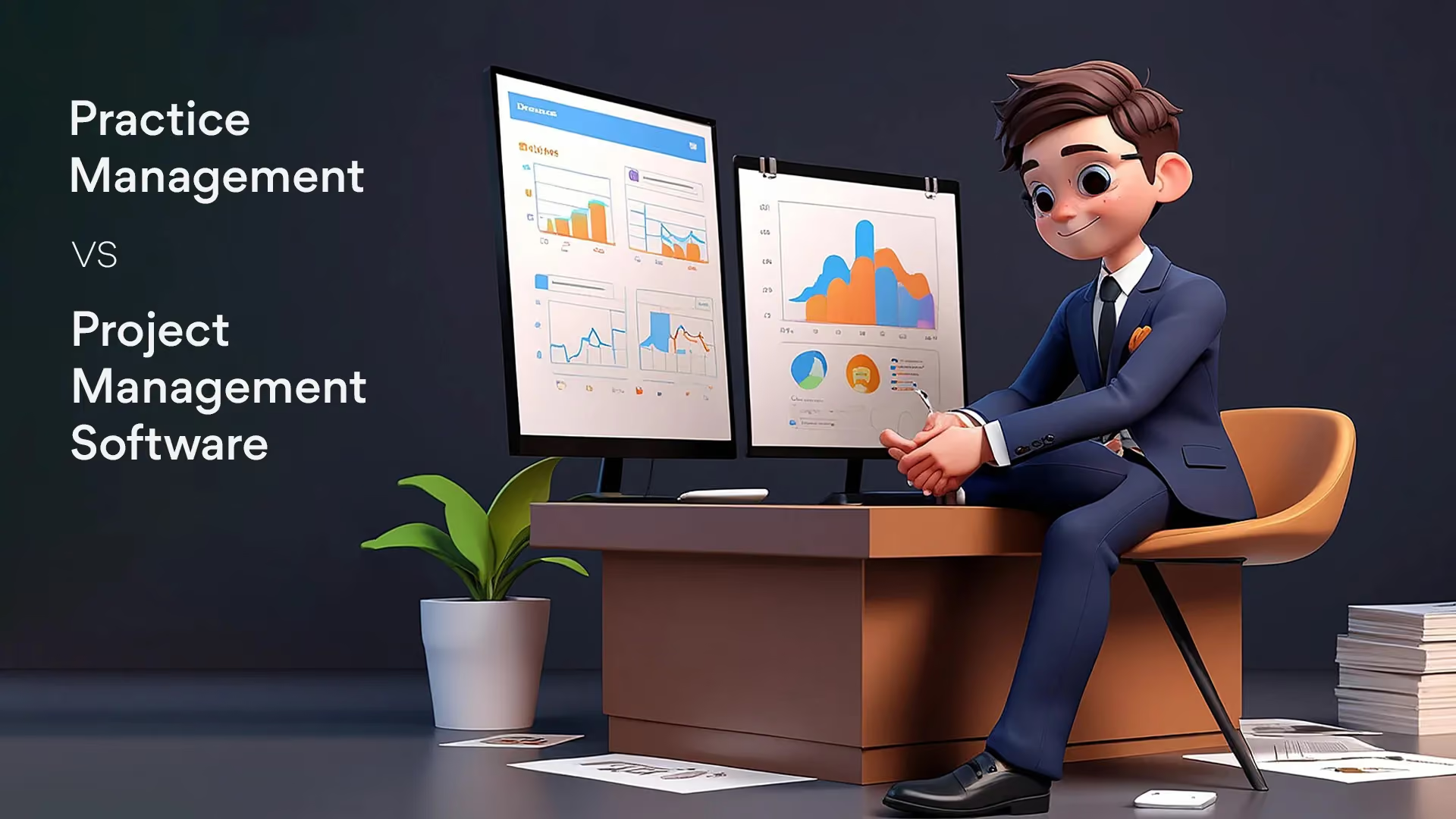
Practice Management vs Project Management Software

Ask questions, get summaries, or uncover key takeaways from this article.
You feel it every month.
A pile of emails. Lost documents. Late nights reconciling. Team members are asking the same question. Clients asking, “Where’s my report?” again.
That pain is real. It’s familiar. And it’s costly.
Accounting work isn’t like building a website. It repeats. Deadlines come back every month. Mistakes cost time and trust.
So the real question is simple: do you use a generic project tool and force it to do accounting work? Or do you pick a tool built for accountants?
Spoiler: one fits your rhythm. The other fights it.
Short definitions so we stop arguing about labels
Practice Management Software (PMS).
Built for accounting and bookkeeping firms. It focuses on clients, recurring workflows, compliance steps, review processes, and everything that repeats month after month.
Project Management Software (PM tool).
Designed for one-time or finite projects with a clear start and end. It handles timelines, milestones, dependencies, and project-level collaboration.
While both help teams “manage work,” they are built for completely different types of workflows. This is why even the Top Project Management Tools for Accountants often fall short when firms try to manage recurring accounting cycles or compliance-heavy tasks.
Why accountants hit a wall with generic PM tools
Here’s where firms get stuck.
You run month-end tasks that come back like clockwork. PM tools expect one-off tasks. So you end up copying lists. And copying lists. And copying lists again.
You need client-level visibility. PM tools show projects. Not clients. That means context is scattered. Files go in different places. Communication lives in different threads.
Compliance? Most PM tools don’t have tax calendars, review gates, or audit trails built in. That’s risky, especially during the busy season.
Finally, automation. You want recurring templates and automated reminders. PM tools often force manual work or complex workarounds.
In short, PM tools solve a different problem. They’re great for one-off projects. They are not built for the rhythm of accounting.
Why CPA Firms Need Specialized Software (Not Just a Project Tool)
Project-management tools are built to be flexible. They can handle a little bit of everything.
But CPA firms don’t need “a little bit of everything.” They need tools that understand their work, their deadlines, and the level of accuracy they’re responsible for. Accounting isn’t about broad flexibility; it’s about clarity, consistency, and getting the details right every single time.
Here’s why:
1. Precision matters more in a CPA firm
You deal with legal deadlines.
You deal with sensitive financial data.
You deal with filings where even one missed date can mean penalties.
You can’t afford scattered workflows.
You need a system that catches errors early and keeps compliance tight.
2. CPA workflows are unique
Monthly/quarterly bookkeeping cycles
Sales tax returns (state/provincial)
Payroll runs and payroll tax filings
Year-end adjustments and financial statement prep
Corporate & individual tax returns (busy season spikes)
Review and sign-off processes across multiple staff levels
3. Scale looks different for CPA firms
You’re not just tracking tasks.
You’re managing reputations.
You’re managing statutory deadlines.
You’re managing SLAs for corporate clients.
One miss can cost trust, money, and sometimes even the client.
A PMS gives you:
- Clear visibility into every deadline
- Automated reminders
- Review checkpoints
- Client history in one place
A PM tool can’t do that. It wasn’t built for compliance-led work.
When a PM tool actually makes sense
I’m not saying PM tools are useless. Use them when the job is one-time and timeline-heavy.
Good fits for PM tools:
- ERP or system migration.
- Website redesign.
- One-off clean-up or forensic jobs.
- Firm-wide initiatives.
These tasks have a clear start and end. PM tools shine there.
But if your work repeats, involves clients, or needs strict review steps, PM tools will slow you down.
Why Practice Management Software is the right fit for bookkeeping and accounting
Practice management platforms do three big things better for accountants.
- They center on clients.
All files, tasks, and messages live under the client record. That makes context quick to find. No more hunting through projects. - They handle recurring workflows.
Templates for month-end, payroll, VAT, or reviews run on repeat. You set it once, and the system fires reminders and assigns tasks every cycle. - They support reviews and compliance.
Built-in review gates, checklists, and audit trails mean nothing drops. You get cleaner closes and fewer late nights.
That’s the difference between a system that helps and a system you must fight.
What a good PMS looks like (short checklist)
If you’re shopping, look for these basics:
- Client portal for secure document exchange.
- Recurring task templates and automation.
- Built-in review and reconciliation checks.
- Reporting and publishable financials.
- Role-based access and audit trails.
If your tool has those, it will address many common headaches.
Quick decision framework
Ask this: Does the work repeat?
- Yes → Practice Management Software.
- No → Project Management Tool.
- Both → You want a PMS that also supports project-style tasks.
That’s it. Simple and practical.
The Real Difference: Tasks vs Workflows
A lot of firms mix up tasks and workflows. They sound similar, but they’re not the same.
A task is just one action, like reconciling a bank account or reviewing a bill. You can do it on its own, start to finish, without waiting on anything else.
A workflow is bigger. It’s the whole sequence of steps that need to happen in a certain order. Think month-end close, sales tax filing, payroll, or an audit review. These aren’t one-and-done. They involve multiple steps, different people, reviews, follow-ups, and one delay can slow everything down.
They involve multiple steps, different people, review points, document checks, and follow-ups.
This is where most project-management tools fall short. They are designed to manage tasks, not workflows. They can help you create a list, but they don’t understand dependencies, review cycles, approvals, or recurring logic. Accounting work rarely happens in isolation.
One step affects the next. One delay impacts the whole cycle. Workflows need structure, consistency, and checks at every stage. A PMS is built for that. It helps you map your entire process, not just your to-do list.
That’s the real difference. Tasks help you remember what to do. Workflows help you complete work accurately, consistently, and on time. And accounting firms run on workflows, not scattered tasks.
When You Need Both: A PMS with Project Capabilities
Many accounting firms don’t operate in clean silos of “recurring” versus “one-time” work. In reality, most firms run a mix of both:
- Monthly closes and payroll (recurring)
- Client clean-ups, conversions, and special reviews (project-based)
This is where a modern Practice Management System with built-in project-style capabilities creates real leverage.
Instead of maintaining:
- One tool for recurring client work
- Another tool for one-off projects
- And manually reconnecting context between them
Firms can manage both workflow types inside a single, client-centric system.
A PMS with PM features allows you to:
- Spin up ad hoc projects under an existing client record
- Assign owners, deadlines, and dependencies
- Track progress alongside recurring work
- Keep files, communication, and approvals in one place
The result is fewer tool switches, less duplicate data, and clearer accountability across both routine operations and special engagements.
This is increasingly becoming the preferred operating model for modern accounting firms. A PMS as the system of record, with just enough project flexibility when needed.
How Xenett fits into this picture
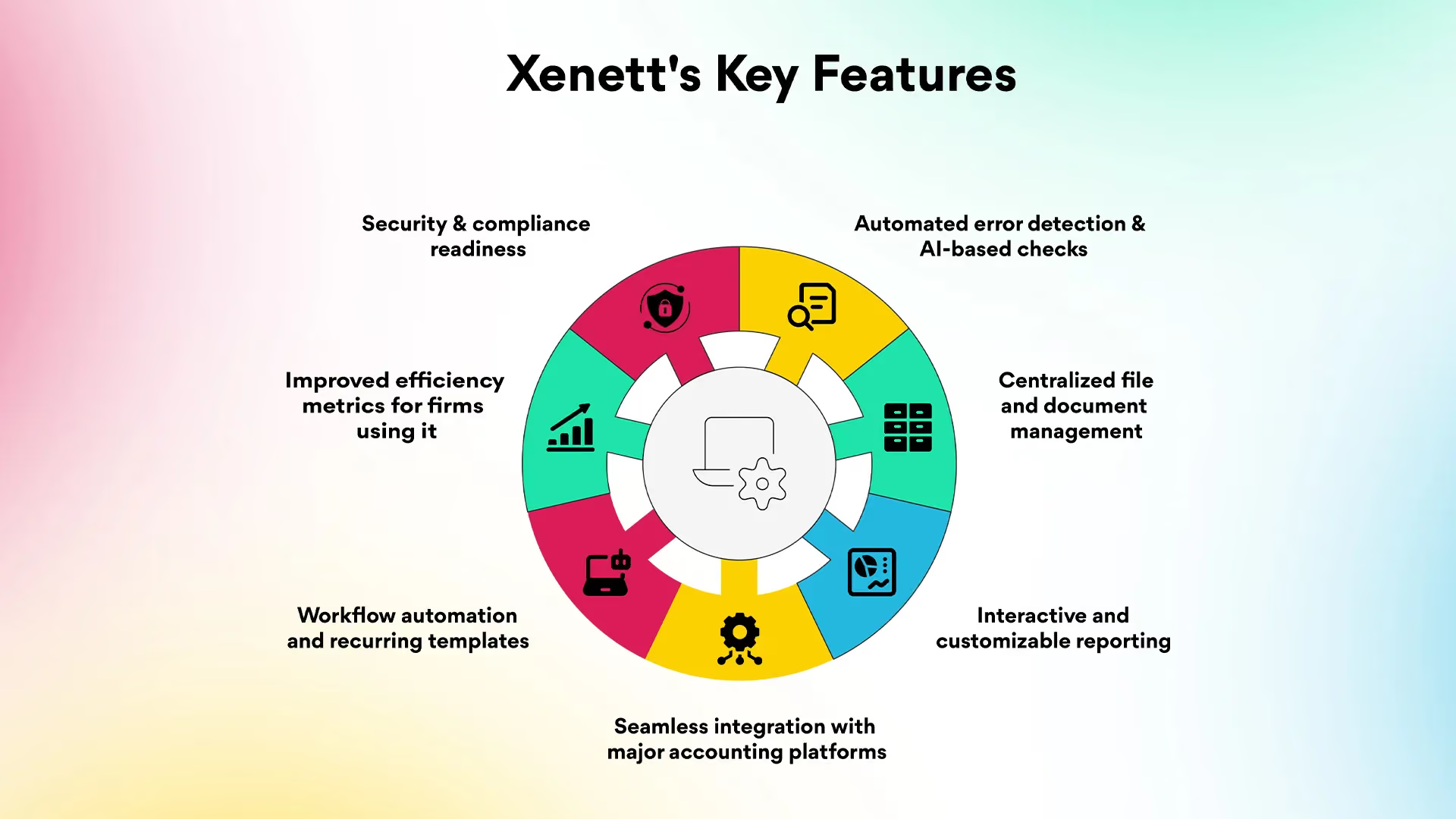
Xenett is built for accounting teams. It focuses on faster, cleaner closes. And it gives you client-first workflows.
Key things Xenett offers:
Automated error detection & AI-based checks - Xenett runs 50+ AI-powered error checks to catch mistakes early.
Centralized file and document management - All client files and documents go into a centralized file-management module, with organized folders, version control, and easy client access via a client portal.
Interactive and customizable reporting - You can drill down into ledgers, view grouped transactions by vendor, customize reports, add footnotes, adjust date ranges, and clients can even comment/ask questions directly on the report.
Seamless integration with major accounting platforms - Xenett integrates with tools like QuickBooks Online (QBO) and Xero — so firms don’t have to move data manually between unrelated apps.
Workflow automation and recurring templates - Month-end close, year-end finalization, cleanup projects, recurring tasks can all be templated and automated, reducing repetitive manual setups.
Improved efficiency metrics for firms using it - Xenett claims up to 70% reduction in review time, and up to 3× faster close process for firms that use its workflows.
Security & compliance readiness - Data is hosted securely, with SOC-type standards, backups, and privacy protections - important for firms handling sensitive financial and client data.
In short, it’s a PMS with the flexibility to handle project-style tasks when you need them.
Popular Practice Management Software vs Project Management Tools (2026)
When you're choosing software for your firm, comparing both categories side by side makes the decision much easier.
Below is a quick look at the most widely used Practice Management Software (PMS) and Project Management (PM) tools in 2026 — plus what they do well and where they fall short for accounting firms.
PMS Examples: Xenett, Karbon, Jetpack Workflow, Canopy
PM Examples: Asana, Monday.com, ClickUp, Notion
Improved Comparison Table (Tick / Cross)
How to pick the right PMS (step-by-step)
- List your pain points. Missing docs? Late closes? Rework? Start there.
- Map your core workflows. Month-end, payroll, tax filings. Which steps repeat?
- Test automation. Can the tool run recurring templates? Can it send reminders?
- Try client portals. Make a client upload and see the flow. Is it clean?
- Check reporting. Can you publish and share reports easily?
- Pilot with a team. Don’t switch the whole firm at once. Try it on a small set of clients.
If the tool reduces manual tasks and keeps records tidy, it’s doing its job.
Short Comparison Table
Final thought
Don’t force a tool to be something it’s not
Accounting is a rhythm. It wants structure. It wants repeatability. It wants trust.
Project tools are great for building and finishing things. But accounting is not just about finishing. It’s about repeating, reviewing, and being right every cycle.
If you want less firefighting and more clarity, choose a tool that understands accounting. If you want both repeatable accounting workflows and the freedom to run one-off projects, choose a PMS built for accountants.
If you’re curious, you can explore platforms that blend both. Xenett is one example that focuses on accounting workflows, automation, and faster closes, while still letting you handle the occasional project.
FAQs
Practice management handles recurring, client-based accounting workflows, while project management focuses on one-time, timeline-driven tasks.
No! PM tools manage projects well but lack the recurring workflow and compliance features that accounting firms need.
Most accountants need a Practice Management System (PMS), not a generic Project Management (PM) tool. Some firms may use both, but PMS should be the system of record
Yes! PMS is built for recurring bookkeeping cycles, client tasks, and review processes that bookkeepers rely on daily.
Yes many firms use PMS for recurring work and PM tools for one-time projects, making them complementary accounting workflow management tools.