.svg)

Practice Management Software for Accountants: How to Choose (2026)

Ask questions, get summaries, or uncover key takeaways from this article.
Blog Summary / Key Takeaways
- Practice management software for accountants is not a task board — it is the system that runs recurring client work with standardized workflows, due dates, assignments, and visibility so delivery stops depending on memory, inboxes, and personal spreadsheets.
- The most important distinction to make during evaluation is that "task complete" does not mean "review ready" — a workflow tool can show green status while reconciliations are incomplete, flux is unexplained, and accounts still carry errors.
- Choosing the right platform comes down to matching the tool to your bottleneck — workflow chaos and missed deadlines point to workflow-first PMS, client portal and engagement needs point to suite-style platforms, and late review findings and cleanup point to a review-driven layer.
- The adoption cost matters more than the subscription cost — the cheapest tool becomes the most expensive if your team does not update it consistently under deadline pressure, or if shadow systems rebuild around it.
- Xenett sits on top of QBO or Xero as a review-first layer — running structured account-level P&L and balance sheet checks, surfacing anomalies and reconciliation gaps early, and routing resolution work based on findings so close readiness is measurable, not assumed.
Practice Management Software for Accountants: How to Choose (2026)
If you've ever chased a "final" file version at 11:47 PM, you already know the problem. Spreadsheets, inboxes, and Slack threads do not scale. They just multiply.
This gets urgent once you hit roughly 50–200+ clients. Recurring work stacks up. Deadlines overlap. Visibility drops. You can stay busy and still miss things.
In this guide, you'll learn:
- What accounting practice management tools typically include
- How to evaluate top practice management platforms in 2026 using a simple 2-week framework
- How to avoid "shadow systems" that break adoption and reporting
Quick Answer: Practice management software for accountants is a system that runs recurring client work with consistent workflows, due dates, assignments, and visibility. It replaces spreadsheet tracking with standardized templates, client requests, collaboration, document handling, and reporting so your team can deliver month after month without relying on memory or inbox follow-ups.
Typically includes:
- Recurring workflow templates and due date logic
- Task assignment, status tracking, and handoffs
- Client requests and document collection
- Team collaboration and visibility dashboards
- Integrations and automation for reminders and routing
What Is Practice Management Software in Accounting?
Practice management software in accounting helps you run recurring client work with deadlines, owners, and visibility. It creates a single system for who is doing what, by when, and what is blocked. You stop managing the firm through side conversations and personal spreadsheets.
Most firms buy practice management software for accountants for one reason. They need repeatability. Month-end close, payroll, sales tax, and year-end work recur on a schedule. Therefore, your system must support recurrence without manual rebuilding.
Practice management software for accountants is defined as a centralized platform that organizes recurring client services using standardized workflows, due dates, assignments, and reporting so work moves consistently across preparers and reviewers.
Definition
Accounting practice management tools standardize how your firm delivers work. They track recurring tasks, deadlines, and client requests in one place. They also show firm-wide status so you can spot bottlenecks before they become late filings.
What It's Not (Boundary Setting)
Practice management is easy to confuse with other tools. Setting boundaries early keeps you from buying the wrong thing.
- It is not QuickBooks Online or Xero. Those run the ledger.
- It is not tax prep software. Those prepare and file returns.
- It is not generic project management software. Asana and Trello can help, however they do not match accounting recurrence and controls.
If you're buying PMS, you're buying:
- Visibility into what is at risk this week
- Control over handoffs and ownership
- Repeatability across clients and staff
- Auditability through statuses and activity logs
What Accounting Practice Management Software Typically Includes
Most accounting practice management software includes a set of common modules. You should expect these building blocks even if each vendor names them differently. If a tool skips core modules, you will rebuild them with spreadsheets, which defeats the point.
The category goal stays simple. You want work to move without relying on the loudest person in chat. You also want leaders to see workload, deadlines, and stuck work without asking for updates.
Below are the modules most CPA practice management software and bookkeeping practice management systems include. Not every product includes every module, so treat this as a buying checklist, not a promise.
Workflow + Recurring Work (Month-End, Payroll, Sales Tax, Year-End)
You need recurring templates with due date logic. You also need dependencies, so review cannot start before prep completes. Look for standard checklists and reusable workflows by service line.
Common requirements:
- Monthly close templates per client type
- Payroll cycles with cutoffs and approvals
- Sales tax filing workflows with jurisdiction logic
- Year-end rollups and deadline tracking
Client Management (CRM-Lite), Requests, and Document Collection
Most platforms provide basic client records, owners, and service tags. Better ones also manage client requests.
You want:
- Request lists tied to a job
- Automated follow-ups for missing items
- Client status and next action visibility
- A clear owner for each client and each request
Client Portal, E-Signatures, and Secure Sharing
You need secure exchange. Email attachments create risk and version confusion.
Look for:
- Client portal with permissions
- Secure uploads and downloads
- E-signature support or integration
- Retention policies and export options
Time Tracking, Billing, WIP, and Profitability (If Applicable)
Some accounting firm practice management tools include time, billing, and WIP. Others integrate with billing systems.
If you bill hourly, you need:
- Time capture tied to work items
- WIP aging
- Realization and write-off reporting
If you price fixed-fee, you still need:
- Effort vs fee visibility
- Exceptions and over-servicing signals
Capacity Planning + Due Date Management
Capacity planning shows if you can deliver next week without overtime. Due date management shows what is at risk.
Minimum expectations:
- Workload by staff and by team
- Due date calendar by service line
- Bottleneck detection at review stages
- Seasonal planning for tax and cleanup cycles
Reporting (Pipeline, Workload, Deadlines, Realization)
You need leader-level reporting that updates without begging for status updates.
Weekly reporting should answer:
- What is due in the next 7–14 days?
- What is blocked and why?
- Who is over capacity?
- Which clients generate the most rework?
- Where are write-offs coming from?
Core modules checklist (copy/paste):
- Recurring workflows + templates
- Task assignment + standardized statuses
- Client requests + document collection
- Permissions + audit trail
- Workload and due date reporting
- Integrations (QBO/Xero, email, docs)
- Automation rules (reminders, routing)
- Data export and admin controls
Practice Management vs. Project Management Tools (Why Accounting Is Different)
Accounting work repeats on a calendar and carries compliance risk. Project management tools do not focus on recurrence, due date controls, and audit trails the way accounting PMS does. That difference matters once you manage many clients at once.
You can run a small book of business on a generic tool. However, generic tools push you into manual processes. You rebuild recurrence with copy-paste tasks. You track deadlines in separate sheets. You lose consistency in handoffs.
Here is the clean comparison most firms discover the hard way.
Two-Column Comparison Table
The Accounting Constraint: Recurrence + Compliance Deadlines
The real scaling problem is not task volume. It is repeat volume.
You do the same work every month. You also do it for dozens or hundreds of clients. Therefore, your system must:
- Create work automatically
- Assign owners consistently
- Trigger reminders based on due dates
- Escalate when things stay blocked
Visibility Problem: "Done" Doesn't Mean "Review-Ready"
A checkbox does not prove the books are ready. It only proves someone clicked a box.
In accounting, "done" should mean:
- Work meets your firm's acceptance criteria
- Reconciliations match your standards
- Review can start without redoing prep work
You should build workflows that separate "prep complete" from "review complete." You should also define what each status means, in plain language, so everyone uses it the same way.
Benefits You Can Expect (When PMS Is Implemented Well)
A good PMS improves control over recurring delivery. It reduces missed deadlines, lowers rework, and improves visibility. It does not fix everything by itself, however it gives you a system that makes discipline possible.
Most benefits come from consistency. When every client follows a known workflow, you stop reinventing the close each month. You also reduce the partner bottleneck because work arrives in a predictable state.
Reduced Missed Deadlines and Fewer Write-Offs
Deadlines slip when ownership is unclear and reminders live in inboxes. A PMS moves deadlines into the system and ties them to work stages.
You should measure:
- On-time delivery rate by service line
- Number of late filings or late closes
- Rework hours per client per month
- Write-off trends tied to exceptions
Standardized Delivery Across Staff (Less Partner Dependence)
Templates reduce the "how do you do this client?" problem. Status definitions reduce the "I thought you meant…" problem.
This helps when:
- You onboard new staff
- You shift work between preparers
- A senior reviewer needs consistent work quality
Faster, Calmer Month-End Closes
A PMS helps you move work earlier. It also helps you see what is stuck before the last day of the month.
If you want a practical close checklist to standardize your workflow, use this month-end close checklist as a baseline.
Better Client Experience Without More Email
A structured request list reduces back-and-forth. Clients see what is missing. Your team stops sending "just checking in" emails.
You can set expectations like:
- "We start close when items A–D arrive."
- "We confirm close readiness once review starts."
Pros and cons (category-level):
- Pros: better visibility, repeatable workflows, fewer misses, clearer ownership
- Cons: setup time, change management, template discipline required, tool sprawl risk if you keep old systems
Pricing and Cost Models (What Buyers Should Expect)
Pricing varies widely across CPA practice management software. Most platforms charge per user, per client, or in tiered bundles. The subscription cost matters, however the adoption cost often matters more.
You should treat pricing as a total cost question. The cheapest tool can become expensive if your team does not adopt it, or if you need heavy consulting to make it usable.
Common Pricing Models
Most vendors fall into these models:
- Per-user pricing: common for workflow-first tools
- Per-client pricing: common for client portal or tax-adjacent platforms
- Tiered bundles: features unlock at higher tiers
You should ask what counts as a user. Some tools charge for admins, contractors, or read-only users.
Hidden Costs to Ask About (Deal Protection)
Many firms miss these costs during evaluation:
- Onboarding or implementation fees
- Paid training packages
- Premium integrations
- Data migration support
- Template build services
Also ask about contract terms. For example, annual commitments can lock you in before adoption proves out.
Budgeting Tip: Price the "Adoption Cost," Not Just the Subscription
Adoption costs show up as time. Someone must own the setup, templates, statuses, and operating rhythm.
Budget time for:
- Building top 10 recurring workflows
- Defining "review ready" criteria
- Training by role
- Weekly workload review meetings
If you do not fund adoption, the tool becomes another tab nobody trusts.
How to Evaluate Practice Management Platforms (2-Week Selection Framework)
You can evaluate practice management software for accountants in two weeks if you stay disciplined. You need a short framework, a small pilot, and clear acceptance criteria. Otherwise, every demo looks good and every tool feels "flexible."
Use this 5-step process. It works because it forces real usage, not opinions.
- Map your service mix and cycles
- Define "review complete" vs "task complete"
- Score vendors with a simple rubric
- Run a pilot with 5–10 clients
- Decide based on adoption, visibility, and control
For a deeper walkthrough of selection criteria, see this guide.
Step 1 - Map Your Service Mix and Cycles (Bookkeeping vs Tax vs CAS)
Start with your actual work. List your recurring services and their frequency.
Segment like this:
- Bookkeeping and month-end close: monthly cycles, tight deadlines
- Payroll: weekly or biweekly cutoffs, approval steps
- Sales tax: monthly or quarterly, jurisdiction differences
- CAS and advisory: monthly or quarterly cadence, meeting-driven
Then map the handoffs. For example, who reviews bank recs? Who approves adjusting entries? Where do client requests block work?
Step 2 - Define "Review Complete" vs "Task Complete"
Write acceptance criteria for key stages. Keep it short and specific.
Examples:
- Bank rec task complete = rec matches, old uncleared items reviewed, variances explained
- AP review complete = aging reviewed, stale items flagged, cutoff confirmed
- Close review complete = balance sheet reviewed to your firm's standard, flux explained
This prevents "green status" work that still fails review.
Step 3 - Score Vendors (Must-have / Should-have / Nice-to-have)
Create a simple rubric. You can score 1–5 per category.
Must-have examples:
- Recurring templates and due date logic
- Role-based access and audit trails
- Workload and deadline reporting
- Integrations you rely on daily
Should-have examples:
- Strong client requests and portal experience
- Automation rules for reminders and routing
Nice-to-have examples:
- Advanced analytics
- Custom fields and flexible dashboards
Step 4 - Run a Pilot With 5–10 Clients
Pick clients that represent your book. Mix simple and complex clients.
During the pilot, measure:
- Time spent on follow-ups
- Number of blocked tasks
- Review rework time
- Staff satisfaction with the workflow
Keep the pilot short. A pilot that drags becomes a second implementation.
Step 5 - Decide Based on Adoption + Visibility + Control
The best practice management software for accountants is the one your team uses under deadline pressure.
Look for adoption signals:
- Staff update statuses without prompting
- Dashboards match reality
- Handoffs happen inside the tool
- Leaders can spot at-risk work in minutes
If the tool only works when one admin babysits it, it will not scale.
Accounting Practice Management Software Requirements Checklist
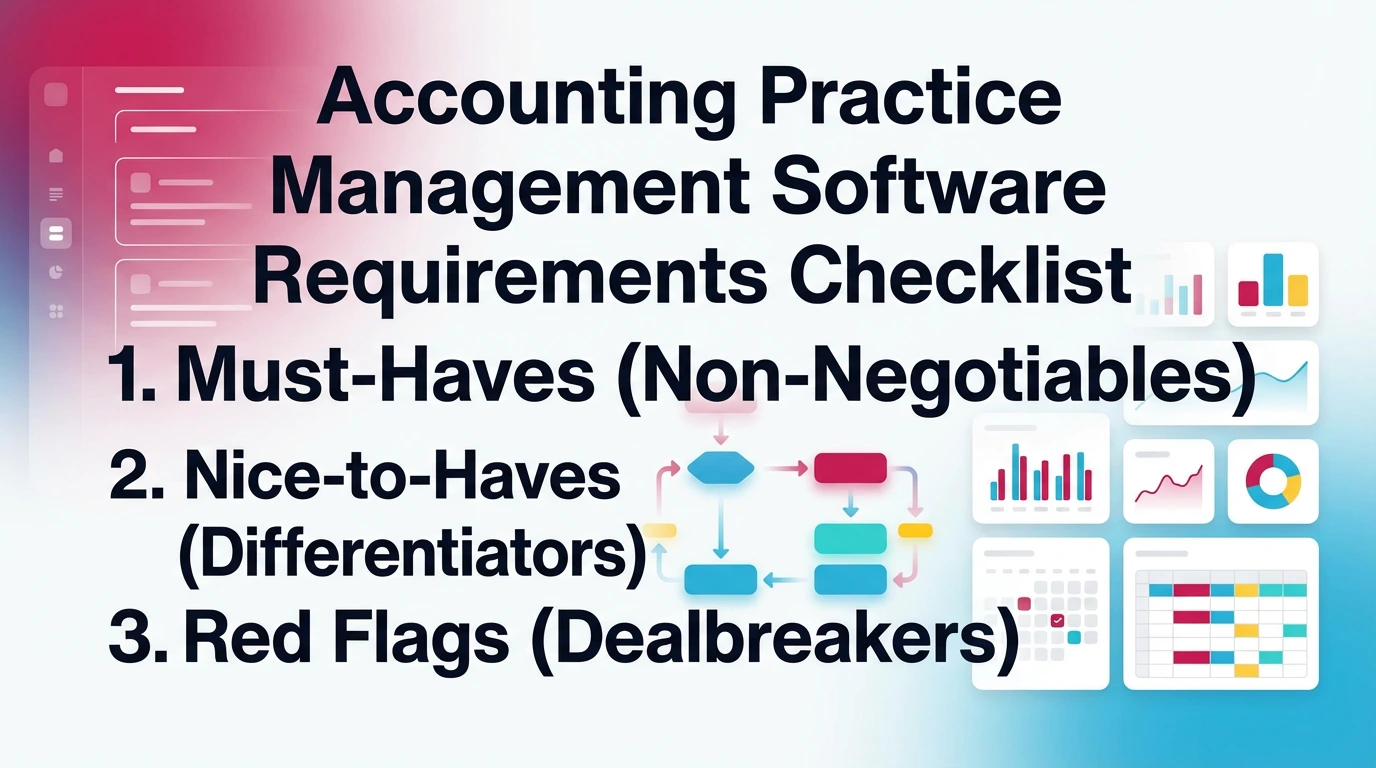
A requirements checklist helps you cut through demos and opinions. You can copy and paste the sections below into your vendor scorecard. Then you can score each tool consistently across your shortlist.
You should treat "nice features" as secondary. First, confirm the system can run your recurring work with control and visibility. Then look at extras.
Must-Haves (Non-Negotiables)
- Role-based access controls and client-level permissions
- Audit trail or activity log
- Recurring templates with due date logic
- Standardized statuses and clear handoffs
- Reporting for workload, deadlines, and at-risk work
- Security basics: MFA, encryption, admin controls, data export (SSO optional)
Nice-to-Haves (Differentiators)
- Client portal with clean UX
- E-signature support
- Automation rules for routing and reminders
- API or webhooks for custom workflows
- Advanced analytics and forecasting
Red Flags (Dealbreakers)
- Weak permissions model or shared access patterns
- Limited recurring work support that forces manual duplication
- Reporting that cannot show what is at risk
- Integrations that require manual re-entry
- "Works for everything" positioning without accounting-specific controls
If you see red flags in the pilot, believe them. They do not improve at scale.
Integrations That Matter (Avoid Creating Another Shadow System)
Integrations decide whether your PMS becomes the source of truth. If your team still tracks deadlines in a spreadsheet and still requests docs by email, you create a shadow system. Then reporting becomes unreliable and adoption drops.
Start with the systems your team uses every day. Then focus on integrations that reduce context switching.
Accounting Systems: QuickBooks Online + Xero
Your PMS should connect to your accounting system in a practical way. In many cases, the minimum expectation is client context linking and basic sync where supported.
Look for:
- Client list alignment
- Easy navigation from work item to client file
- Clear naming conventions to avoid mismatches
Email + Calendars + Chat (Gmail/Outlook, Teams/Slack)
Email and chat create decisions. If decisions live outside the work item, you lose history.
You want:
- Emails attached to clients or jobs
- Calendar links for due dates
- Notifications that do not replace the system
Tax + Document Stack (Where Applicable)
Do not chase the biggest integration list. Instead, prioritize secure exchange and traceability.
Your goal stays simple:
- The right files arrive
- They stay tied to the right job
- You can prove who provided what and when
Automations: Triggers, Reminders, Handoffs
Automation matters when it reduces follow-ups and prevents silent misses.
Useful automations include:
- Reminders based on due dates and missing items
- Escalation when tasks sit blocked too long
- Routing work when review findings or exceptions appear
If automation creates noise, your team will ignore it. Keep rules tight and measurable.
Implementation and Change Management (What Makes PMS Stick)
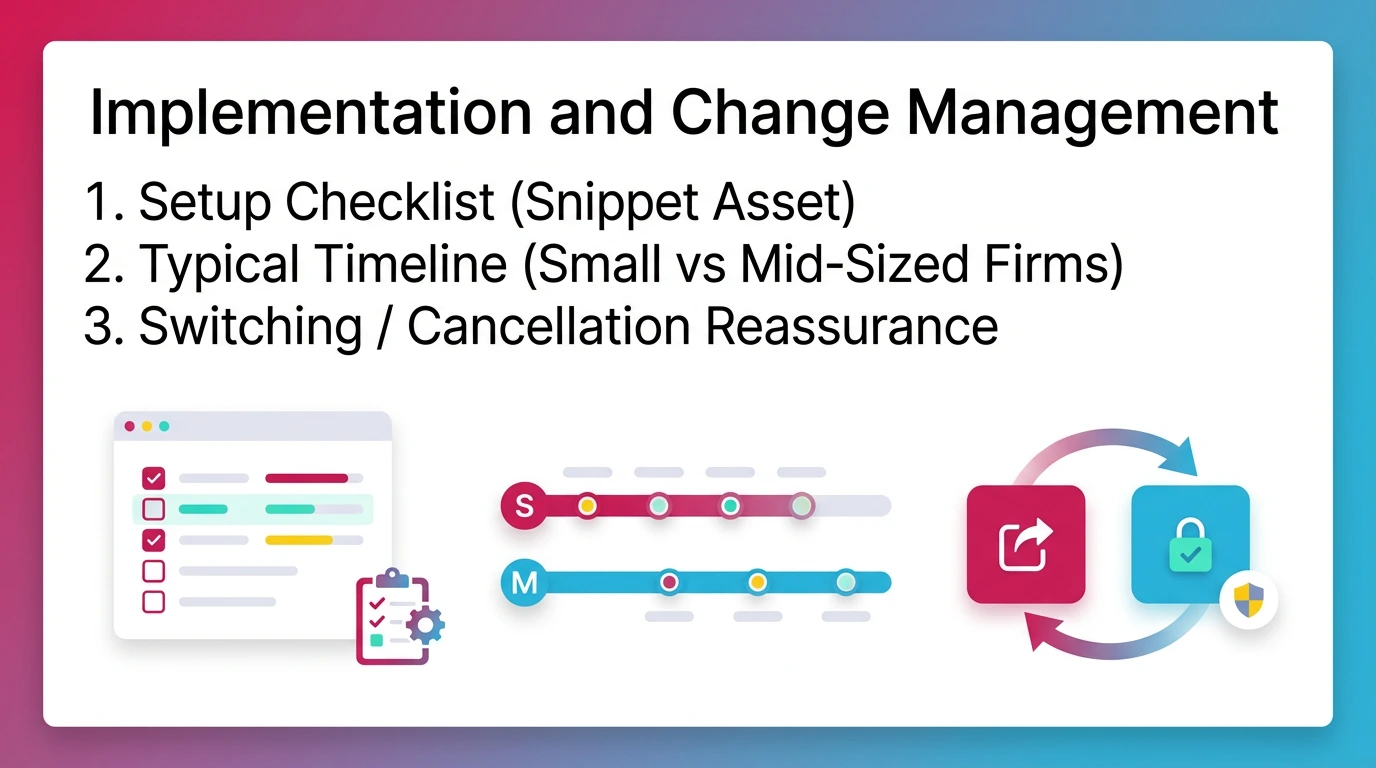
Implementation succeeds when you standardize first and customize second. You want a small set of firm workflows that everyone uses the same way. If you let every manager design their own process, you recreate chaos in a new tool.
You also need an operating rhythm. A PMS does not run itself. You need weekly reviews of workload and deadlines, otherwise the system drifts.
Setup Checklist
Use this setup checklist to keep implementation practical:
- Build templates first for your top 10 recurring services
- Define statuses, owners, and review gates
- Migrate active work only, not years of history
- Train by role (preparer, reviewer, admin)
- Set a weekly operating rhythm (capacity and at-risk review)
Typical Timeline (Small vs Mid-Sized Firms)
Small firms often move faster because fewer people need to align.
- 2–10 staff: 2–6 weeks for core workflows and adoption
- 10–30 staff: 6–12 weeks with a staged rollout by service line
Avoid big-bang rollouts unless you have strong internal ownership.
Switching / Cancellation Reassurance
You should plan for the possibility that you will switch someday. That mindset protects you now.
Insist on:
- Data export options you can actually use
- Clear admin controls
- Documented workflows and templates
- Reasonable contract terms
If a vendor makes exit hard, adoption becomes a risk decision, not a workflow decision.
Real-World Example: When Spreadsheets Stop Scaling (180-Client Firm)
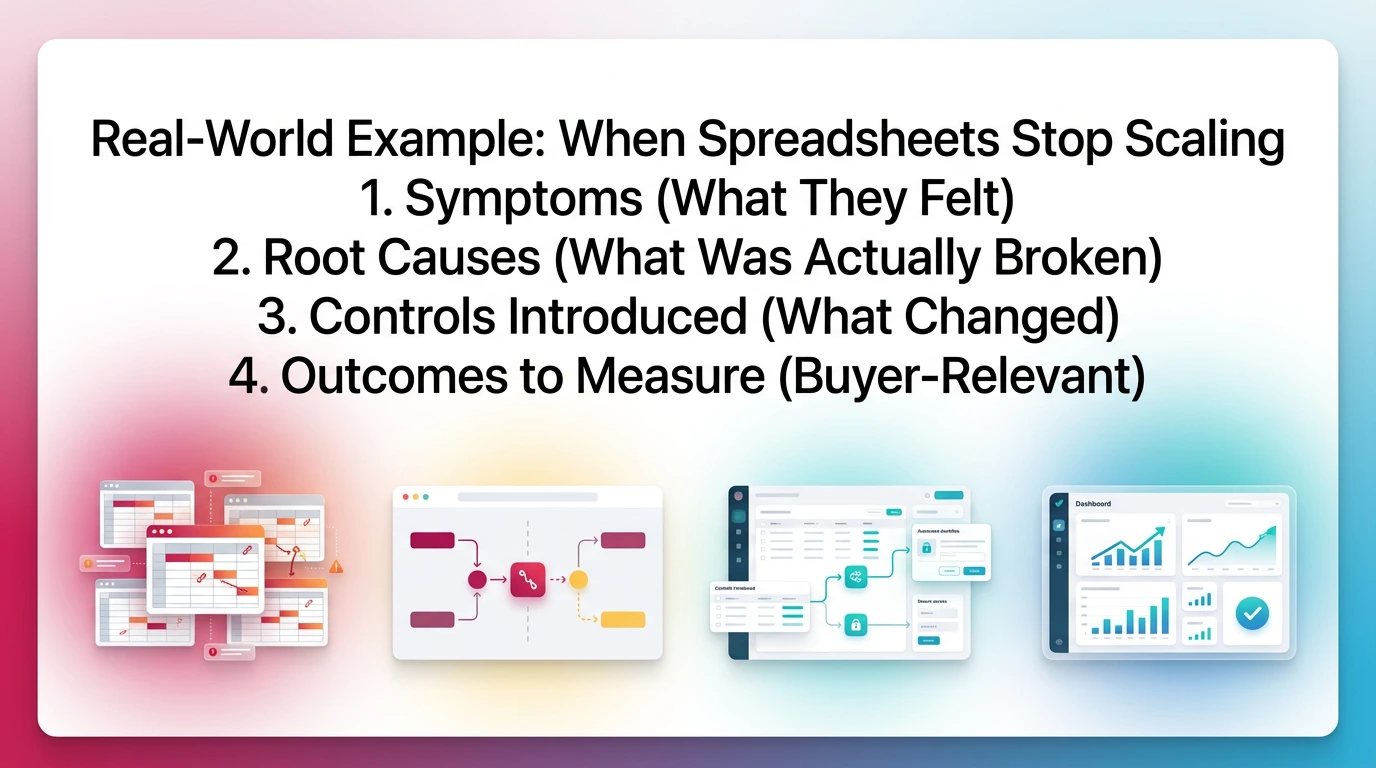
Spreadsheets stop scaling when recurrence and handoffs break. You can stay busy and still lose control because information spreads across files, inboxes, and conversations. That is what happens in many bookkeeping practice management systems before a firm upgrades.
Consider a firm with 9 staff and about 180 active clients. They provide monthly bookkeeping, payroll support, and year-end packages. They run operations with an Excel deadline tracker, email, and a light task tool.
That setup works at 40–50 clients. It starts to break quietly past 120 clients.
Symptoms (What They Felt)
- End-of-month pileups and constant context switching
- Missed follow-ups because requests lived in email
- Unclear ownership when staff changed roles
- Review bottlenecks because work arrived in uneven shape
Root Causes (What Was Actually Broken)
- Recurrence lived in spreadsheets, not the system
- No consistent handoffs between prep and review
- Client requests scattered across inboxes
- Status did not reflect readiness, only activity
Controls Introduced (What Changed)
They added a practice management layer with:
- Standard templates per service line
- Due date logic tied to the calendar
- Standard statuses with review gates
- Workload visibility by staff and by deadline
Outcomes to Measure (Buyer-Relevant)
They tracked outcomes for a quarter:
- On-time close percentage
- Rework hours during review
- Write-offs tied to cleanup
- Staff overtime around month-end
- Client response latency on requests
The biggest shift was not speed. The shift was predictability. Work moved earlier, and review started with fewer surprises.
Limitations of Traditional PMS (Where Workflow Alone Stops Helping)
Traditional practice management software for accountants improves organization. It does not always improve review quality. Therefore, firms can still close late even when the workflow looks "green."
This gap shows up in month-end. Tasks complete on time. Deadlines look controlled. However, review finds issues late, when fixes cost more and client communication gets harder.
Workflow Can Be "Green" While Accounts Are Still Wrong
A workflow tool can confirm steps. It cannot confirm the books make sense.
Common examples:
- Bank rec marked complete with old uncleared items ignored
- AP aging not reviewed for stale balances
- Prepaids not amortized and nobody notices until review
- Intercompany balances drift month after month
The system shows progress, not correctness.
Review Quality Still Depends on Senior Staff Memory
Many firms rely on reviewer judgment plus "what we did last month." That works until:
- The reviewer changes
- The client adds complexity
- The firm grows and review time compresses
Then standards drift. Inconsistent review creates inconsistent financials.
Late Discovery Creates Cleanup and Extends Close
Late discovery costs time and trust.
When issues appear at the end:
- You redo prep work under pressure
- You chase client info late
- You write off time to hit deadlines
- You push work into next month, which compounds problems
At that point, you need more than workflow. You need review discipline that scales.
How Xenett Can Help (When You Need More Review Discipline)
Xenett helps when workflow tracking is not enough and review quality breaks at scale. It acts as a review-first layer on top of QuickBooks Online or Xero, then routes the work needed to resolve review findings. You get measurable close readiness, not just completed tasks.
This matters when you manage many clients and you cannot afford reviewer-by-reviewer variance. It also matters when issues show up late and extend close.
Where Xenett Fits in the Stack
Xenett sits on top of QBO or Xero. It does not replace the ledger.
It focuses on:
- Structured, automated account-level P&L and Balance Sheet review
- Findings that flag anomalies, missing entries, and reconciliation gaps
- Workflows that exist to resolve findings, not to create activity
If you want context on review process and close discipline, see these pages.
What Changes Operationally (Cause → Effect)
Xenett changes the close sequence.
Cause → effect looks like this:
- Earlier anomaly detection → fewer end-of-month surprises
- Consistent review standards → less partner dependence
- Findings-driven routing → clearer priorities and faster resolution
You stop guessing what matters most. The system surfaces what needs attention based on account behavior.
Examples of Review-Driven Automation (Keep Concrete)
Xenett can help surface and organize work around patterns like:
- Prepaids that do not tie to schedules or expected amortization
- Payroll accrual patterns that drift across periods
- Intercompany mismatches that grow over time
- Reconciliation gaps and long-outstanding uncleared items
- Unexpected flux in balance sheet accounts
AI assists by reducing setup friction and helping interpret flux. It does not replace judgment.
For a practical example of review detail, this guide is helpful.
When QuickBooks Self-Employed Isn't Sufficient (Explicit Callout)
QuickBooks Self-Employed works for solo tracking and invoicing. It breaks when you need governed review and repeatable close readiness across many clients or entities.
Once you manage multiple clients, you need:
- Consistent review standards
- Auditability in how work moves
- Visibility into exceptions across the book
Who It's For / Who It's Not For
Best fit:
- US and Canada firms on QBO or Xero
- 10–500+ active clients
- Review inconsistency, late discovery, and cleanup pressure
- A need for measurable close readiness
Not a fit:
- Firms only looking for a simple task board
- Teams that want a generic CRM as the main requirement
Sign up for a 14-day free trial.
Platform Types (Not a "Top 10 List") — How to Shortlist Faster
There is no single "best" tool for every firm. Platform types differ based on what problem they solve. If you match the platform type to your bottleneck, you shortlist faster and demo fewer tools.
In 2026, most top practice management platforms fall into three categories. Each category has strengths and trade-offs.
Platform Category Comparison Table
Decision Pathways ("If X is your bottleneck, shortlist Y")
Use this logic to narrow options:
- Workflow chaos and missed deadlines → shortlist workflow-first PMS
- Client portal, requests, and engagement flow → shortlist suite-style platforms
- Review quality and close readiness → shortlist a review-driven layer
You can also mix layers. Many firms run a PMS for workflow and add review discipline where it matters most.
Next Steps: Build Your Shortlist
You can build a shortlist this week without overthinking it. You need clear criteria, a short pilot, and a decision based on adoption. You should not decide based on feature checklists alone.
Start by writing your must-haves and red flags. Then pick three vendors. Then pilot with 5–10 clients.
Shortlist Criteria Recap
Use these bullets as your filter:
- Must-haves met, red flags absent
- Recurring templates match your service mix
- Reporting shows at-risk work clearly
- Integrations reduce, not increase, tool sprawl
- Pilot proves adoption under deadline pressure
If review readiness stays your bottleneck after you pick a PMS, you can add a review-first layer for more discipline. Xenett focuses on account-level review and findings-driven resolution on top of QBO or Xero.
Try Xenett if that matches your problem.
FAQs About Practice Management Software for Accountants
What Is Practice Management Software for Accountants?
Practice management software for accountants helps you run recurring client work with standardized workflows, due dates, assignments, and visibility. It supports consistent delivery across bookkeeping, CAS, and tax-adjacent processes. It typically sits alongside QBO or Xero and reduces reliance on spreadsheets and inbox-driven follow-ups.
What Do Accounting Practice Management Tools Typically Include?
Most accounting practice management tools include recurring workflow templates, due-date tracking, task assignments, collaboration, client requests, document handling or portals, and reporting on workload and deadlines. Some also add time tracking, billing, WIP, proposals, e-signatures, and profitability reporting depending on the platform and how your firm prices services.
How Is Accounting Practice Management Different From Project Management Software?
Project management tools target one-off projects and generic statuses. Accounting firm practice management targets recurring cycles like month-end close, payroll, sales tax, and year-end. It adds client-based templates, deadline controls, permissions, and reporting. In accounting, "done" must be repeatable and defensible, not just checked off.
What Should CPA Firms Look For in CPA Practice Management Software?
CPA firms should prioritize recurring templates, due-date visibility, role-based permissions, audit trails, client document requests, secure sharing, and reporting that highlights at-risk work. Integrations matter, however adoption matters more. Choose a tool your team will update consistently during peak weeks, not only when someone reminds them.
How Much Does Practice Management Software for Accountants Cost?
Pricing varies by vendor and model, including per user, per client, or tiered bundles. Subscription cost rarely includes the full cost. Ask about implementation fees, training, premium integrations, and migration. Also budget internal time to standardize templates and enforce consistent statuses, because that work drives most of the ROI.
What Integrations Matter Most for Accounting Firm Practice Management?
Start with your accounting system, usually QuickBooks Online or Xero, plus email and document storage. Next priorities include secure client exchange, e-sign, and automation triggers for missing items and deadline reminders. The goal is one system of record, not deadlines in one tool and client requests in another.
Where Does Xenett Fit If We Already Have a Practice Management Tool?
Xenett fits when workflow tracking does not prevent late review discoveries. It adds structured, automated account-level P&L and Balance Sheet review on top of QBO or Xero, then routes resolution work based on review findings. You keep your existing PMS if it works, and you add measurable close readiness.
Do Bookkeeping Practice Management Systems Help Small Firms?
Yes. Small firms feel the impact early because recurring work multiplies fast across clients. A practice system standardizes monthly delivery, improves follow-up discipline, and reduces rework. Even a 2–5 person team benefits when due dates, client requests, and handoffs stay visible without personal spreadsheets.
Conclusion
You do not need a perfect system to start. You need a system your team uses consistently.
Do this week:
- List the core modules you need and your dealbreakers
- Use the checklist and 2-week framework to run a real pilot
- Decide based on adoption, visibility, and control, not demo impressions
Ready to close faster?
Try Xenett free.


.webp)